SGM700 Digitizer
Configuration Menu -Ind- -continue-
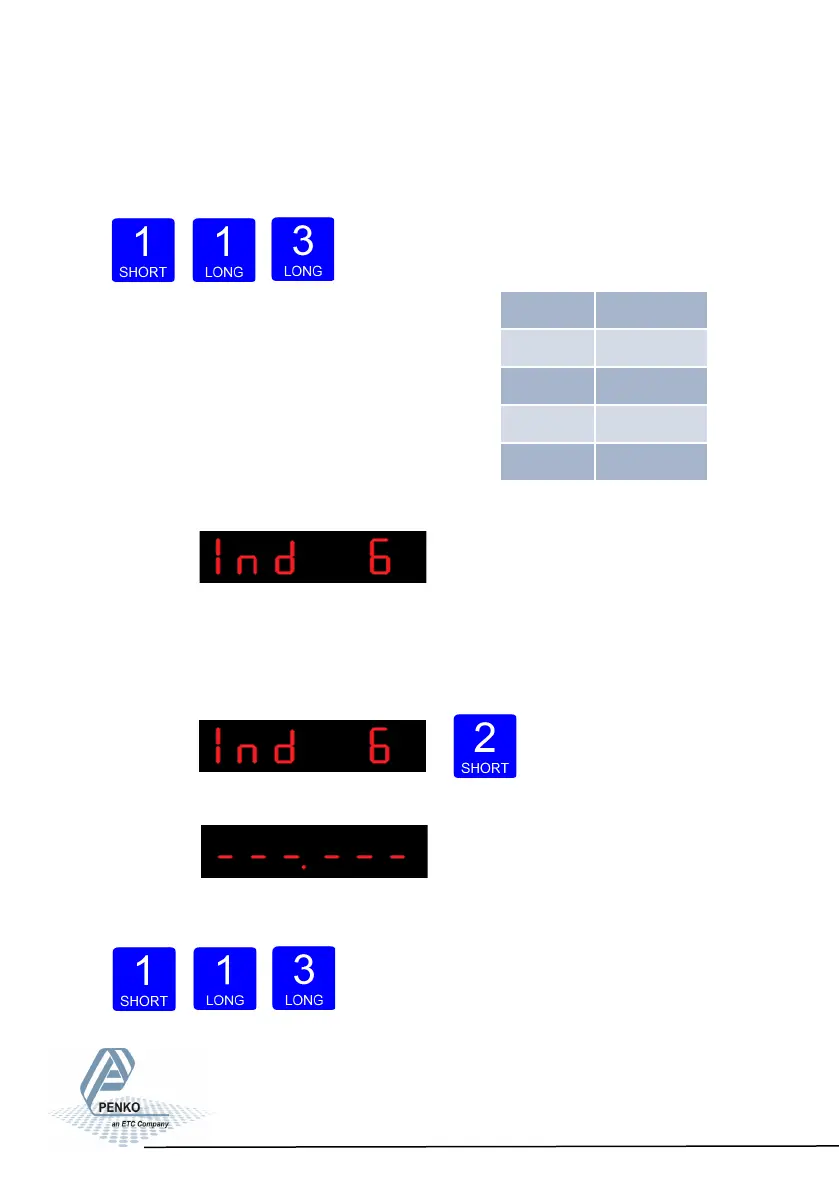
Use key 1 to select the correct step size.
Choose between 1, 2, 5, 10, 20, 50 and confirm by pressing key 3 for >2 sec.
Example step size:
weigher value is 2005 kg
Up Down Confirm
The following screen is vissable:
In Ind 6 you set the decimal point. The decimal point
defines the point position of the weight value.
To change the decimal point press key 2 < 2 sec.
The following screen is vissable:
Press key 1 to define the point position and confirm
by pressing key 3 for >2 sec.
Left Right Confirm
64
Step Size Weight (kg)
1 2005
2 2006
5 2005
10 2010



 To Next Page