SGM700 Digitizer
Configuration Menu -CAL- -continue-
When a number is shown, the deletion of one calibration point is completed and
more points need to be deleted. Press key 3 >3 sec to do so.
>3 sec.
When all calibration points are deleted, the following screen is visible:
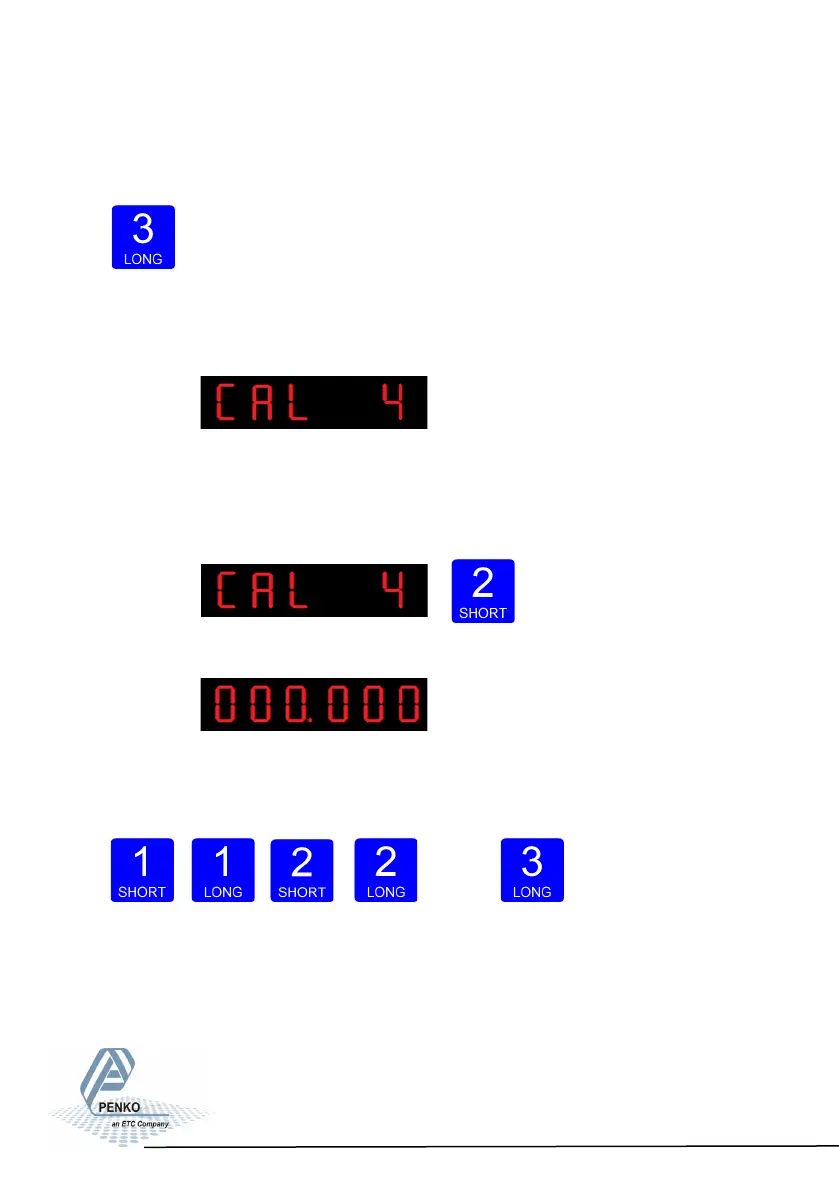
In CAL 4 you can set a Deadload compensation. In
this menu, the deadload can be set to pull the whole weighing line back to zero.
The zero point could be different because of some modification on the scale or
dirt. Press key 2 <2 sec. to set a new deadload compensation.
The following screen is visible:
Use key 1 and key 2 to enter the weight that is in/on
the weigher. Key 1 is used for changing the number (1-9), key 2 is used for chan-
ging the position of the
cursor. And press key 3 >2 sec.to set the new deadload.
Up Down
Left Right Confirm
83



 To Next Page