Controls
18
7.04.01 Input functions
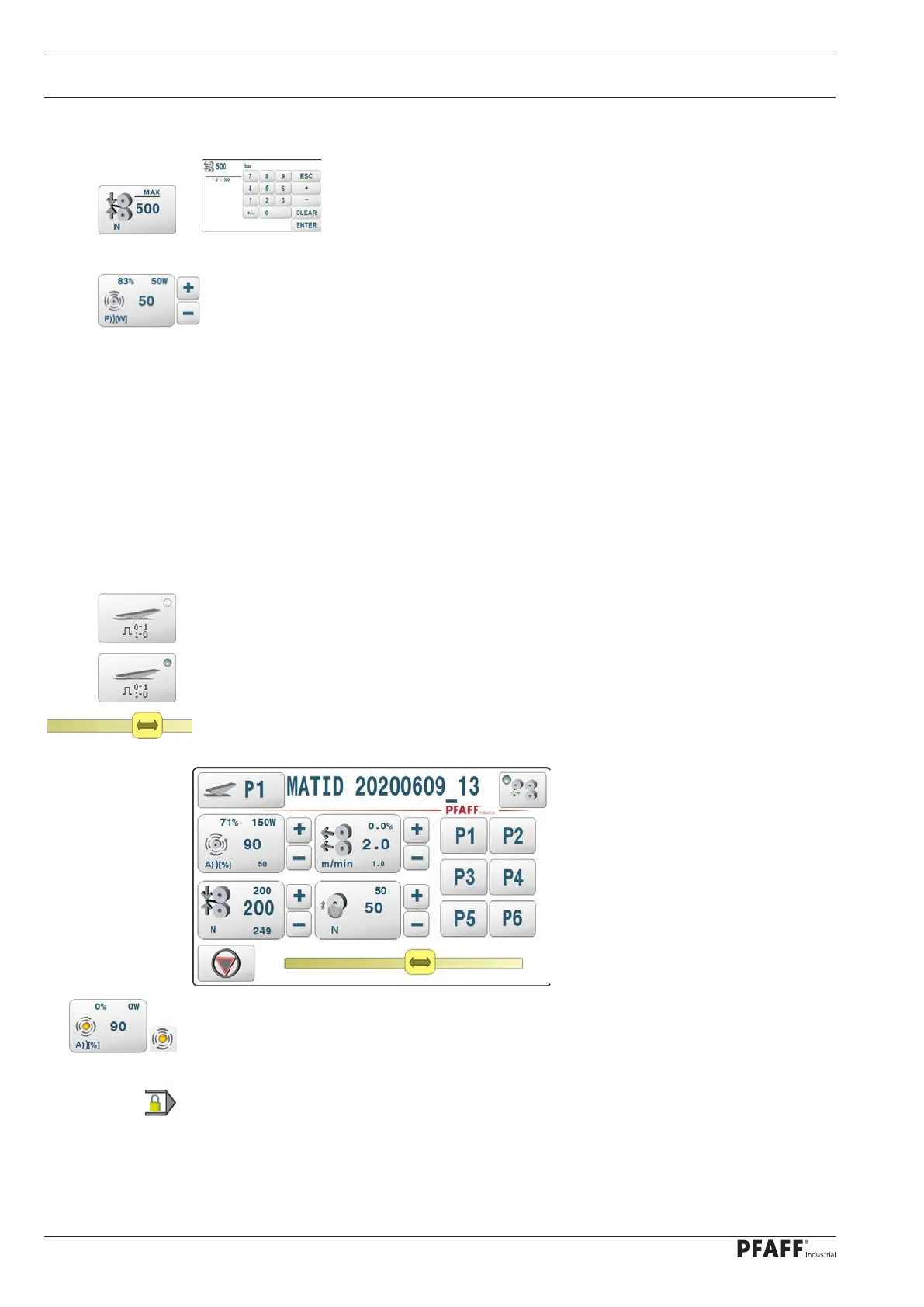
The sealing parameter can be entered directly by pressing the key .
or
The respective setting value displayed next to it can be increased or de-
creased by pressing and holding the corresponding plus/minus key.
7.05.02 Key reactions
An acoustic signal sounds when a key is pressed. A dual acoustic signal sounds if it is not
permitted to perform the function in the current machine status.
7.05.03 Display functions
Keys that switch functions on or off are indicated with an LED.
Example
inactive
active
Dynamic processes are indicated with a slider.
A yellow LED indicates that the function is currently switched off (inactive).
The lock symbol indicates that certain functions are currently blocked for the user.



 To Next Page