Adjustment
94
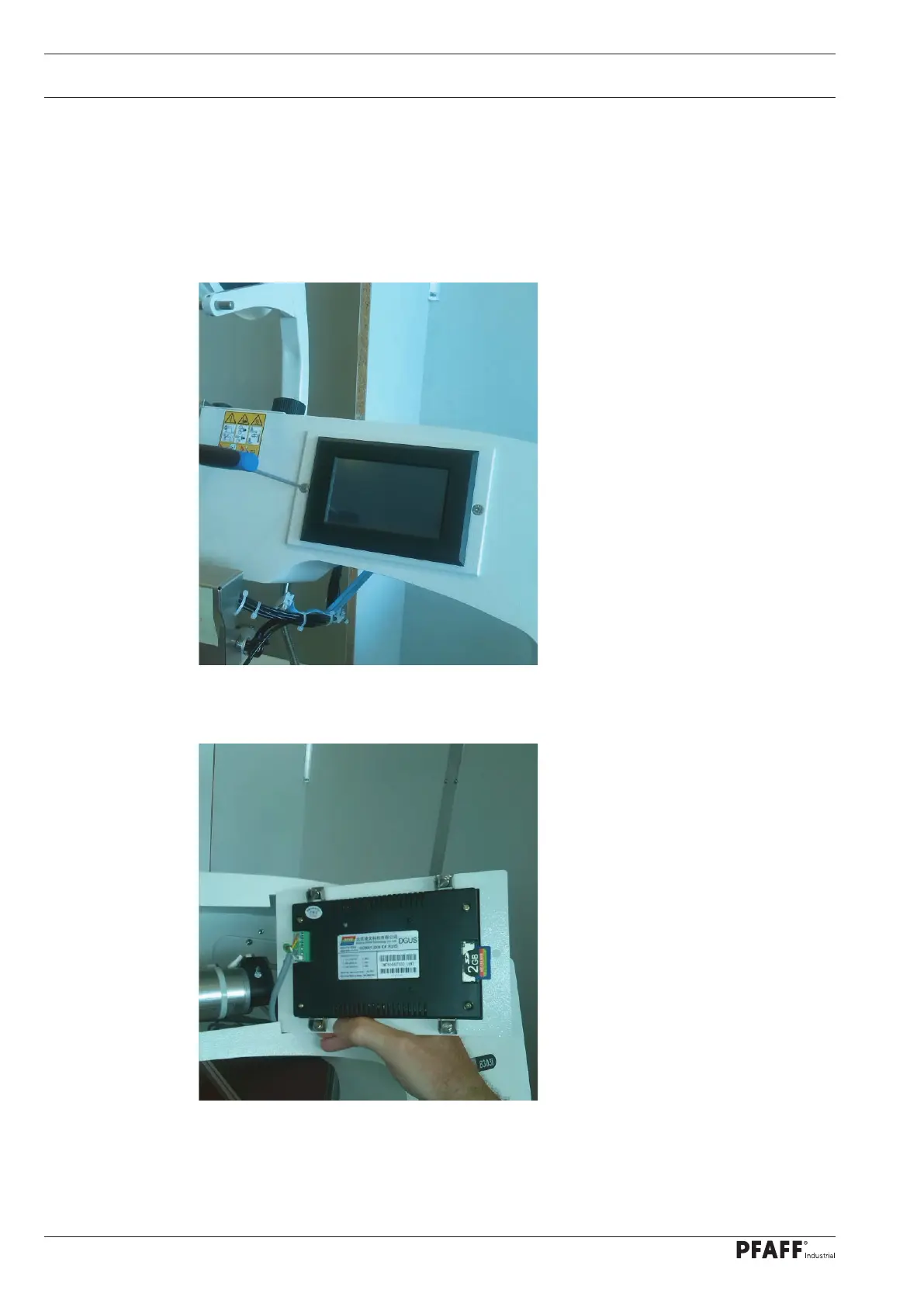
13.06.01 Software update of the touch panel
An update of the touch panel may potentially be required when updating the control
software. A folder DWIN.SET containing update information for the touch panel can be found
on the SD card with the new software.
Loosen the two Allen screws on the control panel when the machine is switched off.
Flip open the control panel and insert the SD card (engage).



 To Next Page