Sealing
26
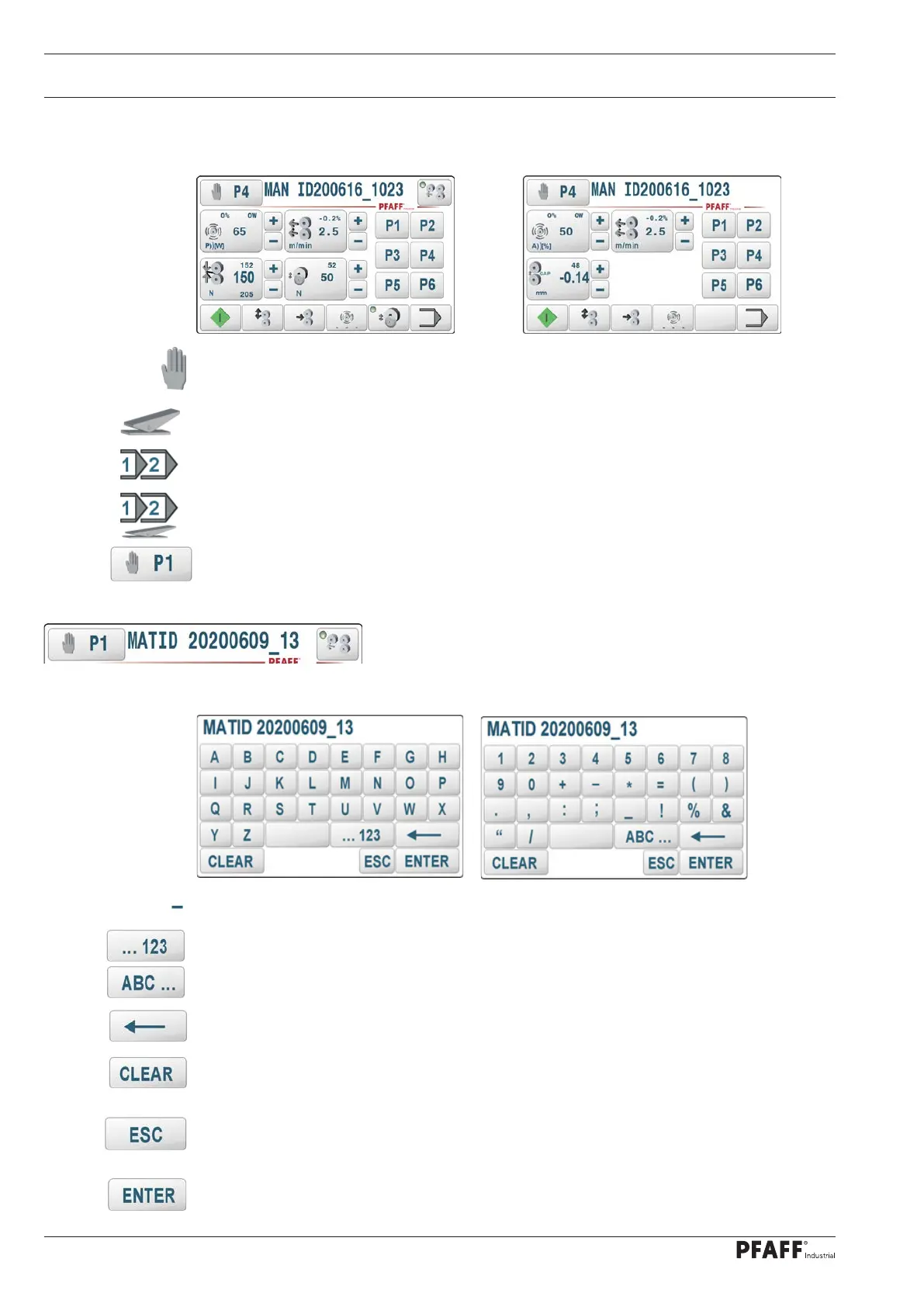
10.02 Description of the function keys
The current operating mode to which this data set is assigned is shown on the top left.
8311 DUAL with motorised puller Standard 8311
Manual sealing
Dynamic sealing
Programmed sealing
Programmed dynamic sealing
Sealing parameters and program number selection
The function opens the menu for entering the program number or for selecting the sealing
parameters, see chapter 10.04 Selecting sealing parameters and program numbers
Comment
A new screen for entering a comment text is displayed by clicking
on the field. A maximum of 17 characters can be entered and
edited.
This character appears as a cursor for text input.
These keys are used to switch from the input of alphanumeric characters to special
characters and vice versa. The comment text is displayed later as information text in
the sealing program selection and program management functions.
Delete individual characters.
CLEAR
Delete an entire line.
ESC
The input is cancelled without changing the value and you return to the previous screen
input.
ENTER
Confirm entry



 To Next Page