Adjustment
86
13.09 Explanation of error messages
13
.09.01 General errors
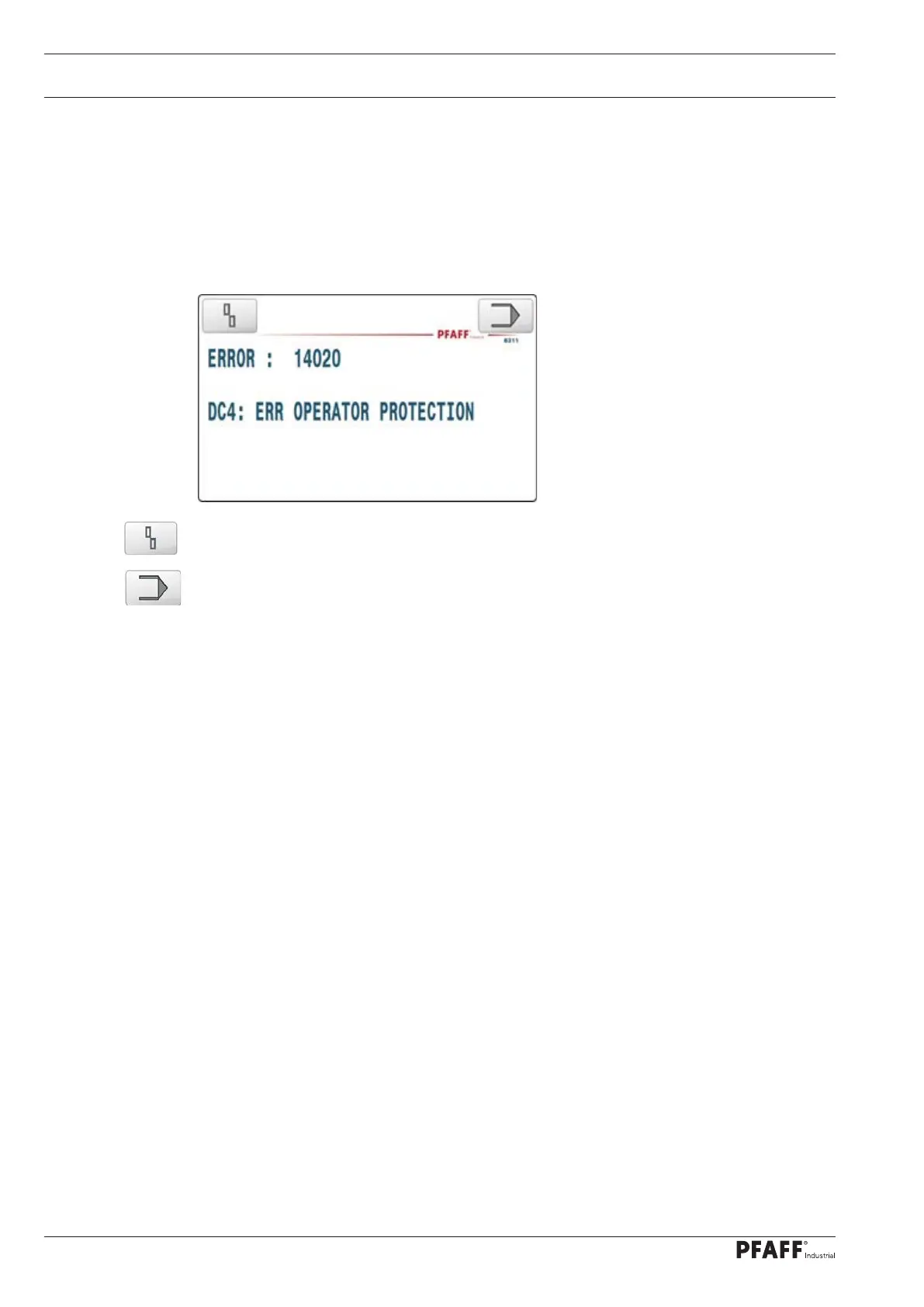
If the control unit detects an error caused by improper use, handling errors or breakdowns
on the machine, the action that is currently being executed is cancelled and the error is dis-
played. The error is generally displayed with an error number and additional text that is of use
when eliminating the error. The error numbers are divided into different groups.
The machine software returns to the point that the error occurred by pressing the – reset
error – touch field. This is only of use if the cause of the error has been eliminated.
Pressing the – Input – touch field takes you to the service in input mode that will help you
eliminate the cause of the error.
Note:
If the key is used to switch to input after an error, a watchdog error of the ultrasonic
generator ERROR15006 sub-error: 00 00 02 00 can occur later up to software version / 007,
which can be reset with the key.
13.04.02 Error groups
ERROR 11013..11017 Error on the sonotrode drive DC1
ERROR 12013..12017 Error on anvil wheel drive DC2
ERROR 13013..13017 Error on the optional motorized puller drive DC3 (if installed)
ERROR 14013..14021 Error on the DC4 lifting motor drive
ERROR 15000 Error in the ultrasonic generator
ERROR 16001 Error on the cutting wheel lifting motor (stepper motor)
.



 To Next Page