Adjustment
95
Put the control panel back loosely in place and switch on the machine
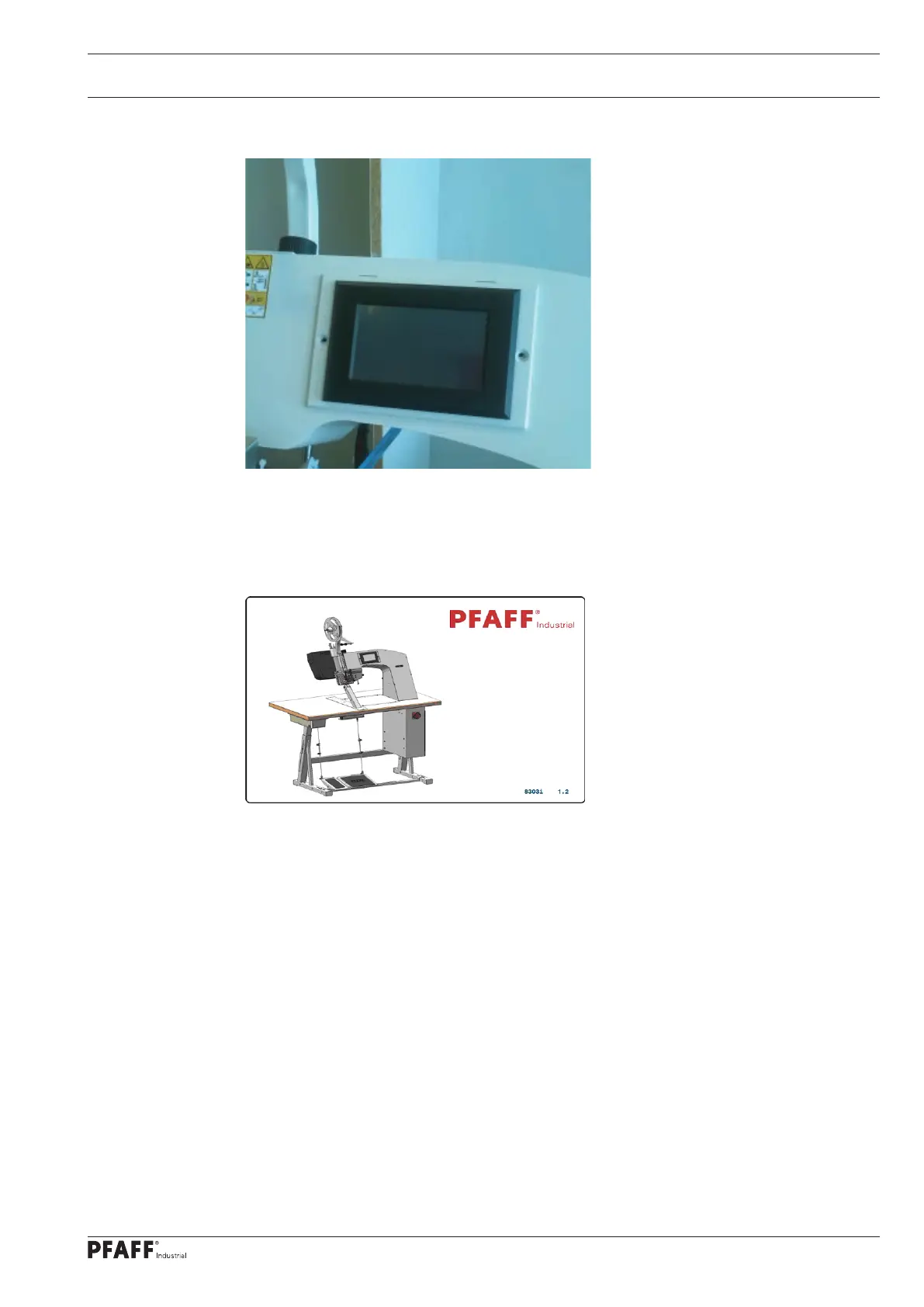
The control panel initially displays a blue screen for a few seconds. Then all screen templates
are displayed briefly in quick succession. The start screen then remains on the display.
Switch off the machine again, remove the SD card from the control panel and mount the
control panel on the housing using the two Allen screws.



 To Next Page