Sealing
34
The “CUT ONLY” function can also be operated with gap welding . The cutting wheel
overlap is included in the gap calculation. However, like the other cutting wheel positions, it
is not determined (or corrected) with an init function and can therefore differ.
Cutting behaviour during the roller closing process
The DUAL Cut&Seal parameter can be used to influence the behaviour of the cutting wheel:
DUAL Cut&Seal = 0 Function switched off/not available
3
DUAL Cut&Seal = 1 Function activated; when closing the rollers, the cutting wheel
remains in the switch-off position until the rollers are completely
closed, then the cutting wheel moves to its cutting force. The total
force is the sum of the welding and cutting force.
DUAL Cut&Seal = 2 Function activated; when closing the rollers, the cutting wheel
immediately moves to its cutting force. The total force is the sum
of the welding and cutting force.
DUAL Cut&Seal = 3 Function activated; when closing the rollers, the cutting wheel
immediately moves to its cutting force. The total force is only the
set welding force, the cutting force is not taken into account (can
be helpful in border areas).
3
On machines with built-in DUAL units, the parameter should not be set to 0, as the position
of the cutting wheel is then purely random.
Cutting wheel ventilation after long breaks in operation
The stepping motor for applying the cutting force requires a holding current, depending on
its value. This current contributes to the heating of the module. If there are longer breaks in
operation, the top roller should be moved to the intermediate position (small gap). As with
all open roller positions, the cutting wheel is moved to its upper switch-off position and then
the holding current is lowered. The module only heats up slightly in this state.
This process can be automated with the Ecotime parameter. The parameter value defines
the waiting time in minutes without activity, after simultaneously moving the top roller to the
intermediate position and the cutting wheel to the upper switch-off position.
Positioning error on the cutting wheel drive
In case of borderline materials or incorrect settings, the stepping motor of the cutting wheel
may lose steps and therefore its cutting force. This can easily occur at high welding and
cutting forces with the Dual Cut&Seal = 1 setting, when the cutting wheel is then to extend
with the rollers closed.
The control of the 8311 checks this movement and can detect the loss of steps. In this case,
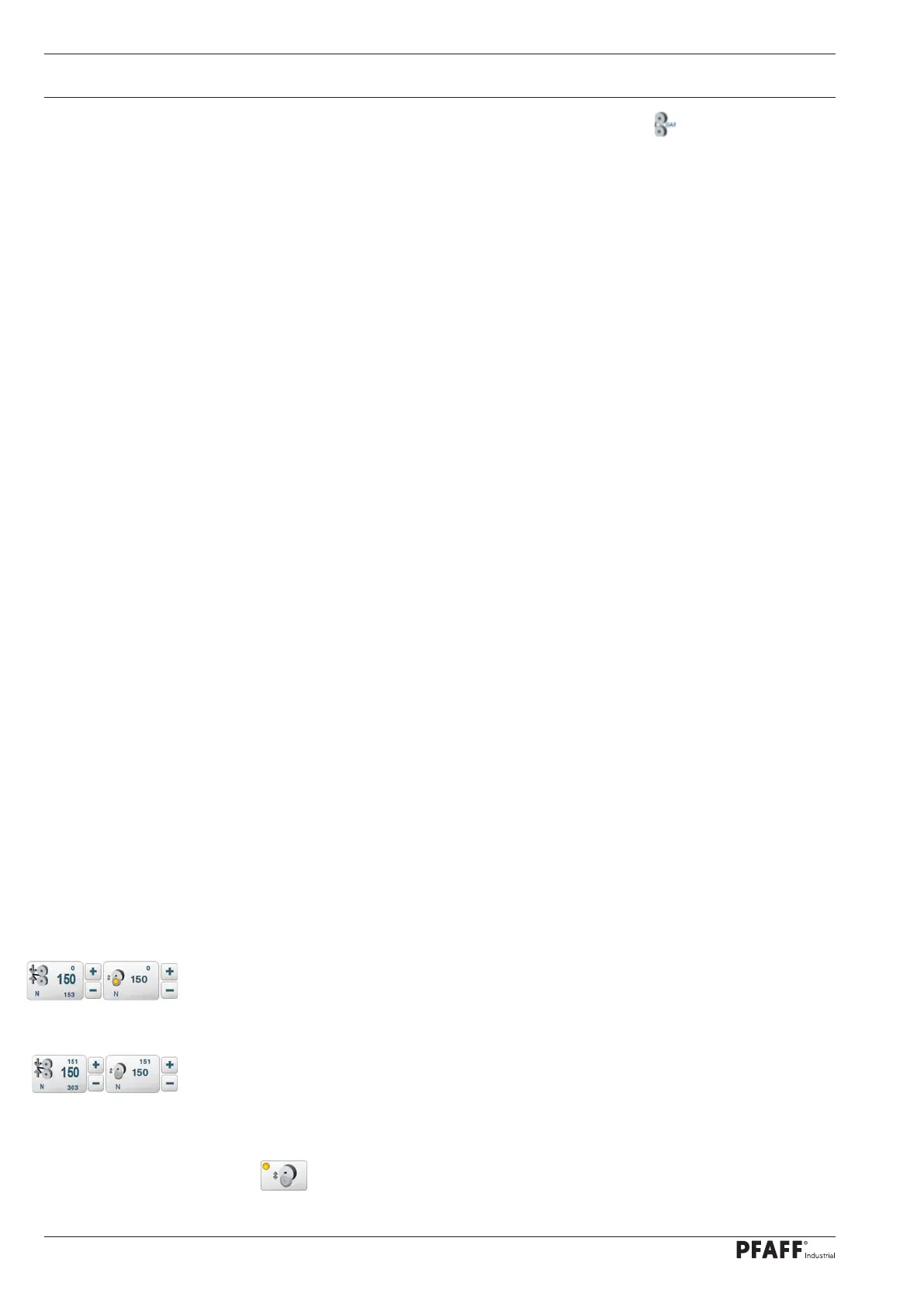
the cutting wheel is deactivated and moved to the switch-off position. A yellow error LED is
switched on in the display.
Remedy: By switching THE DUAL Cut&Seal parameter to 2, the rollers are closed with the
cutting wheel ex-tended. This can be sufficient in border areas and help to avoid the loss of
steps.
The cutting wheel drive should be re-initialised after a positioning error. To do this, the ON/
OFF key is pressed for more than 3 seconds when the welding rollers are open. The
machine sends a beep and the cutting wheel is re-initialised.



 To Next Page