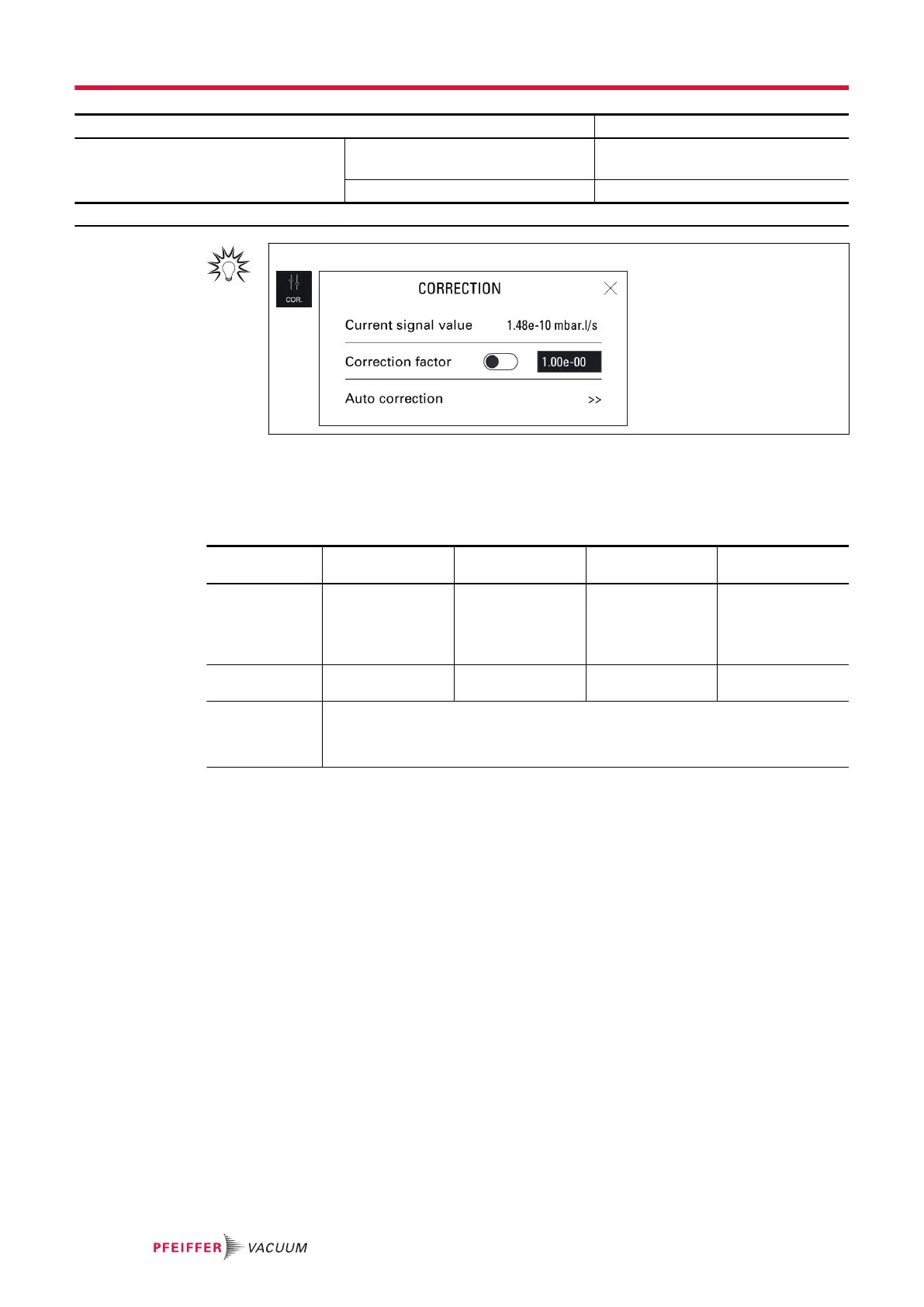
Access: Menu [Measurement] [Correction factor]
Choice - Setting limit
1)
Correction factor To be enabled Enabled
Disabled
To be set
1 · 10
-18
– 1 · 10
+18
1) Initial setting: see chapter “Tree diagram to the Settings menu”
For quick access from the main screen, use the [COR.] function key.
Example
The table below shows the leak rate displayed according to the correction factor applied.
Example: leak rate displayed with a calibrated leak of 1 · 10
-5
mbar · l/s (1 · 10
-6
Pa · m
3
/s) (with 100%
4
He)
% He in the
gas used
100% 50% 5% 1%
Leak rate dis-
played on the
leak detector
without correc-
tion factor
1 · 10
-5
mbar · l/s
(1 · 10
-6
Pa · m
3
/s)
5 · 10
-6
mbar · l/s
(5 · 10
-7
Pa · m
3
/s)
5 · 10
-7
mbar · l/s
(5 · 10
-8
Pa · m
3
/s)
1 · 10
-7
mbar · l/s
(1 · 10
-8
Pa · m
3
/s)
Correction fac-
tor value
1 2 20 100
Leak rate dis-
played on the
leak detector
with correction
1 · 10
-5
mbar · l/s (1 · 10
-6
Pa · m
3
/s)
Display
The COR indicator light is displayed on the control panel when the correction factor value is not 1.
The leak rate displayed takes into account the correction factor applied.
Correction factor calculation
When the leak detector is connected to an installation equipped with its own pumping system, only part
of the leak will be measured by the leak detector. Calibration gives a direct reading of the leak rate by
taking into account the loss of tracer gas of the leak pumped by the pumping unit.
Calibration is performed via the Correction function.
Correction must be performed when the leak detector is already calibrated with its internal calibrated
leak.
When an external calibrated leak is used, it is recommended to take into account the calibration date
and temperature effect for calculating the target value from the calibrated leak value featured on its
identification label.
Corrected leak rate = target value = measured leak value x correction factor
1. Allocate a function key to [COR.] (see “Function keys”).
2. Select the ‘hard Vacuum’ test method (see chapter “Test method”).
3. Press the START/STOP button to start a test.
4. Press the [COR.] function key.
5. Enable the correction factor.
Settings menu
50/98



 To Next Page