EasyManua.ls Logo

Pfeiffer Vacuum ASM 310 - Page 85

Pfeiffer Vacuum ASM 310
98 pages
Print Icon
To Next Page IconTo Next Page
To Previous Page IconTo Previous Page
Loading...
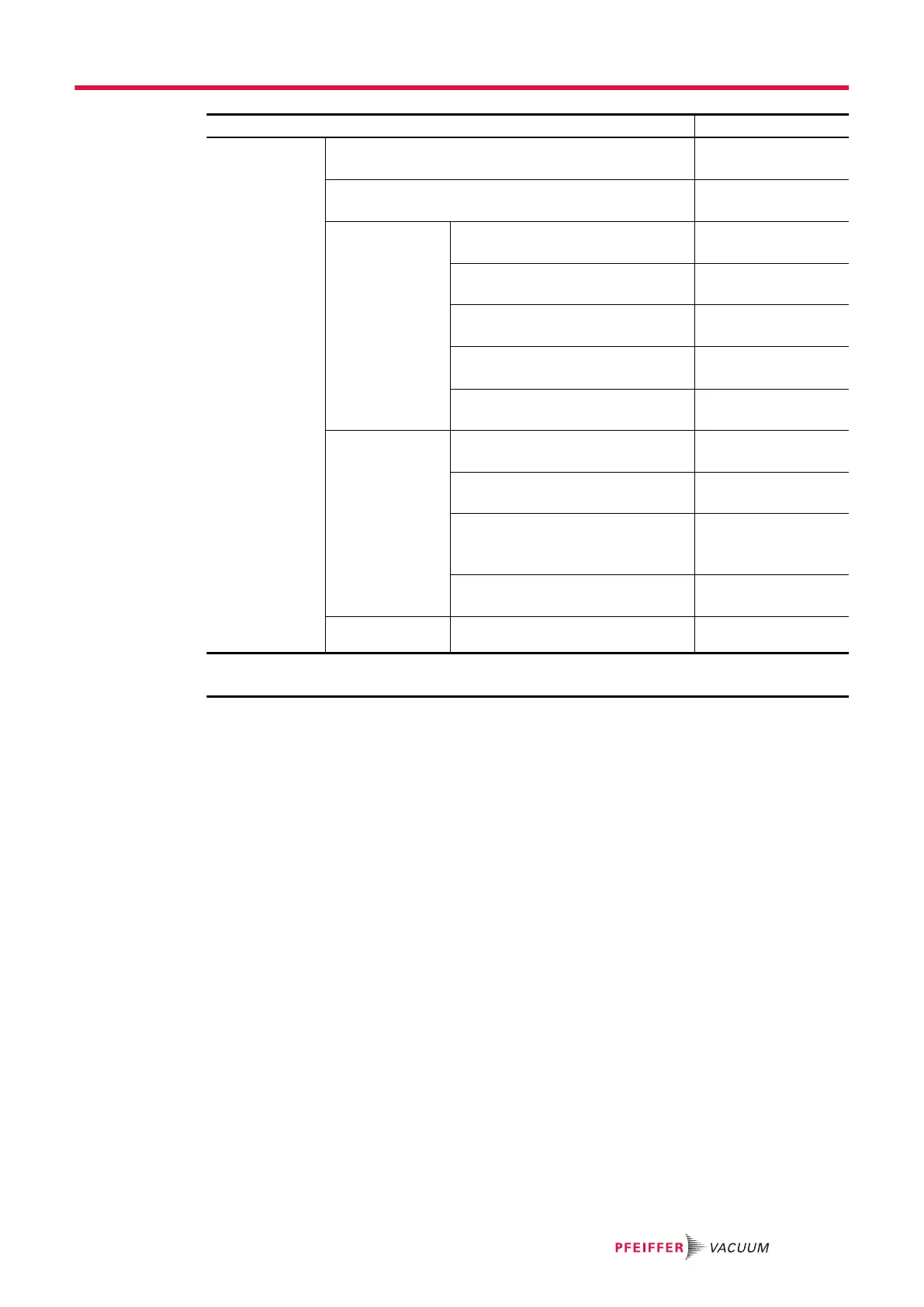
Access: Settings Screen + Menu [Configuration] Choice - Setting limit
Screen settings Brightness 0 – 20
15
1)
Paging Function Enabled
Disabled
1)
Leak rate bar-
graph
Zoom on set point Enabled
Disabled
1)
High decade -12– +6
-2
1)
Low decade -13 – +5
-12
1)
Lower display limit
1 · 10
-13
– 1 · 10
+06
1 · 10
-13
1)
Show 2
nd
digit
Enabled
Disabled
1)
Application win-
dows
Std-by Value
Hide
1)
Show
Show inlet pressure Hide
Show
1)
Show second pressure
None
1)
Cell.
Ext.
Show synoptic Hide
Show
1)
Reset screen pa-
rameters
Function launching -
1) Default setting
3) No default setting: setting performed by the user at the 1
st
detector start-up
Appendix
85/98

Table of Contents

Other manuals for Pfeiffer Vacuum ASM 310

Related product manuals