36
Note!
Note!
4.10 Switching off the Phenom electron
source
4.10.1 Switching off the Phenom
The Phenom can be switched off in several ways:
Standby
In standby mode the electron source will be switched off in order to increase lifetime.
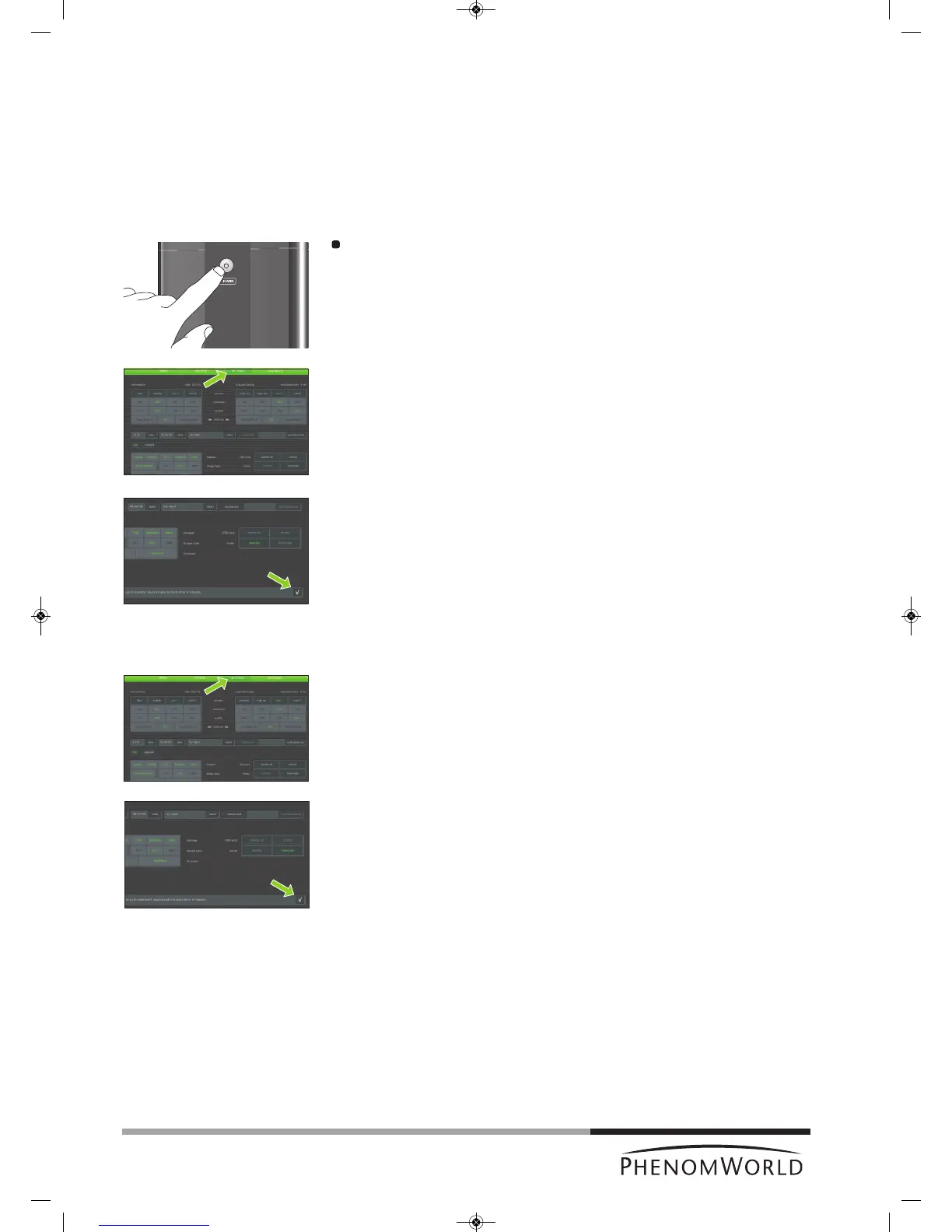
Press
y (fig. 1,1) on the Phenom.
> The POWER LED (fig. 1,1) lights up orange. The Phenom is now in standby mode.
OR:
1 Touch SETTINGS in the selection bar.
> The Settings screen appears.
2
Touch standby.
> ‘Do you want to go to standby? Approximate recovery time: 4 minutes.’ appears on
the screen.
3 Touch ‘4’ to confirm or ‘8’ to cancel.
> The POWER LED (fig. 1,1) lights up orange. The Phenom is now in standby mode.
If the Phenom is not used for one hour, it automatically enters standby mode.
Hibernate (Power saving mode)
1 Touch SETTINGS in the selection bar.
> The Settings screen appears.
2 Touch hibernate.
> ‘Do you want to go to hibernate? Approximate recovery time: 6 minutes.’ appears
on the screen.
3 Touch ‘4’ to confirm or ‘8’ to cancel.
> The POWER LED (fig. 1,1) lights up orange. The Phenom is now in power saving
(hibernate) mode.
If the Phenom is not used for 72 hours, it automatically enters hibernate mode.



 To Next Page