44
Manual alignment
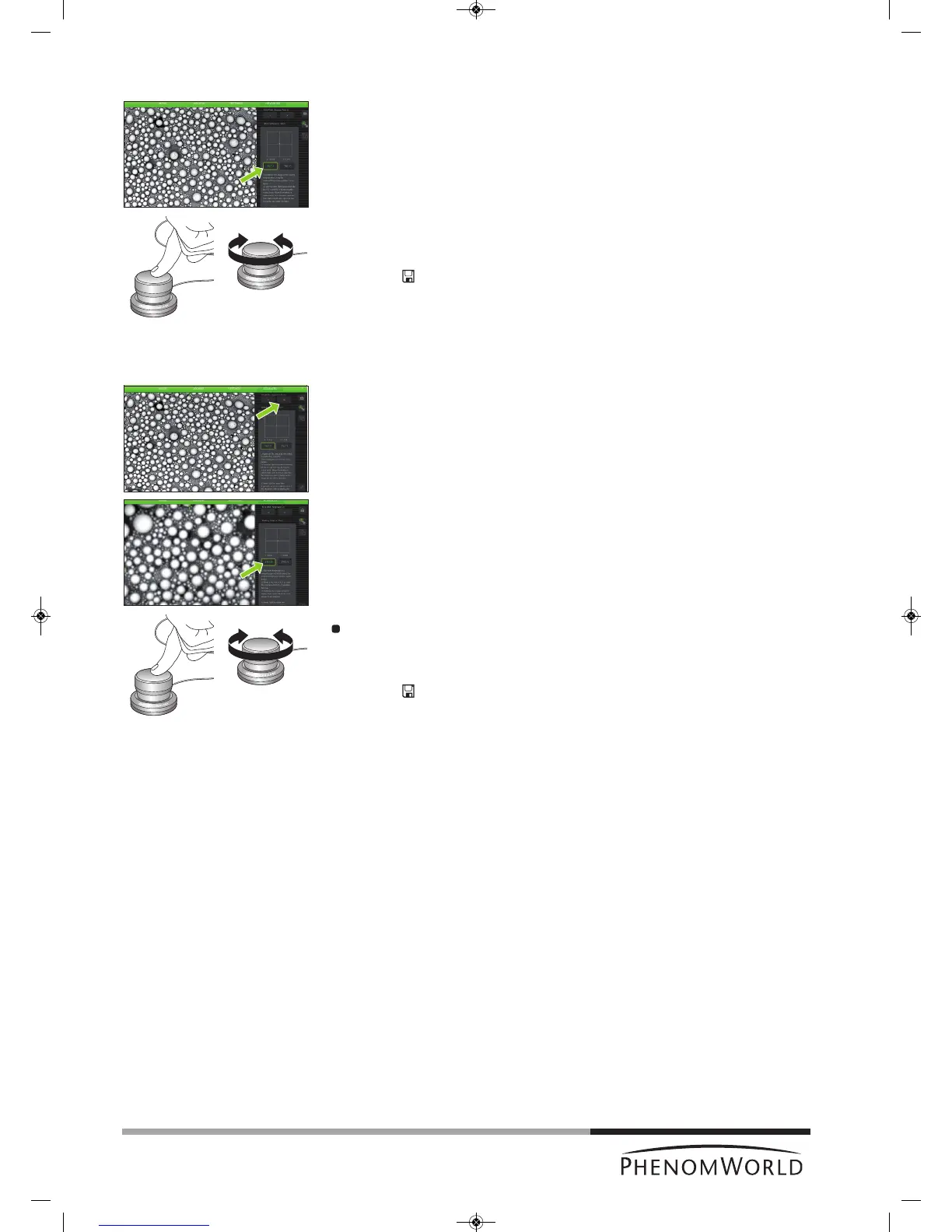
1 Touch Manual.
2 Select TILT X or TILT Y and follow the on-screen instructions for electron beam
alignment.
3 Use the rotary knob (8) to make the adjustment for TILT X and TILT Y.
>
Adjustments made on the X and Y axis are visible on the screen.
4 Touch
’ ’ to save the adjustment or ’8‘ to reset the previous settings and quit
Source Tilt setting.
5.7.4.2 Stigmate
Here you can adjust the roundness of the electron beam, so that image focus is identical in
X and Y directions.
1 In the Source Tilt screen, touch > to access the Stigmate screen.
> The Stigmate screen appears.
2 Select STIG X or STIG Y and follow the on-screen instructions for sharpness
adjustment.
Use the rotary knob (fig. 1,8) to obtain the sharpest image for STIG X and STIG Y.
> Adjustments made on the X and Y axis are visible on the screen.
3 Touch
’ ’ to save the adjustments or ‘8’ to cancel and quit Stigmate setting.



 To Next Page