55
Advanced settings
screen
Network (Routine page 3)
Connectivity (Routine page 4)
Connection error: <some string>
Unknown error.
Contact Phenom-World’s Customer Support and provide them with the complete error
message.
Unable to connect to the server or share
Contact Phenom-World’s Customer Support
Malformed //server/share name
The server and share name are not specified properly.
Specify as: //server/share.
Connection test failed
The Phenom is not properly connected to the network.
Check that the network cable is connected and that the network settings are correct.
Error: Failed to connect...
The Phenom cannot connect to the PRA server.
If the proxy server is enabled check that the settings are correct.
7.2 Power down
When the system has been switched off (power off ) for lessthan60minutes the
system will be back to operational mode in approximately 30 minutes.
When the system has been switched off (power off) for morethan60minutes the
system will be back to operational mode as long as it has been off + 1.5 hour with a
minimum of 2.5 hours and a maximum of 13.5 hours.
For example: if the system has been switched off for 4 hours, it will be operational
again in 5.5 hours.
7.3 Rebooting the Phenom software
Only use this function if problems occur that can not be solved by following the suggestions
in chapter 7 ‘Troubleshooting’.
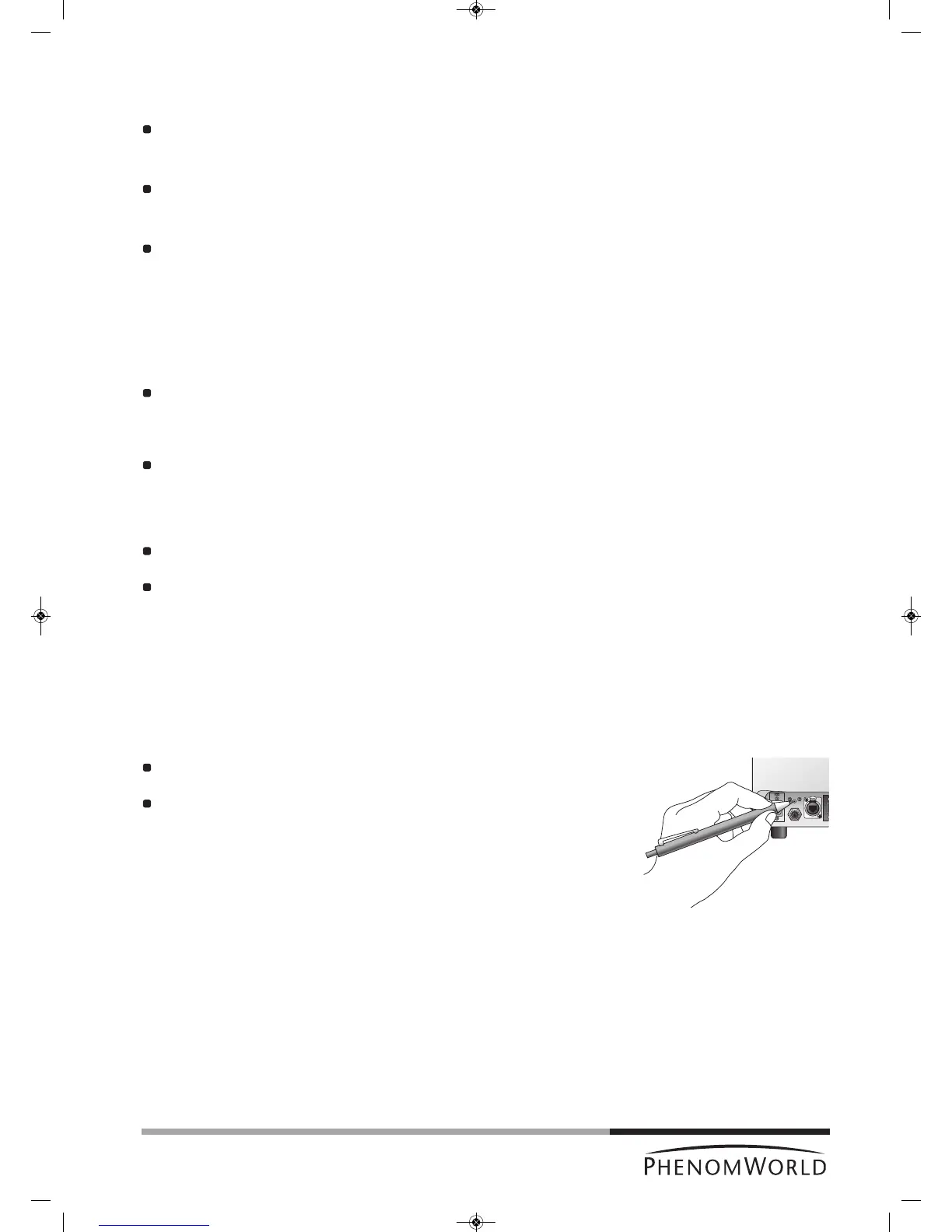
Reboot the Phenom software by pressing the RESET button (fig. 2,2).
The RESET button is recessed to prevent accidental reboot of the Phenom software.
Gently press the RESET button, using a pen or paperclip.



 To Next Page