39
5.2.2 Quality
Here you can select the desired acquisition speed, picture quality, noise level and exposure
t
ime for image acquisition.
The exposure time is indicated above the acquired image frame
(e. g. exposure time: 0.9 sec).
Basic - quick but noisy image acquisition.
Med(ium) - fast acquisition with medium noise level.
High - high quality acquisition through medium exposure time.
Best - picture quality acquisition with long exposure time.
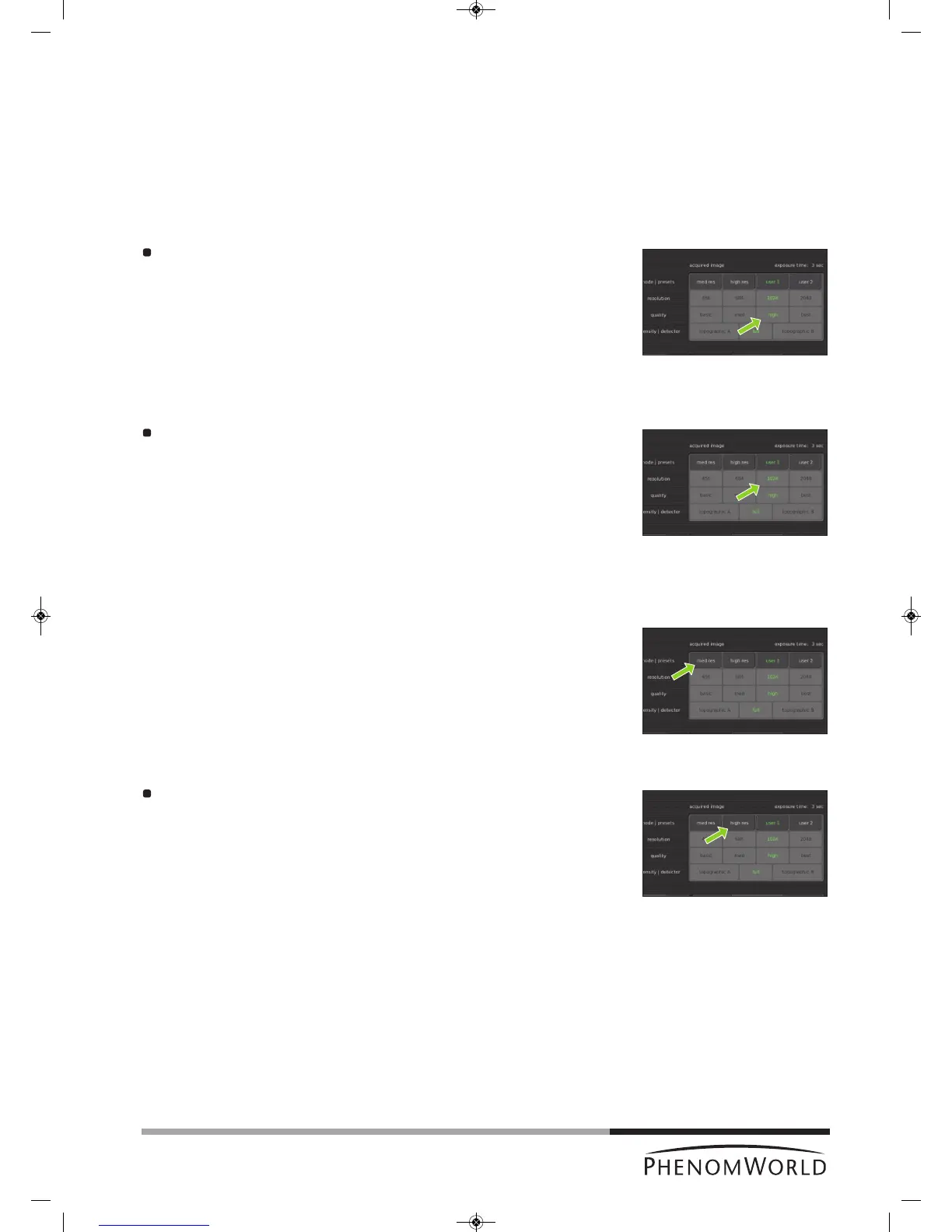
Touch the basic, med, high or best button to select the desired acquisation speed,
exposure time, picture quality and noise level.
5.2.3 Resolution
For acquired image mode, pixel resolution settings are similar to those available for live
v
iewing mode. The higher the resolution, the higher the exposure time.
Select the desired setting by touching the appropriate button (456, 684, 1024 or
2048).
5.2.4 Presets
Default settings for acquisition speed, noise level, pixel resolution, picture quality and
exposure time are stored under the med res and high res buttons.
Defaults under the med res button are med and 684, meaning fast acquisition with medium
noise level and a pixel resolution of 684 x 684 and a high exposure time.
Defaults under the high res button are high and 1024, meaning high quality acquisition,
medium exposure time and a pixel resolution of 1024 x 1024.
Activate the desired settings by touching the appropriate button. (fast or quality).



 To Next Page