38
5.1.3 Quality
Here you can select the desired response speed, picture quality and noise level.
L
ive - highly responsive but noisy.
Med(ium) - quickly responding with medium noise level.
High - high quality but medium responsive.
Best - ‘picture’ quality but slowly responding.
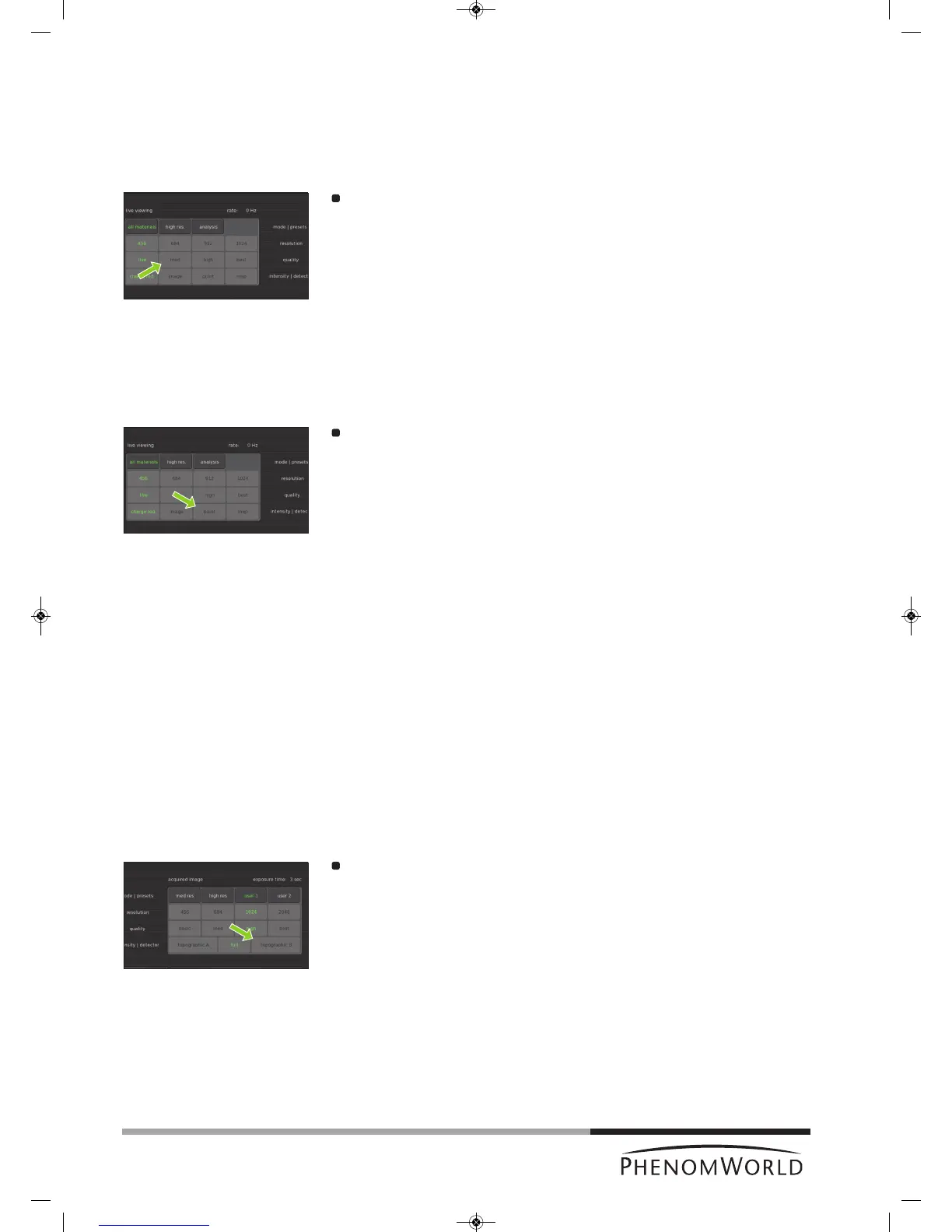
Touch the live, med, high or best button to select the desired response speed,
noise level and picture quality.
5.1.4 Intensity
Charge red. - selects the lowest beam current/spot size to minimize charging effects on a
non conductive sample and for high resolution imaging.
Image - selects medium beam current/spot size for ‘most common’ imaging.
Point - selects a high beam current which is used for EDS analysis.
M
ap - selects maximum beam current which is used for EDS analysis.
Touch the button with the desired intensity.
5.2 Acquired image settings
Here you can adjust and store the conditions for stored images.
5.2.1 Backscatter detector mode
The Phenom detector is a 4-segmented detector that can operate in 2 modes:
Full
Image contrast is mainly due to changes in the sample composition.
Topographic
Image contrast is mainly due to the sample topography. The signal strength in this mode is
lower than in full mode so adjustment of contrast and brightness will be necessary.
To compensate for differences in signal strength, an auto contrast/brightness routine will be
performed automatically when switching to a different detector mode.
Topographic mode has two settings: Topographic A which accentuates topgraphy
orientated in the X direction and Topographic B which accentuates topography orientated
in the Y direction.
Touch the topographic A, full or topographic B button to select the desired detector
mode.



 To Next Page