8.3 Disconnecting and packing
The following procedure can also be found on the packaging instructions inside the flight case.
Tools/Materials needed for de-installation
14 mm (0.51") or adjustable spanner (wrench);
plastic packaging bag;
Phenom flight case;
Tip N Tell indicators;
shock watch indicators.
Hazard Warnings
The following hazard(s) are associated with these operations:
Heavy Lifting (2 persons required);
D
o not perform any of these operations without proper safety training specific to the
hazard(s).
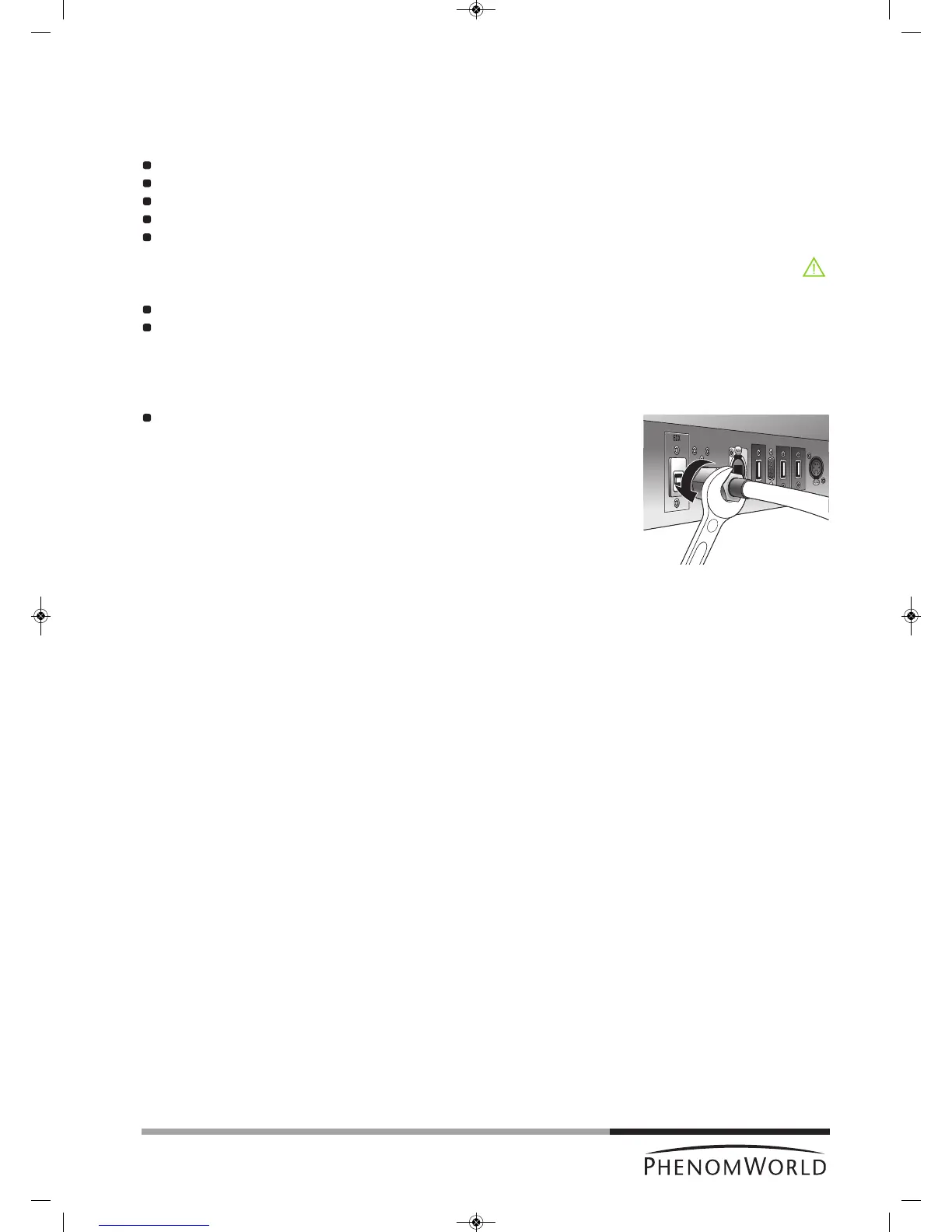
1 Disconnect all cables from the back of the Phenom. This includes the monitor VGA
cable, the USB cable, both power cables, and the pre-vacuum pumphose.
Loosen the nut at the end of the hose, using a 14 mm (0.51") spanner (wrench).
2 Place the plastic packaging bag over the top of the Phenom.
Gently lift the Phenom and slide the bag under the feet to ensure the Phenom is
sealed for the duration of the transportation process.
3 Using two people, one at each side, carefully lift the Phenom and place it in the flight
case.
4 Place the top of the flight case over the Phenom and engage the clamps on each side
of the case. There are four clamps.
5 Apply Tip N Tell and Shock Indicators to the outside of the flight case if current
indicators were tripped during transit.
6 Strap the flight case to a standard pallet to prevent any potential damage while the
Phenom is in transit.
If any additional items are to be returned as well, this will be specified by
Phenom-World BV.



 To Next Page