Directions For Use
EN 15DVDR70 & DVDR75/0x1 3.
20
Connecting audio devices to the digital
audio socket
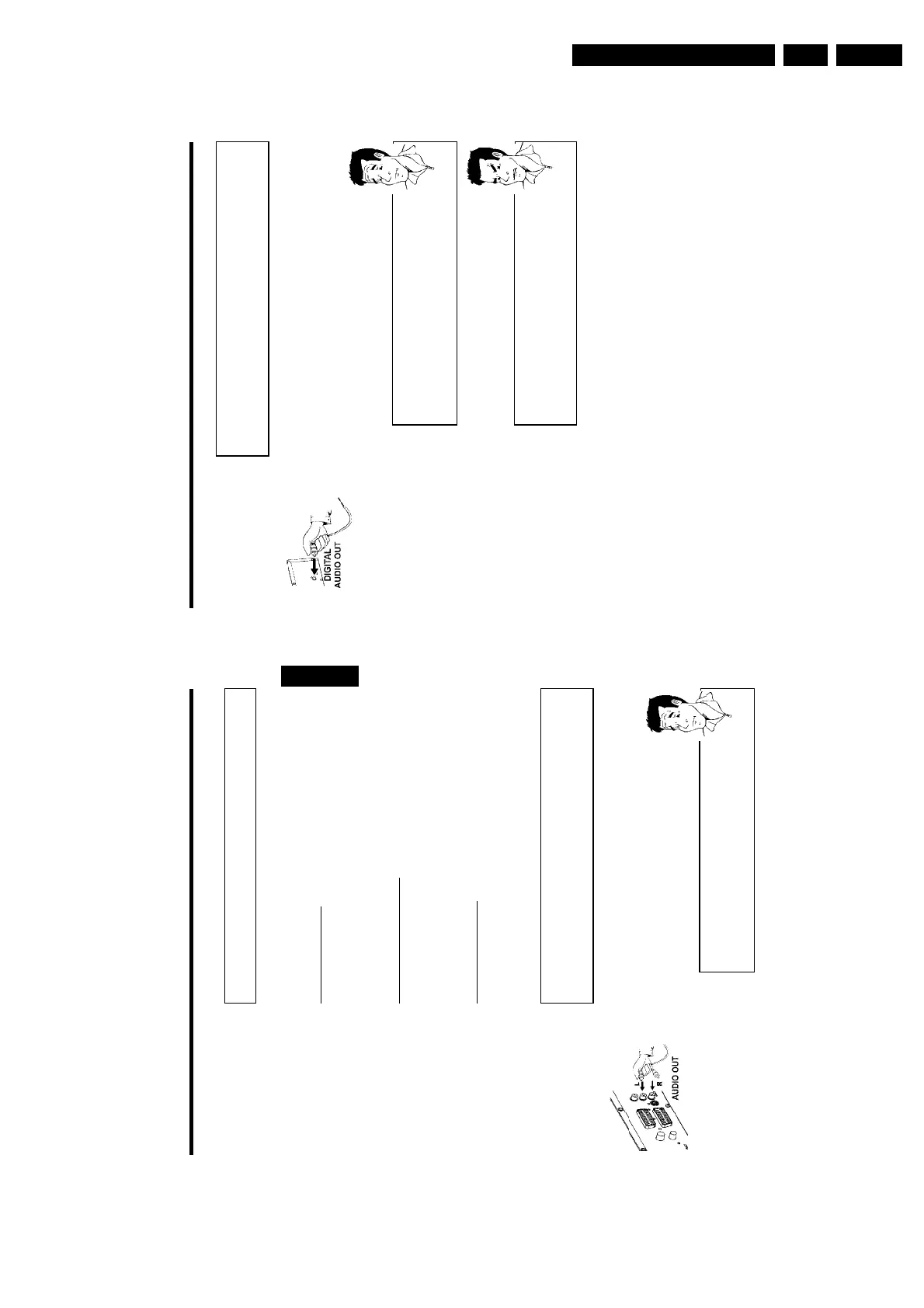
At the back of the DVD recorder there is a digital audio output socket DIGITAL AUDIO
OUT for an coaxial cable.
These can be used to connect the following:
•) an A/V receiver or an A/V amplifier with a digital multichannel sound decoder
•) a receiver with twochannel digital stereo (PCM)
Digital multichannel sound
Digital multi-channel sound offers the best possible sound quality. You will
need a multi-channel A/V receiver or amplifier that supports at least one of
the audio formats of the DVD recorder (MPEG2, Dolby Digital and DTS).
Consult the operating instructions for your receiver to find out which audio
formats it supports.
?
a All I can hear from my loudspeakers is a loud distorted noise
b The receiver is not compatible with the digital audio format of the DVD
recorder. The audio format of the DVD disc is displayed in the status
window when you switch to anoter language. Playback in six-channel digital
surround sound is only possible if the receiver has a digital multi-channel
sound decoder.
Problem
Connecting additional devices
19
Connect camcorder to the front sockets
To copy camcorder recordings, you can use the front sockets. These sockets are located behind
the flap on the left hand side.
Best picture quality
If you have a DV or Digital 8 camcorder, connect the DV IN input of the DVD recorder to the
appropriate DV output on the camcorder.
When films are transferred the original recording date and time are stored as DVD subtitles.
On playback, this data can be displayed on the TV screen by using the '
E
' function (Subtitle).
Very good picture quality
If you have a Hi8 or S-VHS(C) camcorder, connect the S-VIDEO input of the DVD recorder to
the appropriate S-VHS output on the camcorder.
You must also connect the audio input left AUDIO right on the DVD recorder to the audio
output on the camcorder.
Good picture quality
If you have a camcorder that only has a single video output (Composite Video, CVBS), connect
the VIDEO input on the DVD recorder to the appropriate output on the camcorder.
You must also connect the audio input left AUDIO right on the DVD recorder to the audio
output on the camcorder.
Connecting audio devices to the analogue
audio sockets
Two audio output sockets OUT L AUDIO R are located on the back of the DVD recorder
(audio signal output left/right)
These can be used to connect the following:
•) a receiver with Dolby Surround Pro Logic
•) a receiver with twochannel analogue stereo
Can I use the 'Phono' input on my amplifier?
This socket (input) on the amplifier is designed only for record players
without preamplifiers. Do not use this input for connecting the DVD
recorder.
The DVD recorder or the amplifier may be damaged as a result.
?
ENGLISH
Connecting additional devices















 To Next Page