Directions For Use
EN 40 DVDR70 & DVDR75/0x13.
70
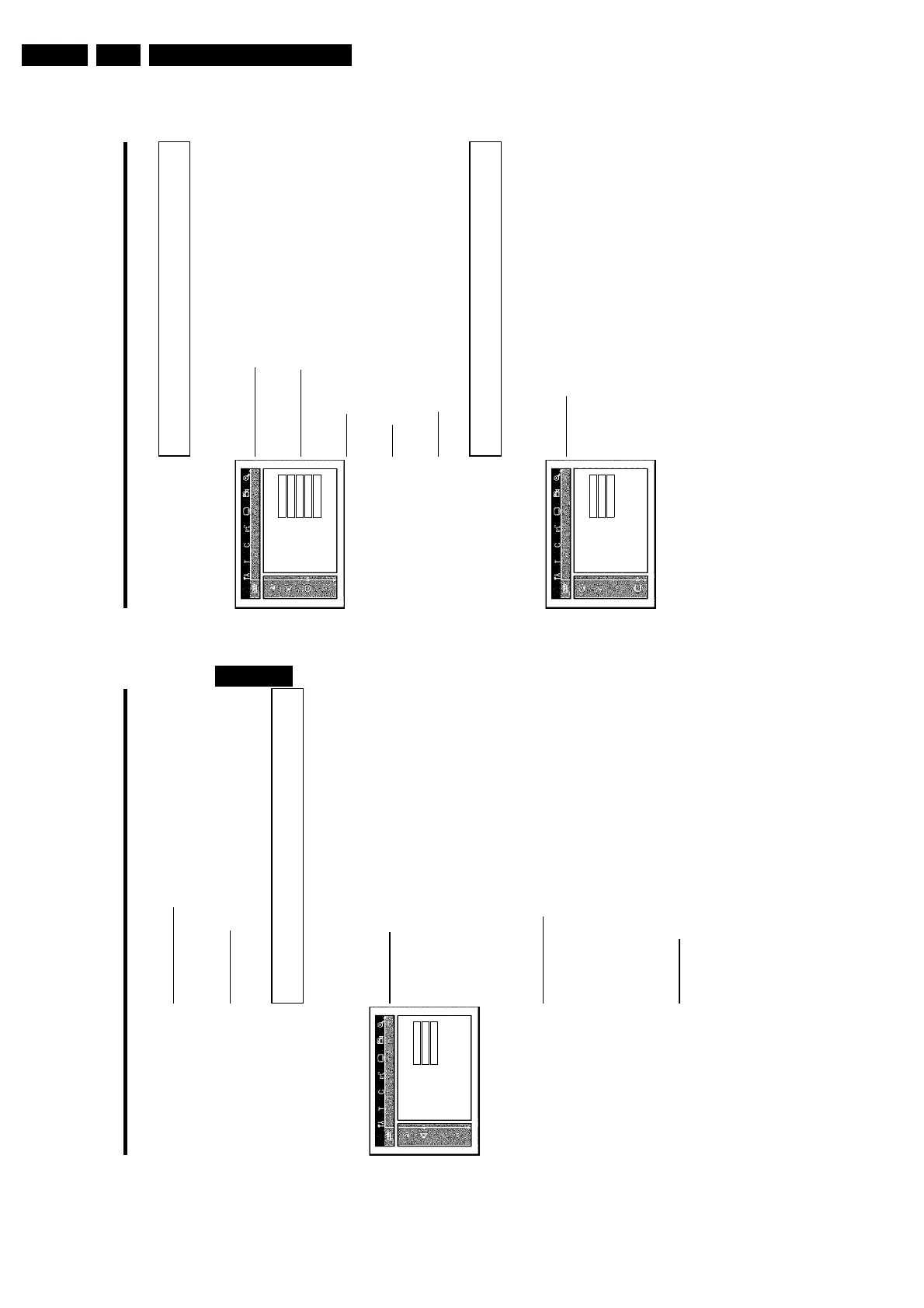
Language settings
You can choose the following settings in this menu:
Language
Audio Language English
Recording audio Language 1
Subtitle English
Menu English
Country Other
'Audio Language'
Playback audio language
'Recording audio'
Audio recording
'Subtitle'
Subtitle language
'Menu'
Screen menu language
'Country'
'Country'
Additional settings
You can select the following functions in this menu:
Features
Status box On
Standby Off
Display Bright
'Status box'
Along with the on screen menu, the OSD (On Screen Display) also displays information on the
current operating status (counter, playback, recording, TV channel, etc.) on the TV screen.
You can switch off the information about the operating status so that the on screen display
(OSD) is not recorded during copying.
'On': The OSD information appears in every selected mode for a few seconds and disappears
again.
'Off': The OSD information is switched off. It is no longer displayed on the screen.
User preferences
69
'Vertical video shift'
Use this feature to adjust the position of the picture on your TV left or right using D , C to
suit your TV set.
'SCART video'
By default the recorder is set to 'RGB'. Select 'S-Video' if you want to connect an S-VHS
recorder.
Sound settings
Depending on which audio outputs are used, you can select the settings in this menu.
If you only use the analogue audio output ( OUT L AUDIO R ), select the settings 'Off' in the
'Digital output' menu.
Sound
Digital output All
Analogue output Stereo
Night mode Off
'Digital output'
For devices connected to the DIGITAL AUDIO OUT socket, you can select from the following
settings.
'All': Dolby Digital and DTS signals are fed unaltered to the digital output. MPEG-2 multi-channel
signals are converted to PCM (Pulse Code Modulation).
For receivers/amplifiers with digital multichannel sound decoders.
'PCM only: Dolby Digital and MPEG-2 multi-channel signals are converted to PCM (Pulse Code
Modulation).
For receivers/amplifiers without digital multichannel sound decoders.
'Off: Digital output switched off.
For devices with analogue audio input.
'Analogue output'
For devices connected to the analogue audio output ( OUT L AUDIO R ), you can select from
the following settings.
'Stereo': For devices without DolbySurround or TruSurround. Use this setting if the DVD
recorder is only connected to a stereo TV set.
'Surround: Dolby Digital and MPEG-2 multi-channel are mixed down to a DOLBY
surround-compatible two-channel output signal. For devices with Dolby Surround
Pro Logic decoder .
'Night mode'
Night mode optimises the sound for playback at low volume. You are therefore less likely to
disturb your neighbours. This only works for Dolby Digital audio on DVD video discs.
ENGLISH
User preferences















 To Next Page