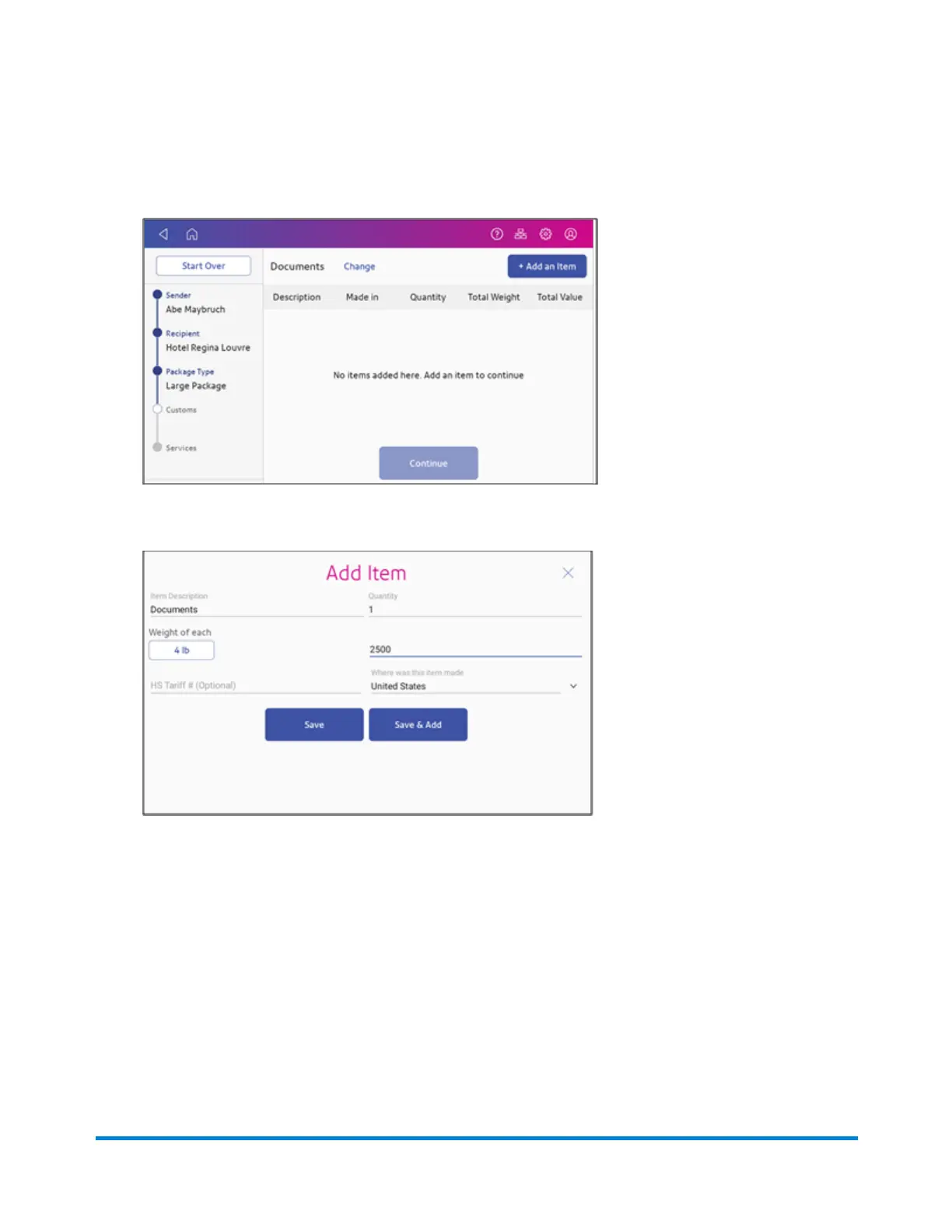
3. Tap Continue.
4. Tap Add an Item.
5. Enter a description of each item, including the quantity, weight, value and where the item was
made.
6. If appropriate, enter optional HS Tariff information.
7. To add additional items, tap Save and Add.
8. Tap Continue.
Printing Shipping Labels
Pitney Bowes Operator Guide April 2022 92












 To Next Page