User’s Manual of GS-5220-16S8C & GS-5220-16S8CR
4.5.4 LACP Port Status
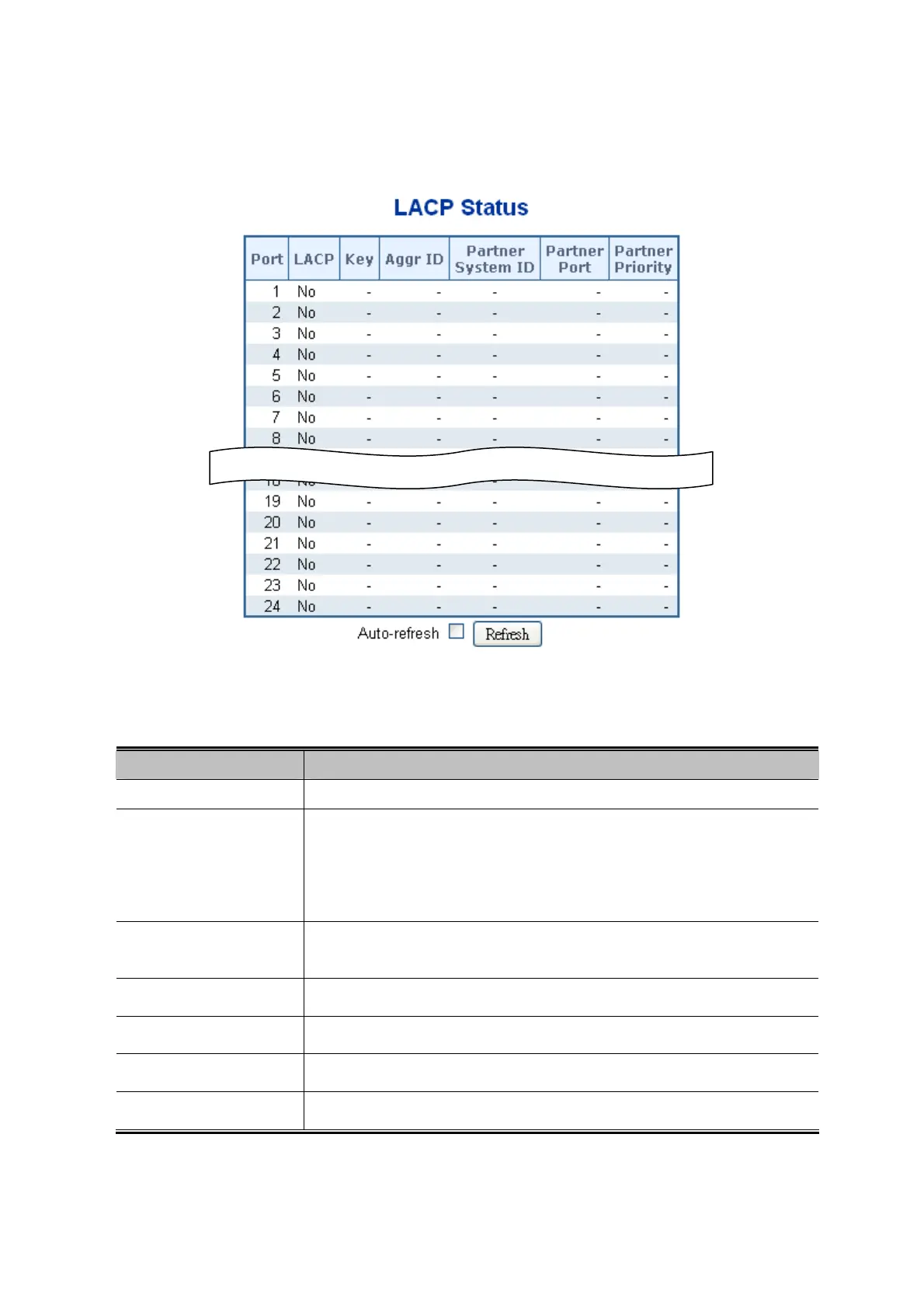
This Page provides a status overview for LACP status for all ports. The LACP Port Status screen in Figure 4-5-6 appears.
Figure 4-5-6: LACP Status Page Screenshot
The Page includes the following fields:
Object Description
Port
The switch port number.
LACP
'Yes' means that LACP is enabled and the port link is up. 'No' means that LACP is
not enabled or that the port link is down. 'Backup' means that the port could not
join the aggregation group but will join if other port leaves. Meanwhile it's LACP
status is disabled.
Key
The key assigned to this port. Only ports with the same key can aggregate
together.
Aggr ID
The Aggregation ID assigned to this aggregation group.
Partner System ID
The partner’s System ID (MAC address).
Partner Port
The partner’s port number connected to this port.
Partner Priority
The partner's port priority.
Buttons
102



 To Next Page
 Loading...












