User’s Manual of GS-5220-16S8C & GS-5220-16S8CR
4.9.4 Port Scheduler
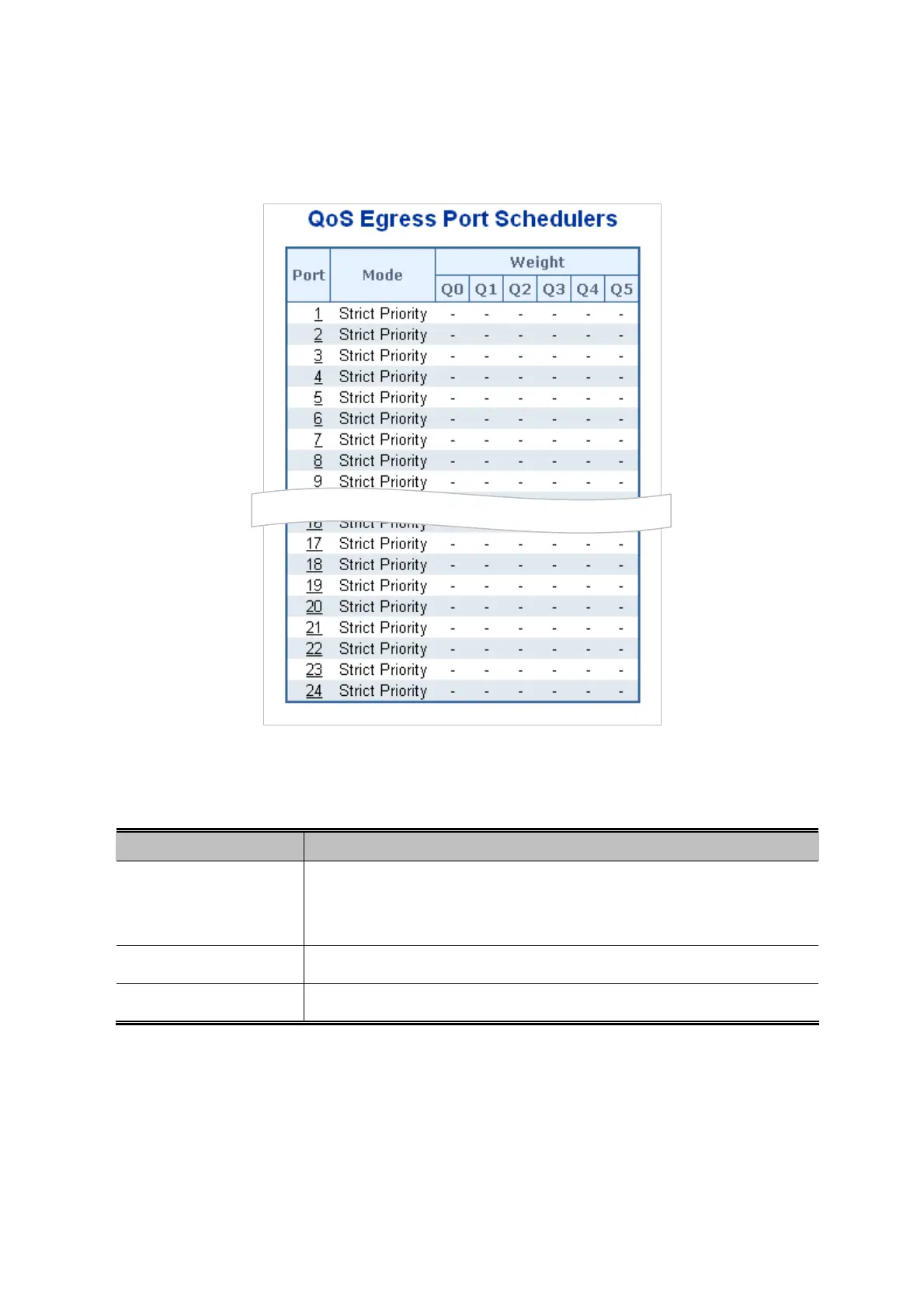
This Page provides an overview of QoS Egress Port Schedulers for all switch ports. The Port Scheduler screen in Figure 4-9-3
appears.
Figure 4-9-3: QoS Egress Port Schedule Page Screenshot
The Page includes the following fields:
Object Description
The logical p
ort for the settings contained in the same row.
Click on the port number in order to configure the schedulers.
For more detail, please refer to chapter 4.9.5.1.
Port
Show
s the scheduling mode for this port.
Mode
Q0 ~ Q5
Shows the weight for this queue and port.
185



 To Next Page
 Loading...












