CB Setup and Network Setting Procedure
Close the web browser.
Clickthewebbrowser’sclosebutton([X])tocloseit.
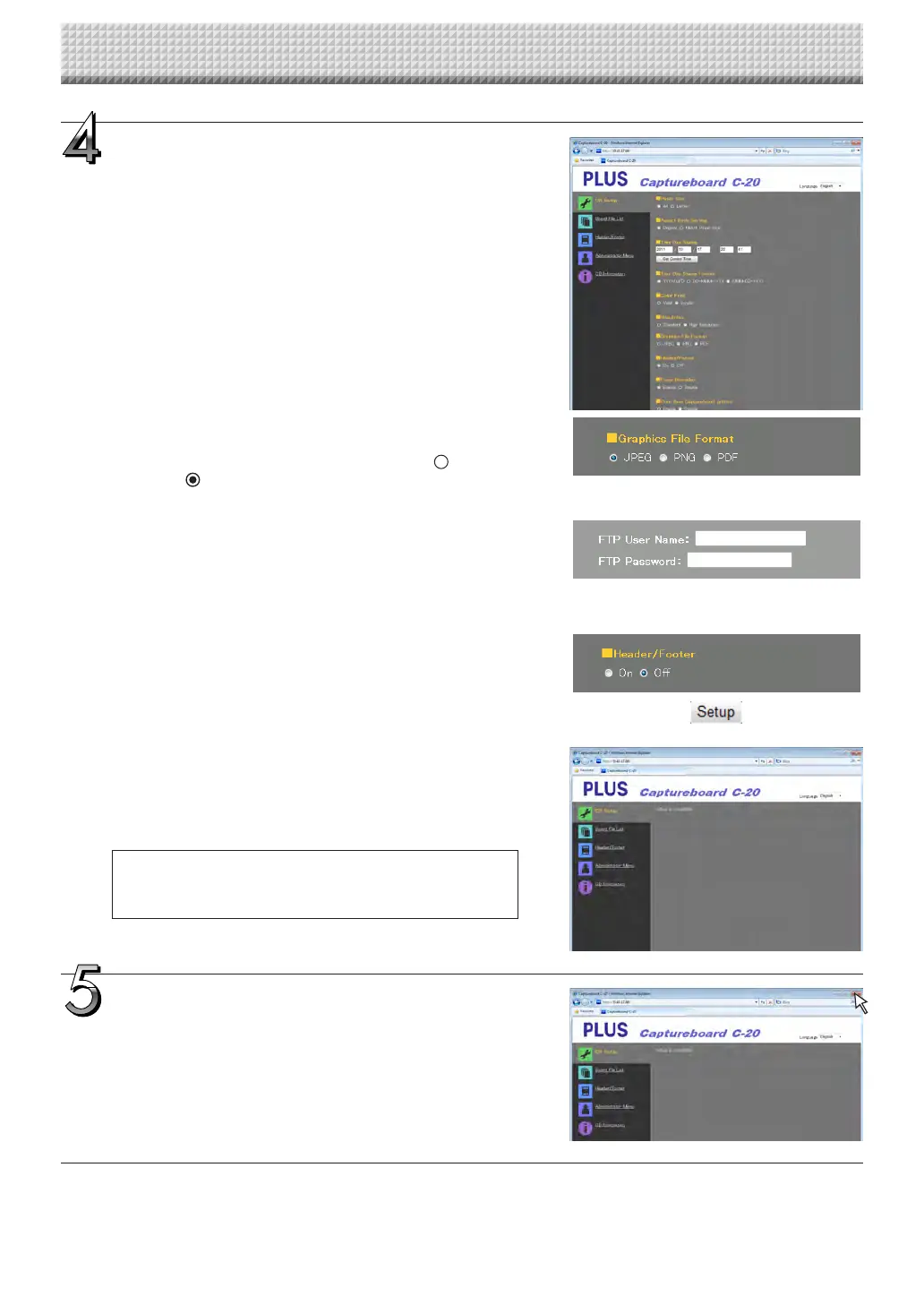
Make the changes or settings.
The screen at the right is an example of what may be displayed,
hereshowingthe“CBSetup”page.
Selecting and inputting
Radio buttons
Oneoftheselectionitemscanbeselected.When isclicked,it
switchesto .
Input boxes
Whenaboxisclicked,thearrowcursorswitchestothe“|”char-
acterinputcursor.Inputcharactersinthesamewayasyouwould
onacomputer.
• Thecharactersthatcanbeinputarerestrictedaccordingtothe
item’stypeofsetting.(SeepageE-41)
Browse and Upload buttons
See“Header/Footer”.(PageE-39)
Setup button
Whenclicked, thesettings/changes aresent tothe captureboard,
overwritingprevioussettings.
Once overwriting is completed, the “CB Setup” page switches to
the“Setupiscompleted”characterdisplay.
• IftheIPaddressinthenetworksettings,etc.,hasbeenchanged,
thecaptureboardreboots.(SeepageE-40.)
After making settings or changes, be sure to click the
“Setup” button to overwrite the previous settings on the
captureboard.
https://www.supplychimp.com/



 To Next Page