Relay Mode
101
Relay Mode
Next recommended reading: Remote Camera Triggering
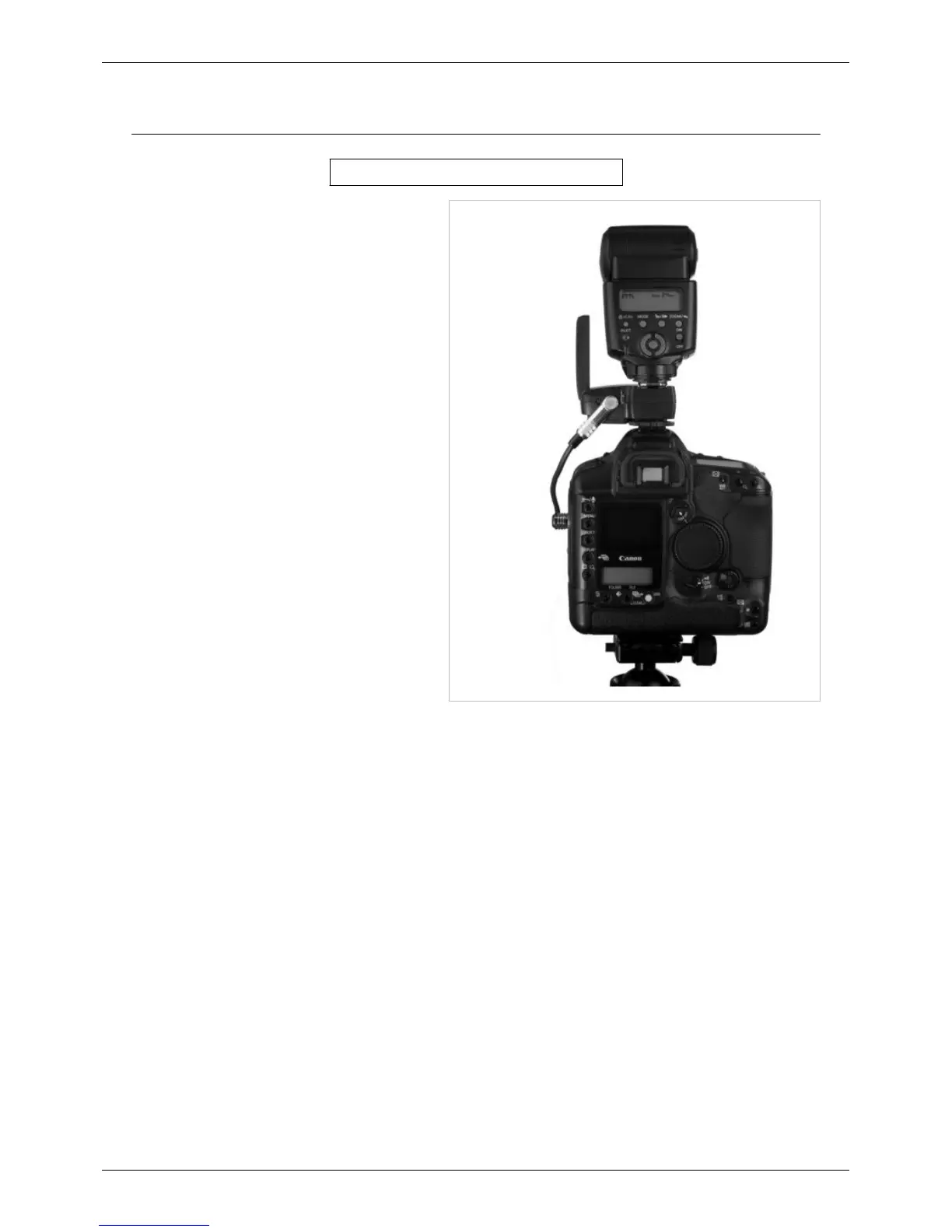
You can trigger flashes in sync with your remote
camera. This is called Relay Mode. Here’s how it
works:
• Press TEST on a PocketWizard that you are
holding in your hands.
• The FlexTT5 connected to your remote camera
receives the signal and triggers your camera.
• The FlexTT5 switches to transmit mode and
waits for the camera to provide a sync pulse.
• The FlexTT5 triggers the flash in its shoe in
sync with other remote PocketWizard radios.
The Channel used for relay transmitting is ONE
CHANNEL HIGHER than the taught or default
Channel, unless you set the Channels using the
PocketWizard Utility. Be careful not to teach or set
your remote flashes the same Channel as your
remote camera or proper synchronization will not
occur.
Example: If you taught the camera-connected
FlexTT5 unit Standard Channel 3 then relay
transmit occurs on both ControlTL and Standard
Channel 4. Remember, set the transmitter in your
hand and the receiving Channel on the remote FlexTT5 connected to your remote camera to the same Channel. Set
the transmitting Channel in that camera’s FlexTT5 to the Channel you wish to use for your remote flashes.



 To Next Page