Long Range Performance
109
Use the default C2 setting on the receiving FlexTT5 Transceiver
This channel uses a different frequency than C1 and may reduce RF noise interference and increase range from 10 to
30%. You can also try other channels that operate at different frequencies, especially around 345 to 347 MHz, which
include channels 2, 4, 5, 6 & 20. A channel frequency guide can be found on the Channels page.
Use a FlexTT5 Transceiver as your transmitter and your receiver.
As a transmitter, the FlexTT5 Transceiver has a more optimize-able antenna than the MiniTT1 Transmitter and will
improve range up to 20%.
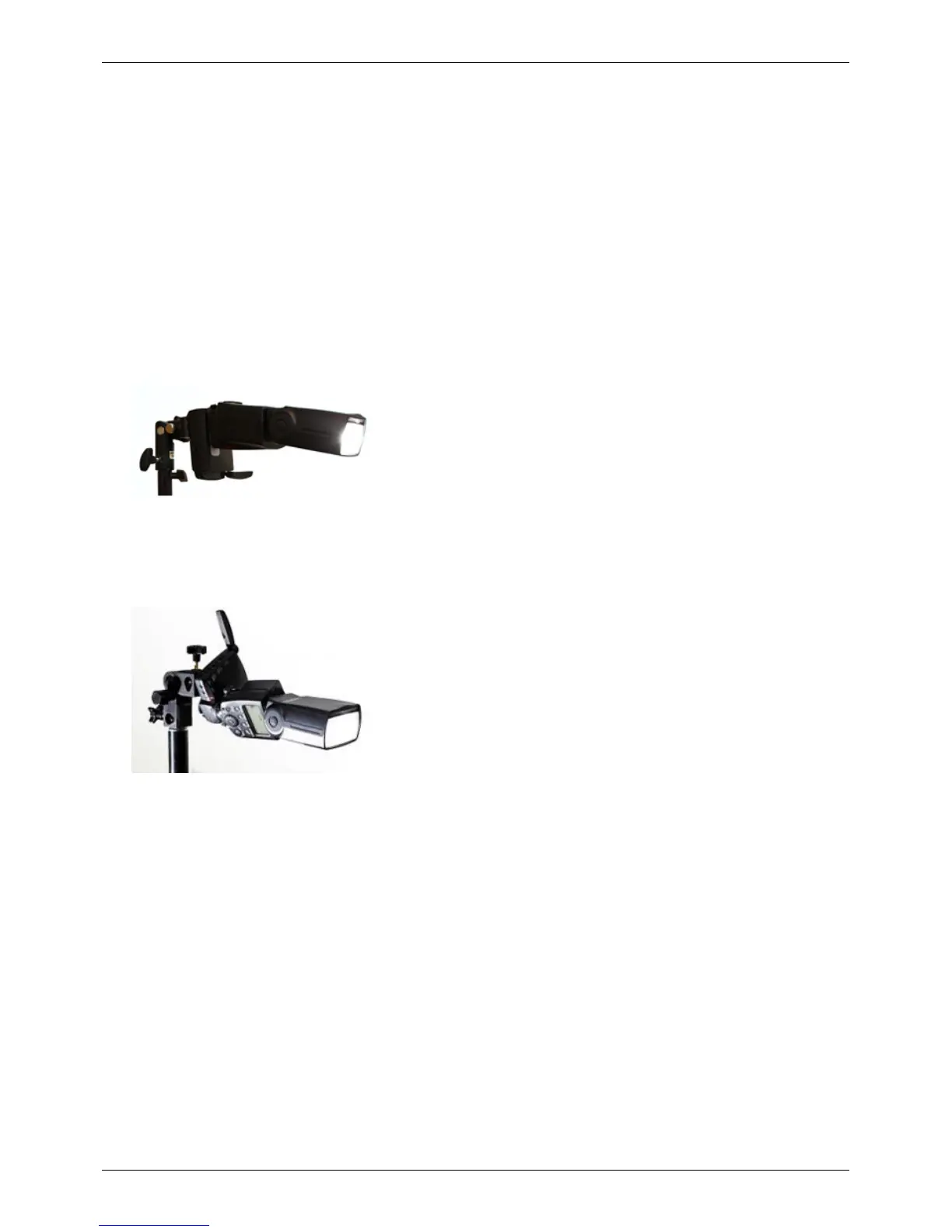
Straighten out the flash head.
Lay it on its side and put the antenna in a 180º position. This should increase range from 50 to 100%.
{{{annotations}}}
Better
<!-- --/>
{{{annotations}}}
Best
<!-- --/>



 To Next Page