Basic Wireless TTL
37
No Flash On Camera
This simple mode of operation allows you to use one or more
remote TTL flashes as one zone of light. All remote TTL flashes
will fire at the same power level which is chosen automatically by
the camera.
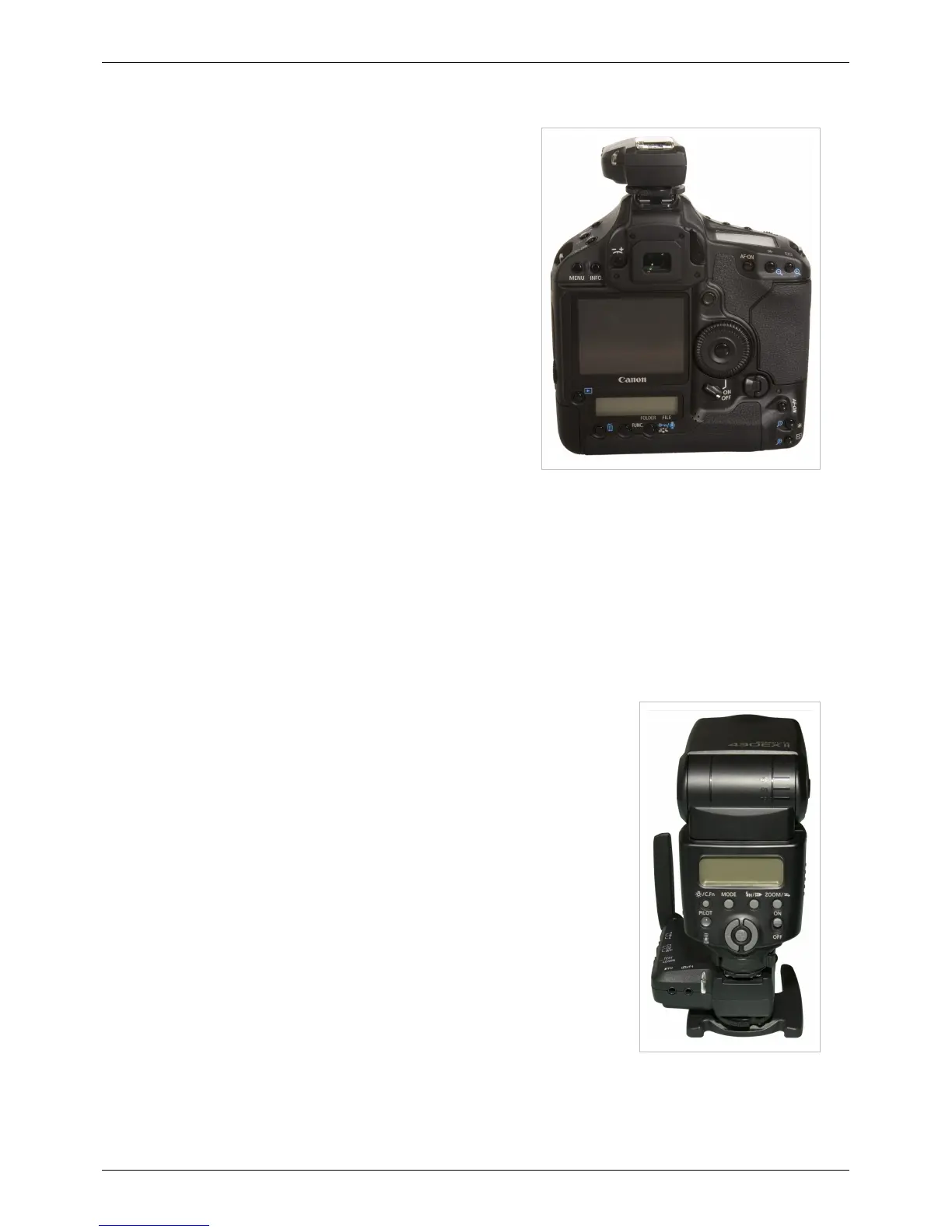
1. Slide a MiniTT1 Transmitter onto the camera and tighten the
locking ring.
2. Slide a remote Speedlite onto a FlexTT5 Transceiver's hot
shoe, tighten the locking ring, and secure the FlexTT5. Repeat
for each remote Speedlite. The remote Speedlites should be set
to normal mode, not <MASTER> or <SLAVE> or
<REMOTE>.
3. Power on your equipment from the top down (flash, then radio,
then camera).
4. Trigger normally.
Nikon Note
Please read your Nikon manuals on Advanced Wireless Lighting, also called CLS (Creative Lighting System).
This "No Flash On Camera" method is like using Nikon's wireless system with one of the following directly in the
shoe of the camera:
• An SU-800 in TTL Commander mode, with a single remote group/zone selected as TTL with 0.0 FEC.
• An SB-800 or SB-900 as MASTER in Advanced Wireless Lighting TTL Mode with master flash cancelled and a
single remote group/zone selected as TTL with 0.0 FEC.
Canon Note
Please read your Canon manuals on Fully Automatic Wireless Flash, also called E-TTL II Wireless Autoflash.
This "No Flash On Camera" method is the same as using Canon’s wireless system
with one of the following directly in the shoe of the camera:
• An ST-E2 in non-ratio mode
• A 580EX (I or II) Speedlite in <MASTER> mode, main flash off, in non-ratio
mode.
Flash on Camera
This mode is similar to the above, adding a flash on top of the ControlTL radio in
the shoe of your camera.



 To Next Page