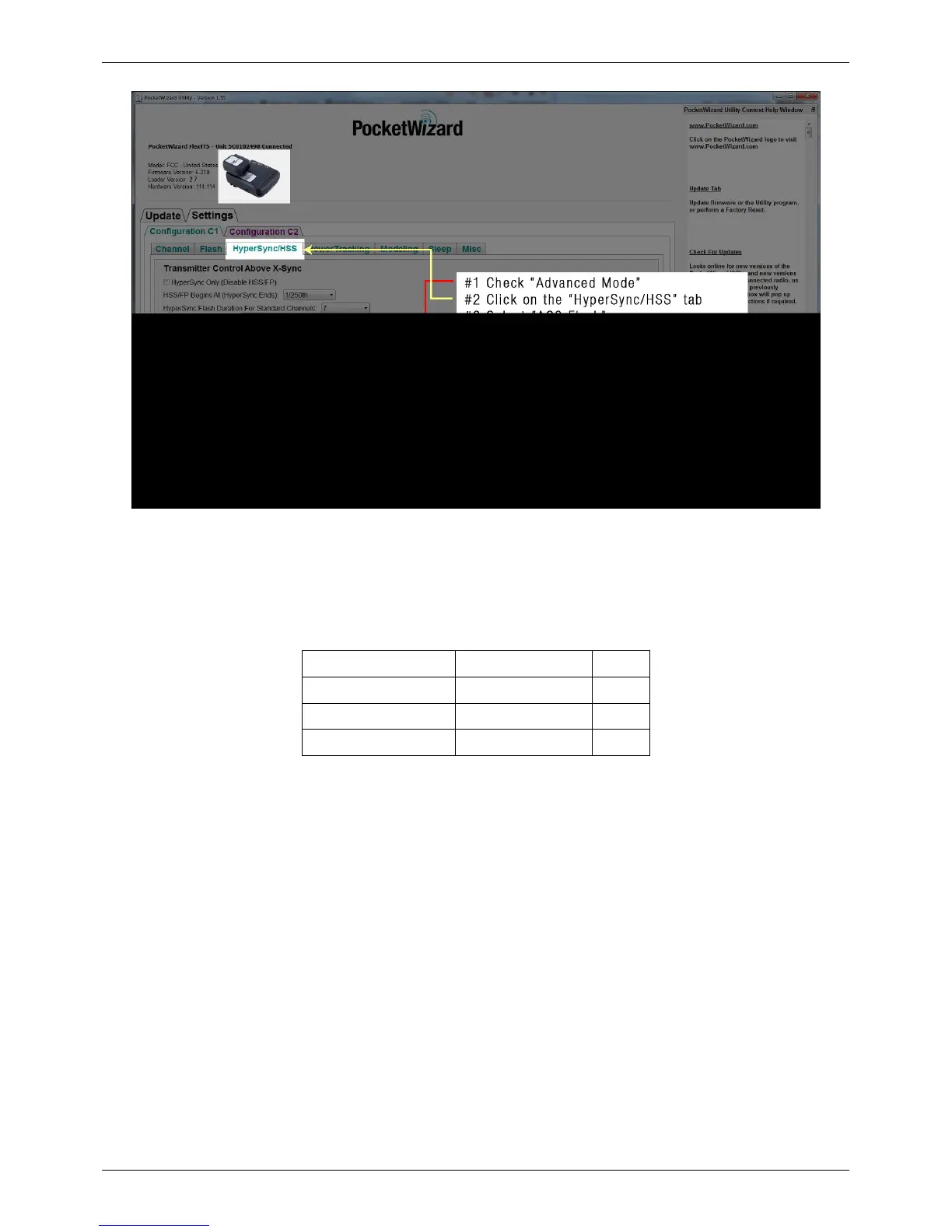
HyperSync Setup
54
This video shows you how to set up your transmitter and receiver for HyperSync for the Nikon system of radios.
<videoflash>WyNDk2NDJ9w&loop=0&rel=0?&autohide=1|475|290</videoflash>
This video shows you how to set up your transmitter and receiver for HyperSync for the Canon system of radios.
<videoflash>5jD8oFo0NXQ&loop=0&rel=0?&autohide=1|475|290</videoflash>
HyperSync Automation is currently implemented for the following Paul C. Buff flashes and AC9 Adapter:
AlienBees AB400 White Lightning X800 Zeus 1250
AlienBees AB800 White Lightning X1600
AlienBees AB1600 White Lightning X3200
AlienBees ABR800 RingFlash White Lightning Ultra1200
If you wish to use a flash that does not appear on the list above with an AC9 AlienBees Adapter, try selecting a flash
of a similar power output.
How to Configure the Receiving PowerMC2
When using a PowerMC2 as your receiver, follow these steps to configure your radio:
1. Connect your PowerMC2 to the PocketWizard Utility via USB, and make sure that the “Advanced Mode” box is
checked
2. Navigate to “Optimize HyperSync Automation For:” on the “HyperSync” tab; choose "Reduced Clipping" or
"Highest Energy"
3. Click "Apply Changes"
4. Connect the PowerMC2 to the flash



 To Next Page