6
First Steps
Getting Started
Next recommended reading: Batteries
Before You Begin
If this is the first time you are using a remote TTL flash system, we recommend you consult your camera and flash
manuals for the basics of positioning your flash units.
Review the owner’s manuals for your camera and flash system. For most basic functions when using Canon or
Nikon’s system with PocketWizard's, operation is identical. Important exceptions will be noted in this wiki.
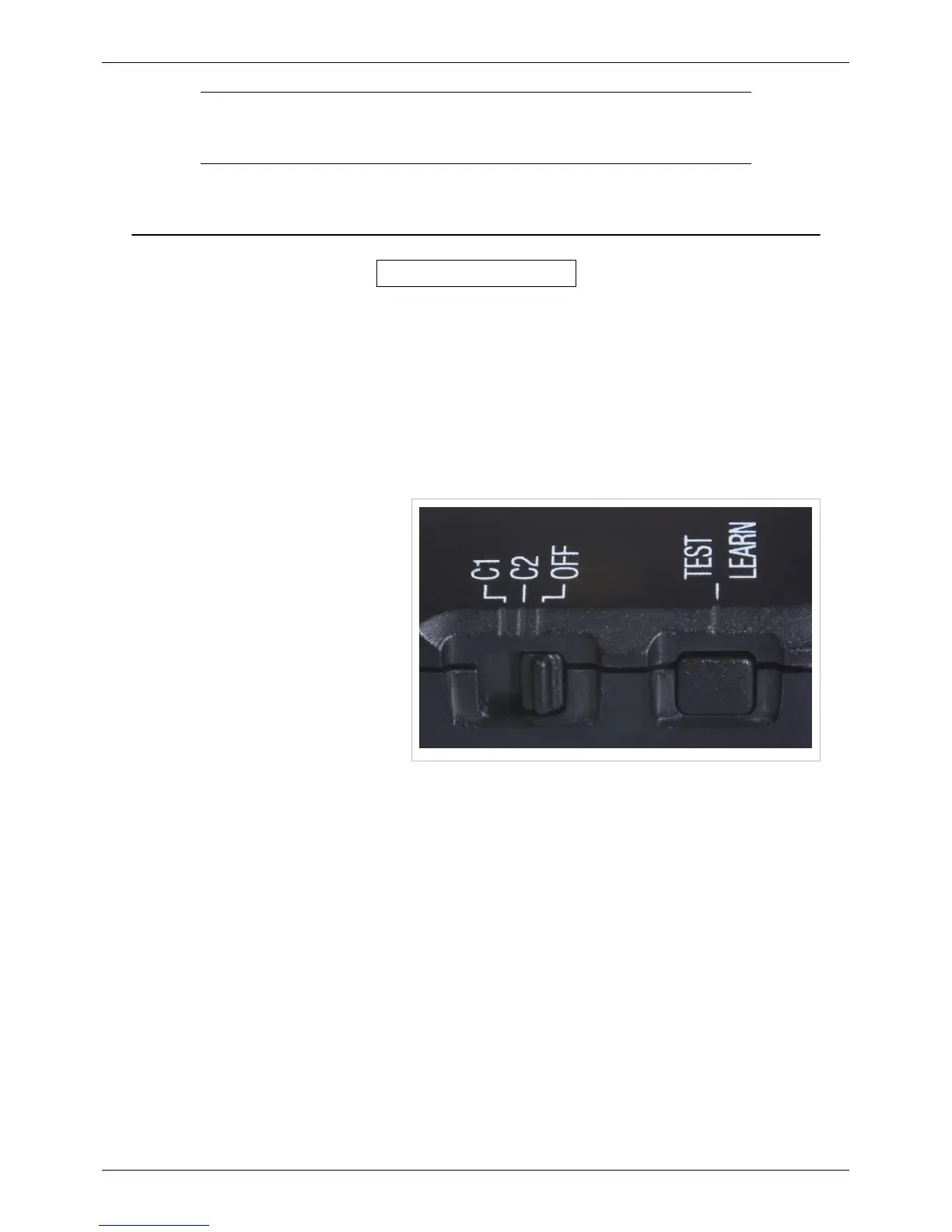
Turn Everything OFF
All equipment should be turned OFF when
making connections. If not, unwanted
triggering may occur when inserting or
removing a flash or connecting a camera
cable.
Turn OFF your PocketWizard radios,
electronic flash units, cameras, etc.,
before changing batteries in the flashes,
cameras, or radios. See the Batteries
section for more information.
ControlTL radios use information presented
by the camera and flash when the camera
wakes up. If you do not power off your gear when making changes to your equipment, like adding a flash or
accessory to the top shoe or changing the camera body in use, then this information is missed and the radios may not
perform properly. If you do not power off the equipment, try letting your camera enter a sleep cycle when making
equipment changes: wait for the meters to turn off in the viewfinder (entering sleep), then half-press the shutter to
exit sleep. This may restore proper operation.



 To Next Page