Learn Mode
29
Engaging Learn Mode
<videoflash>vV0tLU03OAg&loop=1&rel=0&autoplay=0|225|155</videoflash>
Follow the steps below to put your PowerST4 in Learn Mode.
IMPORTANT: Hold radios at least 2 feet apart when teaching/learning. Your flash may trigger during
teach/learn.
1. Prepare your ControlTL radio for Learn Mode:
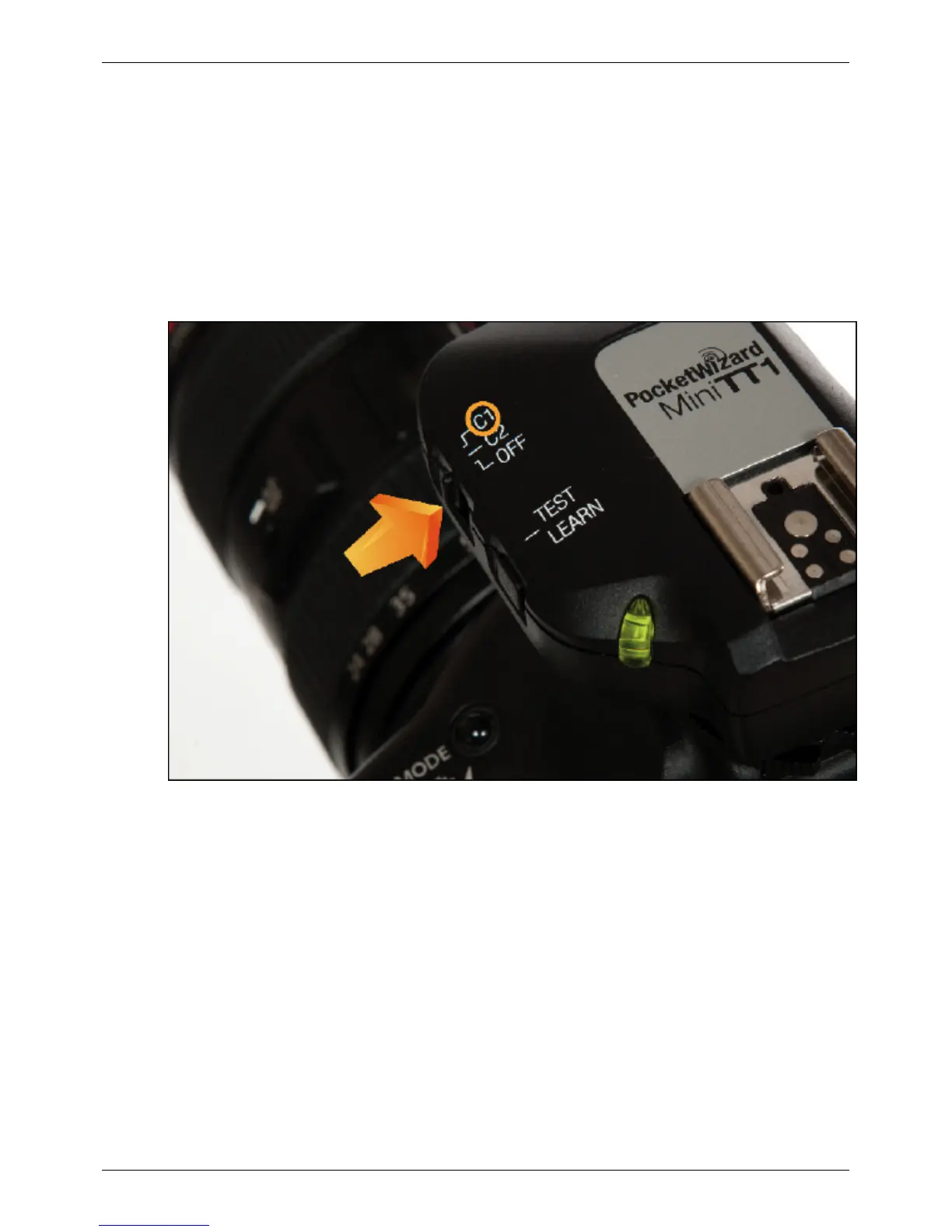
MiniTT1 and FlexTT5 - turn the radio on and select the configuration to be taught, C.1 or C.2. Wait 3 or 4
seconds until you see the normal green blinks indicating the radio is ready to go with good batteries. Learning
takes a lot of power for the MiniTT1 so be sure you are starting with a good coin cell battery.
PowerST4 - Plug the PowerST4 radio into a compatible flash and turn it ON.
2. Press and hold TEST on the radio to be taught for several seconds. The led will pulse red becuase you are
transmitting!



 To Next Page