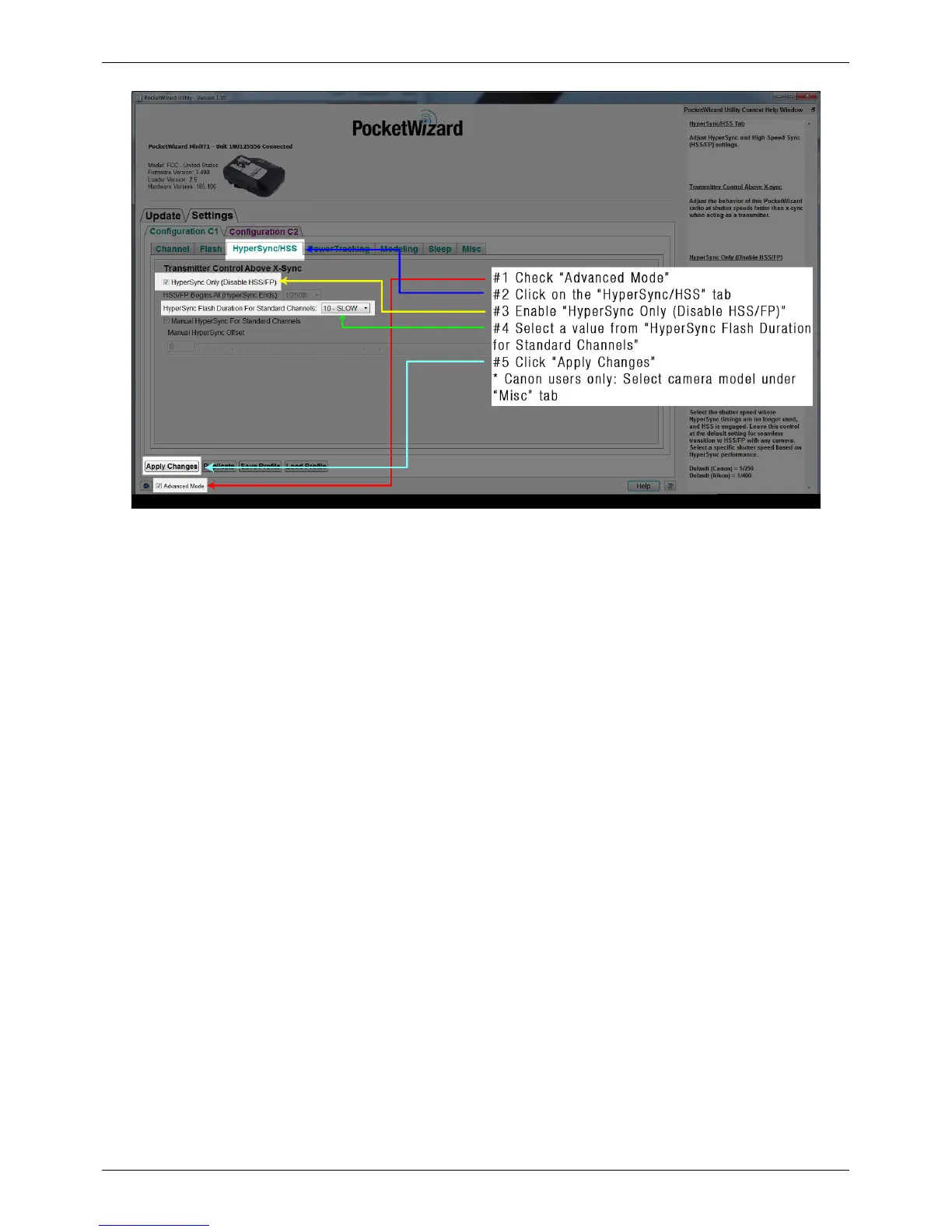
HyperSync Setup
59
If you notice clipping in frame, choose a different “HyperSync Flash Duration for Standard Channels” value – some
experimentation may be necessary to find the best setting for your camera and flash combination
How to Configure the ControlTL Transmitter - Manual HyperSync For Standard Channels
Follow these steps to configure your ControlTL transmitter using Manual HyperSync For Standard Channels:
1. Connect your transmitting MiniTT1 or FlexTT5 to the PocketWizard Utility via USB and make sure that the
“Advanced Mode” box is checked
2. Navigate to the "HyperSync/HSS" tab
3. Enable “HyperSync Only”
4. Enable “Manual HyperSync For Standard Channels” by clicking the check-box
5. Use the slider to set a Manual HyperSync Offset – the greatest offset (all the way to the left) is often a good
starting point
6. Canon users only: Navigate to the “Misc” tab and manually select your camera
7. Click "Apply Changes"



 To Next Page