HyperSync Setup
53
NOTE: If you are a Canon user attempting to use HyperSync with Standard Channel receivers (like the Plus II, Plus
III, PlusX, or MultiMAX), you must enable "HyperSync Only." Please read the section ControlTL Transmitter,
Standard Receiver, below, for more information.
How to Configure the Receiving FlexTT5 and AC9 AlienBees Adapter
When using a Canon or Nikon FlexTT5 with an attached AC9 AlienBees Adapter as your receiver, follow these
steps to configure your radio:
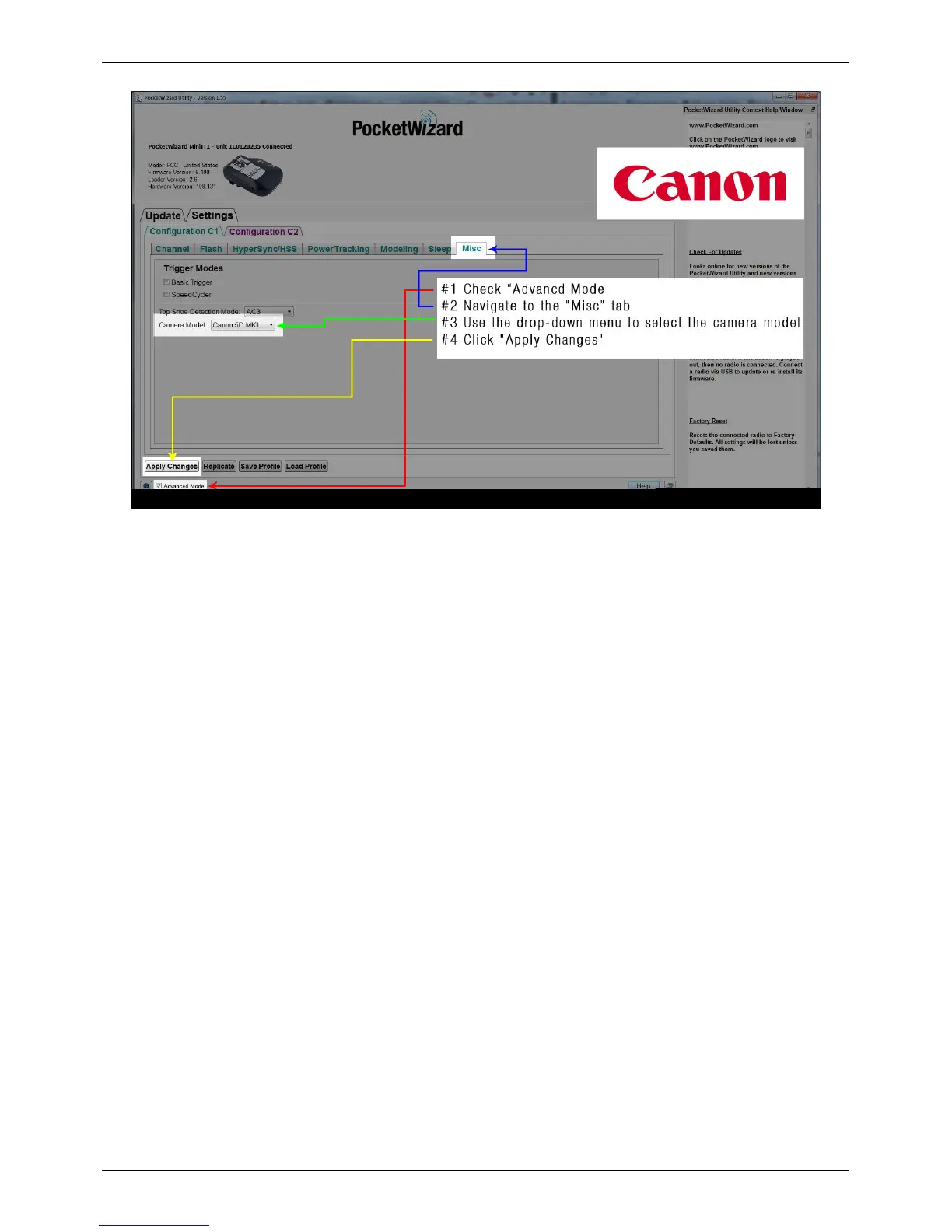
1. Connect your receiving FlexTT5 to the PocketWizard Utility via USB and make sure that the “Advanced Mode”
box is checked
2. Navigate to the “HyperSync/HSS” tab and select the flash connected to the AC9 AlienBees Adapter using the
"AC9 Flash" dropdown menu
3. Set “Optimize HyperSync Automation For:” to either "Reduced Clipping" or "Highest Energy" (default =
“Reduced Clipping”)
4. Click "Apply Changes"
5. Connect the receiving FlexTT5 and AC9 AlienBees Adapter to the flash



 To Next Page