42
Manual Flash
Manual Flash
Next recommended reading: Understanding HyperSync and High Speed Sync
A transmitting MiniTT1 or FlexTT5 can trigger any receiving PocketWizard, including flashes with built-in
PocketWizards. They can transmit on any of the 32 PocketWizard Standard Channels and a receiving FlexTT5 can
be used with MultiMAX zones. You can even trigger E-TTL and manual flashes together.
Remote Manual Flash Control from Camera Position
You can use a 580EX II, SB-700, SB-800, SB-900, SU-800, or AC3 ZoneController as a master unit attached to the
PocketWizard on your camera to control manual power levels of compatible flashes connected to ControlTL
receivers. The on-camera PocketWizard will communicate with the device in its top shoe and transmit power level
changes to remote ControlTL receivers automatically.
Note that when using an on-camera Master unit to control remote power levels, leave remote speedlights in their
"TTL" mode. As ControlTL radios use the flash's TTL systems to communicate with Speedlights - even when
controlling the power manually from camera position - setting the flash to Manual as described in the sections below
will disable power controlling ability from your camera.
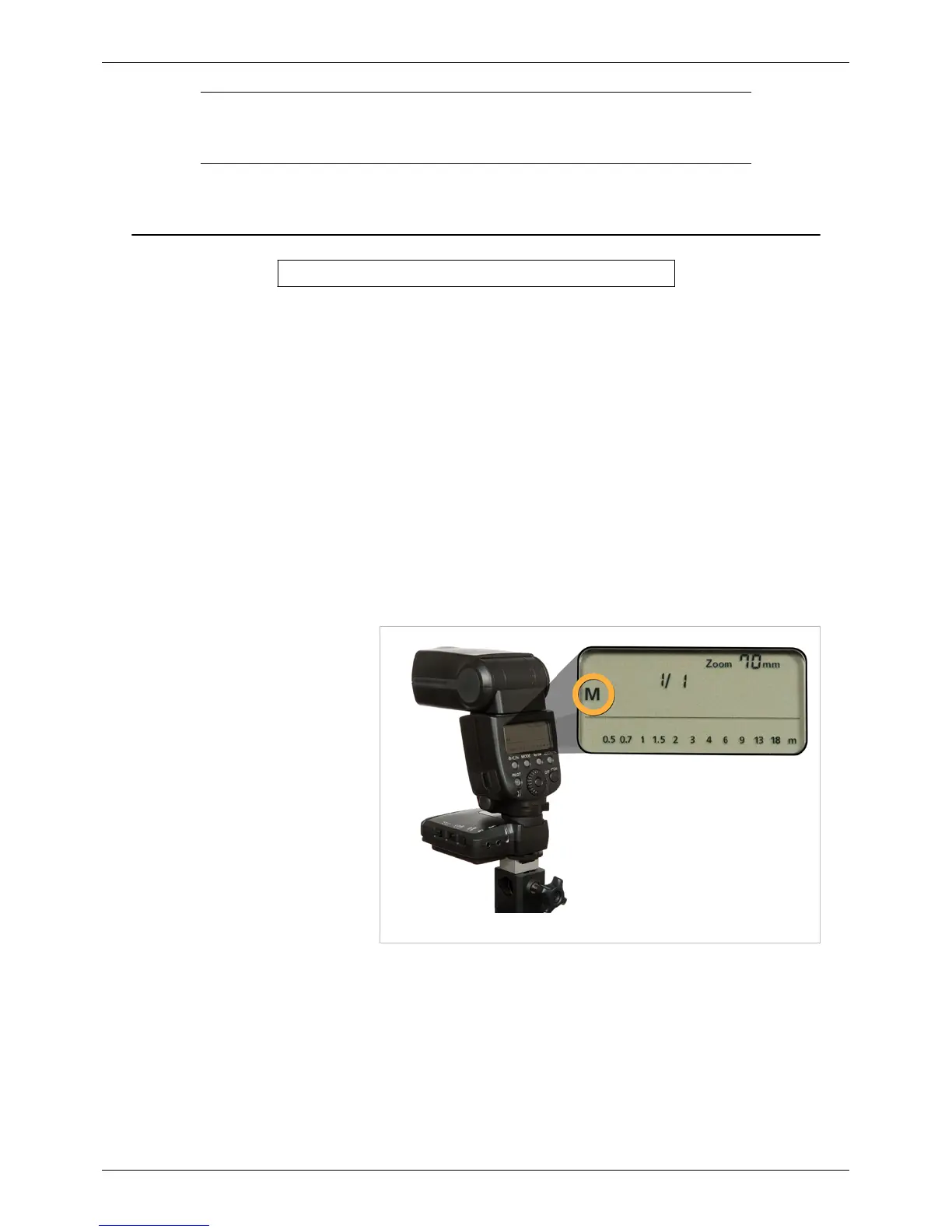
A 580EX II in manual mode.
Triggering Hot Shoe
Flashes Manually
Slide a Speedlite or other manual flash
into the top shoe of a FlexTT5 for
manual triggering without cords. You
can also use a manual flash in the top
shoe of an on-camera MiniTT1 or
FlexTT5. No configuration of the radio
is necessary.
Triggering Studio Strobes
You can use a receiving FlexTT5 to
trigger studio strobes. Use our Cable
Finder
[1]
to find the right cable for lots
of different strobes.
If you’re using a PocketWizard Plus, Plus II, MultiMAX, or Sekonic Meter
[2]
as a transmitter, be sure to set the
FlexTT5 to receive on a Standard Channel via Basic Trigger Mode. This can be set in the PocketWizard Utility,
under the Misc Tab while shooting on-location via Learn Mode. See the tutorial on Learn Mode here.
Note: Do not connect a flash to the camera port (P1) on a FlexTT5. You could damage your radio. This port is for
triggering Canon motor drives only and isn’t designed for the trigger voltages used by some flashes.



 To Next Page