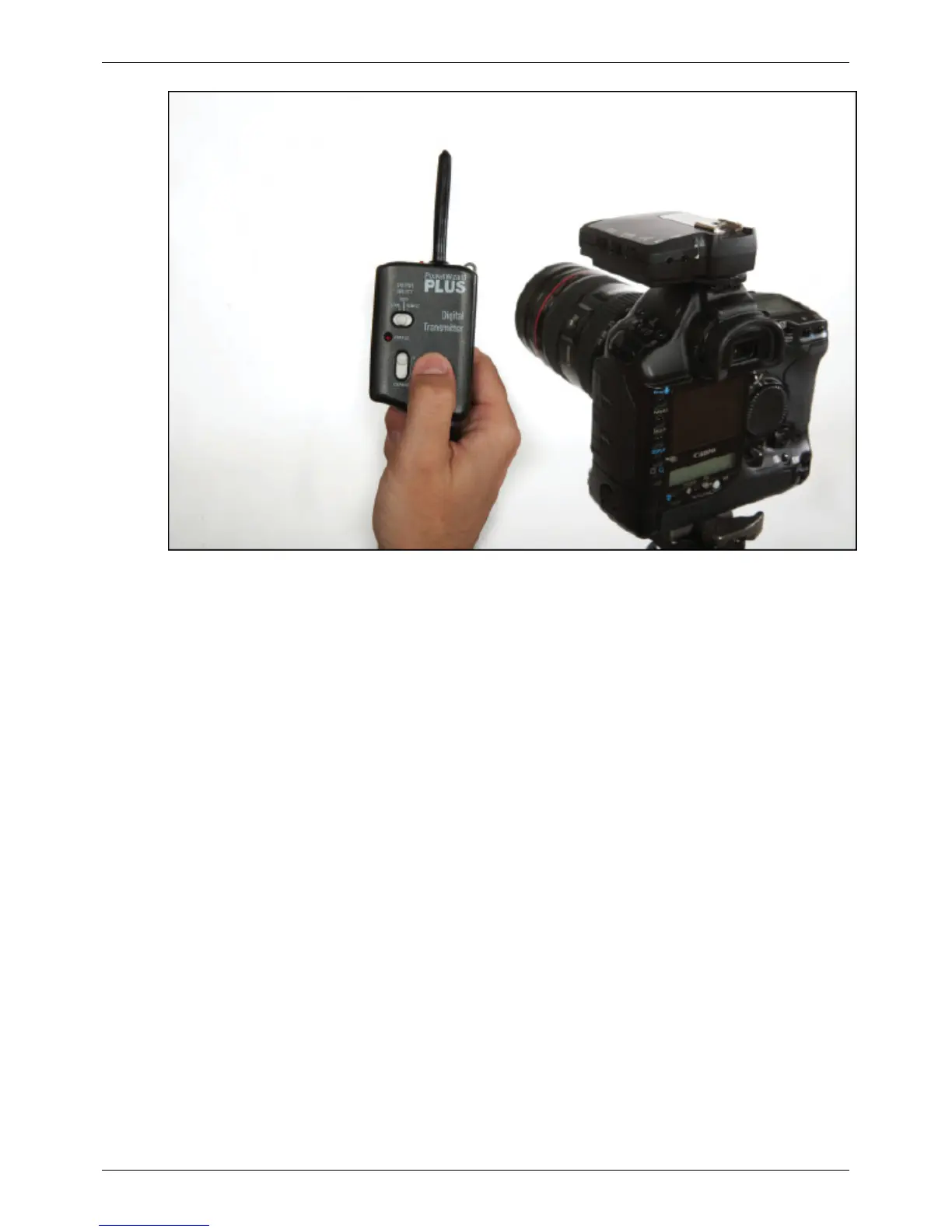
Learn Mode
33
3. Reprogram the FlexTT5 transmitter (the first one you taught) with one of the FlexTT5 receivers. This assures all
FlexTT5 radios will send and receive on the same ControlTL channel.
Special Notes
• On a transmitting radio like a MiniTT1 or FlexTT5, when you are holding TEST to engage Learn Mode, you are
also transmitting! Make sure remote equipment that you do not want to trigger is turned off.
• Activating LEARN in a MiniTT1 causes a large drain on the coin cell battery. To maintain the best battery life,
use the PocketWizard Utility to teach channels to the MiniTT1 whenever possible.
• For a MiniTT1 or FlexTT5 only the configuration set, C.1 or C.2, will be taught. The other configuration will
retain its settings.
• For a MiniTT1 or FlexTT5 all other settings as set in the PocketWizard Utility will remain in effect. If you wish
to reset your radio to Factory Defaults, follow that procedure, then engage Learn Mode.
• Learn Mode is only used by ControlTL radios like the MiniTT1, FlexTT5 or PowerST4. Standard radios like the
Plus II and MultiMAX do not learn channels, but can be used to teach ControlTL radios different channels.
• Radios from different world regions cannot be used together with Learn Mode. CE radios cannot teach or learn
US FCC/IC channels and frequencies, and vice versa. See the Channels section for more information on channels
and frequencies.
• A Sekonic Meter cannot be used to teach. Its brief trigger mode is not compatible with LEARN.
• Custom IDs from MultiMAX radios are not learned.
• When teaching a ControlTL transmitter from another ControlTL transmitter, usually only the ControlTL channel
is learned and not the Standard Channel. Even though your teaching radio is transmitting on two channels,
Standard and ControlTL, the learning radio only hears the one it received first which is usually the ControlTL
channel. The Standard channel that the radio being taught will use is based on the table below.



 To Next Page