Basic Wireless TTL
38
Canon Basic Wireless E-TTL II
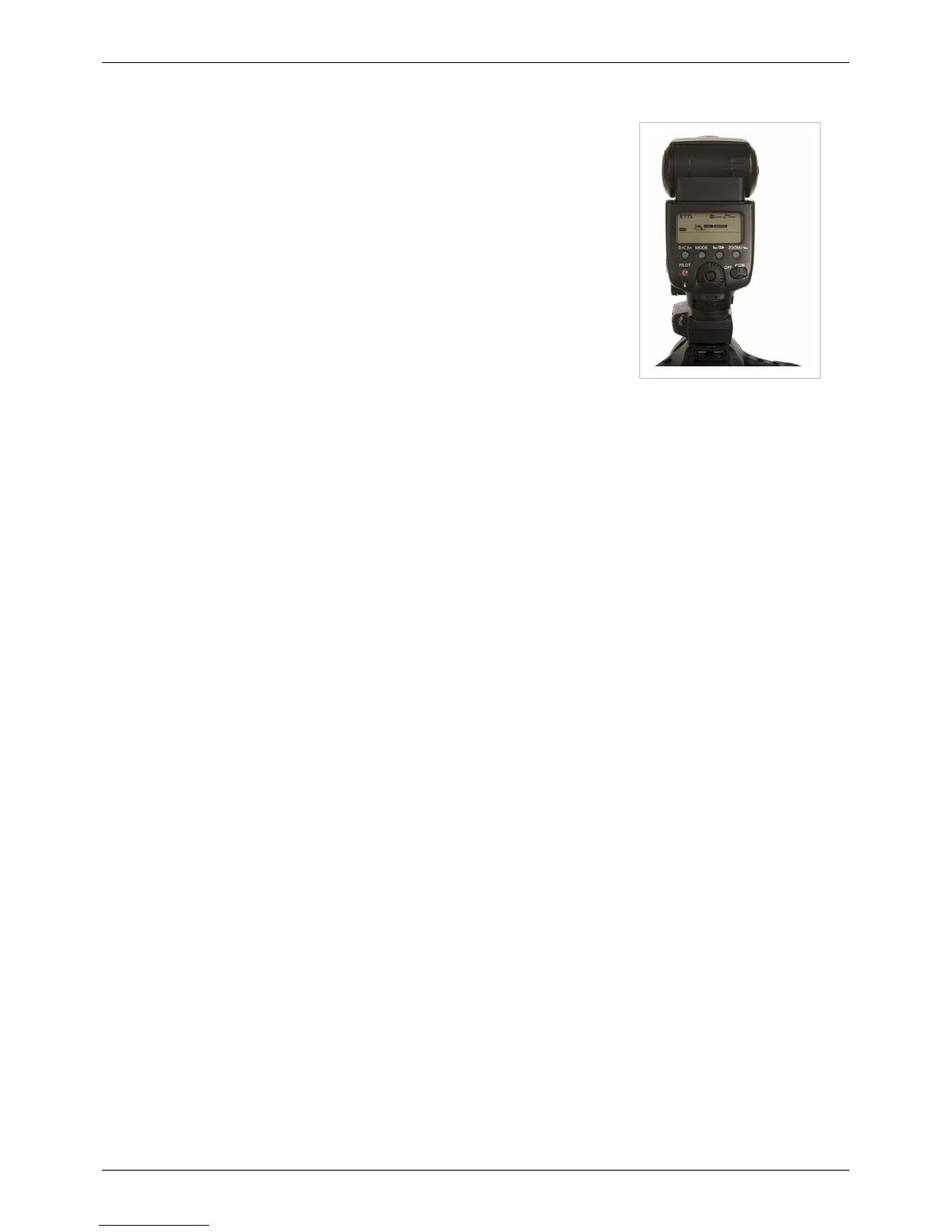
This mode is identical to the above, adding a flash to the top hot shoe of the
MiniTT1. All remote E-TTL II flashes and the master flash will be treated as one
zone of light and will fire at the same power level which is chosen automatically by
the camera.
1. Slide the MiniTT1 Transmitter onto the camera and tighten the locking ring.
2. Slide a Canon Speedlite onto the MiniTT1 and secure the Speedlite's locking
foot.
• Force TTL Master Mode is engaged by default. You can use <MASTER>
Mode if your flash has it, or you can just place a flash in the radio's hot shoe
set to normal ETTL mode.
3. Slide the remote Speedlite onto a FlexTT5 Transceiver, tighten the locking ring,
and secure the FlexTT5. Repeat for each remote Speedlite. The remote
Speedlites should be set to normal ETTL mode, not <MASTER> or <SLAVE>.
4. Power on your equipment from the top down (flash, then radio, then camera).
5. Fire your calibration shot, then trigger normally.
NOTE: You can use a 430EX (I or II) as a master flash! These flashes do not have a master mode, and cannot
usually trigger remote E-TTL II flashes. Force TTL Master Mode is engaged by default which gives these flashes the
ability to act as a single zone master flash.
To use the flashes with High Speed Sync, the Master flash must be set for High Speed Sync via the flash's menu. It is
not necessary for the remote flashes.
Nikon Basic Wireless i-TTL
The Nikon i-TTL system does not have a basic mode where all remote zones and a MASTER flash are treated as a
single zone of light. An attached Nikon flash must be set for MASTER mode, with a remote zone enabled, in order
to trigger remote flashes.
Attaching a Nikon flash set for normal, non-MASTER operation will completely disable remote triggers. Only the
on-camera flash will fire in this configuration.
In the Nikon i-TTL/CLS system, the MASTER flash is always treated as its own zone of light separate from remote
groups or zones. If you want all of your remote Speedlights to trigger as one zone or group of light, just follow the
steps in the Advanced Wireless TTL to set your MASTER flash, and set all of your remote Flex TT5 radios to Zone
A. The Zone "M" setting will control the on-camera flash.



 To Next Page