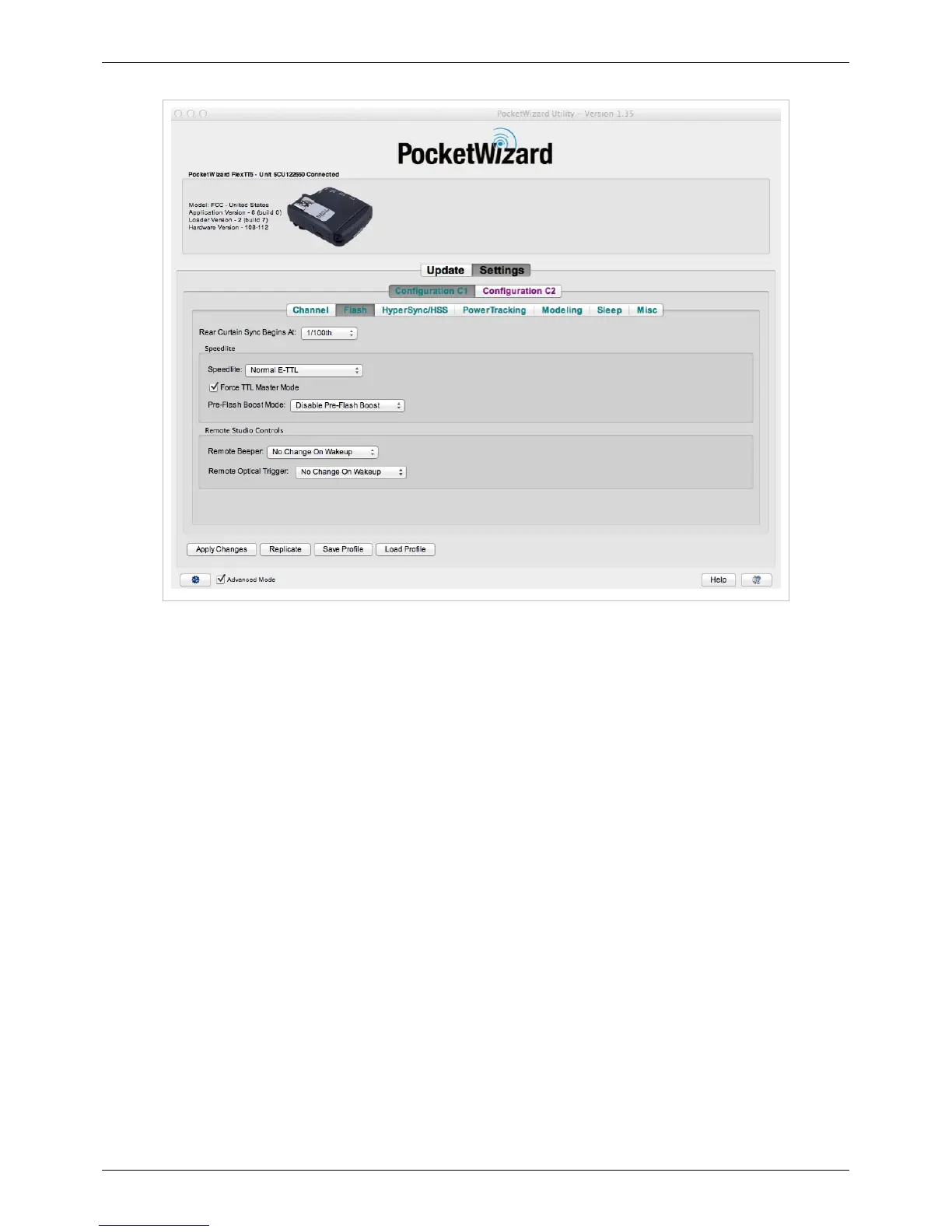
Flash Tab
83
Rear Curtain Sync Begins At (Canon Only):
Canon Only
Use this setting to control the shutter speed that Rear Curtain Sync begins at with your Canon camera. The default
setting is 1/100th.
(Nikon's Rear Curtain Sync is controlled on the Camera Body instead, and begins at 1/125th.)
Read more about Rear Curtain Sync here.
Optimized Rear Curtain Sync / Manual Shutter Speeds:
This setting will allow for a more precise sync between the camera and the flash, greatly reducing afterglow. This
setting is only for shooting with your camera set to manual shutter speeds. If you are using Aperture Priority Mode
which automatically selects the shutter speed for you, make sure to uncheck this control.
Speedlite:
Adjusts how Speedlites will respond to the AC3 or ControlTL Transmitter with no AC3. Set to "Normal E-TTL" or
"Normal i-TTL" to have remote E-TTL/i-TTL flashes respond to ControlTL or TTL changes normally. Set to "No
Change (Trigger Only)" and this transmitting radio will not change the light level put out by remote Speedlights - the
remote Speedlite will trigger at the last level set. Use "No Change (Trigger Only)" if you are working with another
camera that is controlling the flash output levels.
Note that selecting "No Change (Trigger Only)" on this menu disables power controls ONLY for Speedlights -
studio power controlled flashes using a PowerST4/PowerMC2/AC9 will still respond normally. To disable studio
power controls as well, select "No Change (Trigger Only)" under the PowerTracking Tab.



 To Next Page