156
Polyend Play Manual Rev 1
Effects
9
NOTES
9.7 Distortion Effects
There are several effects that control the style of distortion. Overdrive and
Bit Rate can be applied at step and track level while Saturation is xed as
at the master output and is applied to the entire main output audio.
Overdrive: Adds grit and amplication to a sample audio signal. Overdrive
emulates the classic audio speaker / monitor character which adds
distortion through driving the signal hard into the speaker / amplier.
Overdrive can be applied at step or track level where the amount is
controlled between 0% - 100%.
Bit Depth: Digital audio is made up of a number of characteristics including
sample rate and bit rate. The quality of the audio can be determined by
these parameters. Reducing the number of bits in the audio signal will
deteriorate the audio quality producing a more lo- sound. Bit depth
changes can be applied at step or track level where the amount can be
adjusted down from 16 bits to 4 bits.
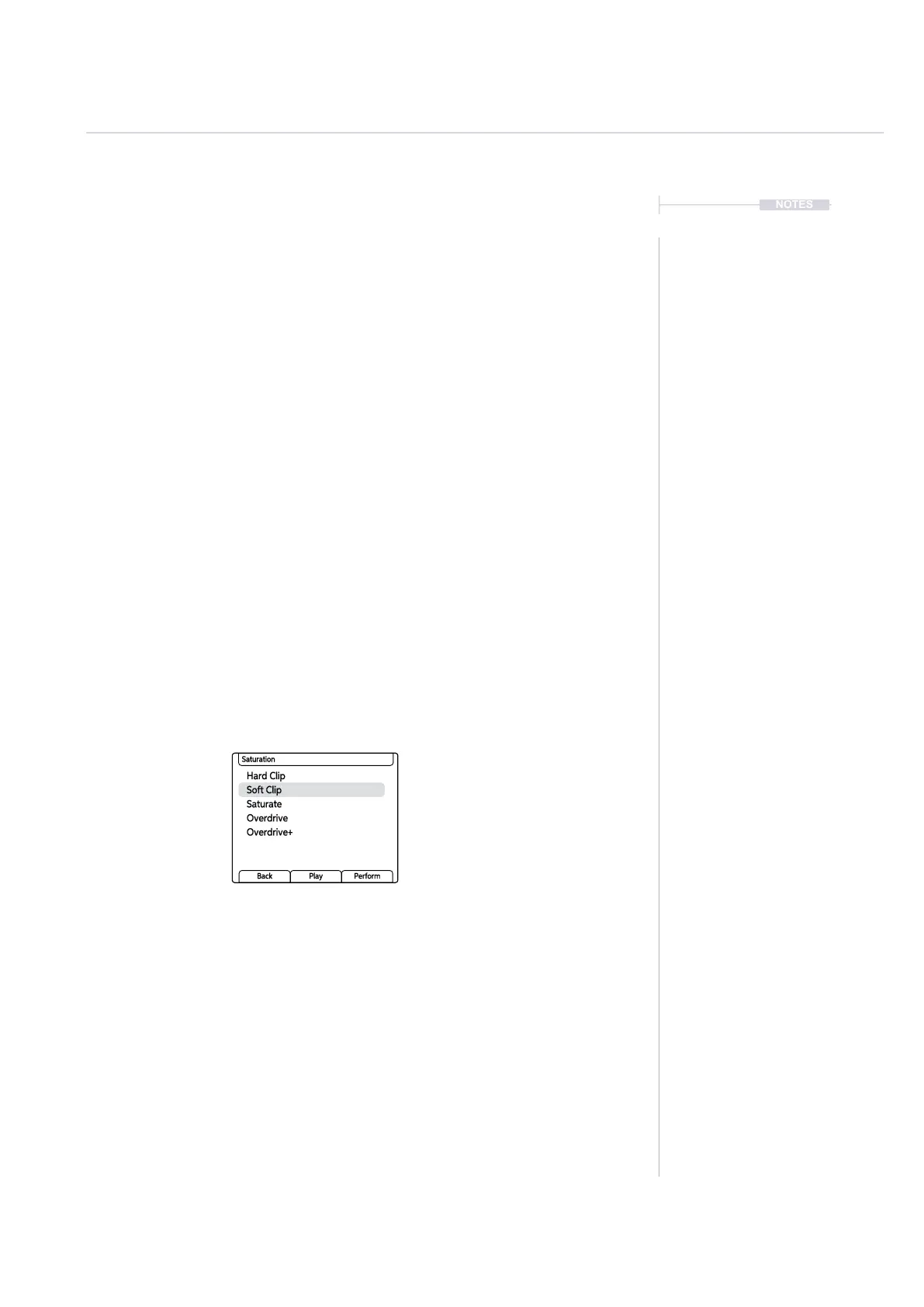
Saturation: Historically saturation is created from overloading analog
electronics. This is applied at the main audio output level to give a more
distorted output. When used as a subtle effect the audio signal will have a
warmer, analog feel. The preset can be assigned to give the style and
character but there are no other adjustable parameters.
Hard Clip
Saturate
Overdrive+
Soft Clip
Overdrive
Saturation
Back Play Perform



 To Next Page