90
Polyend Play Manual Rev 1
NOTES
6.5 Work Step Options
General selection of a sample and selection of the base parameters
creates a work step when no step or track is selected. Subsequent
placement into steps on the grid will populate each step selected with the
same work step settings. This allows a set of parameter and sample
settings to be pre-selected and then placed multiple times across a pattern
and provide a fast workow. The settings for each individual step can be
changed later if required.
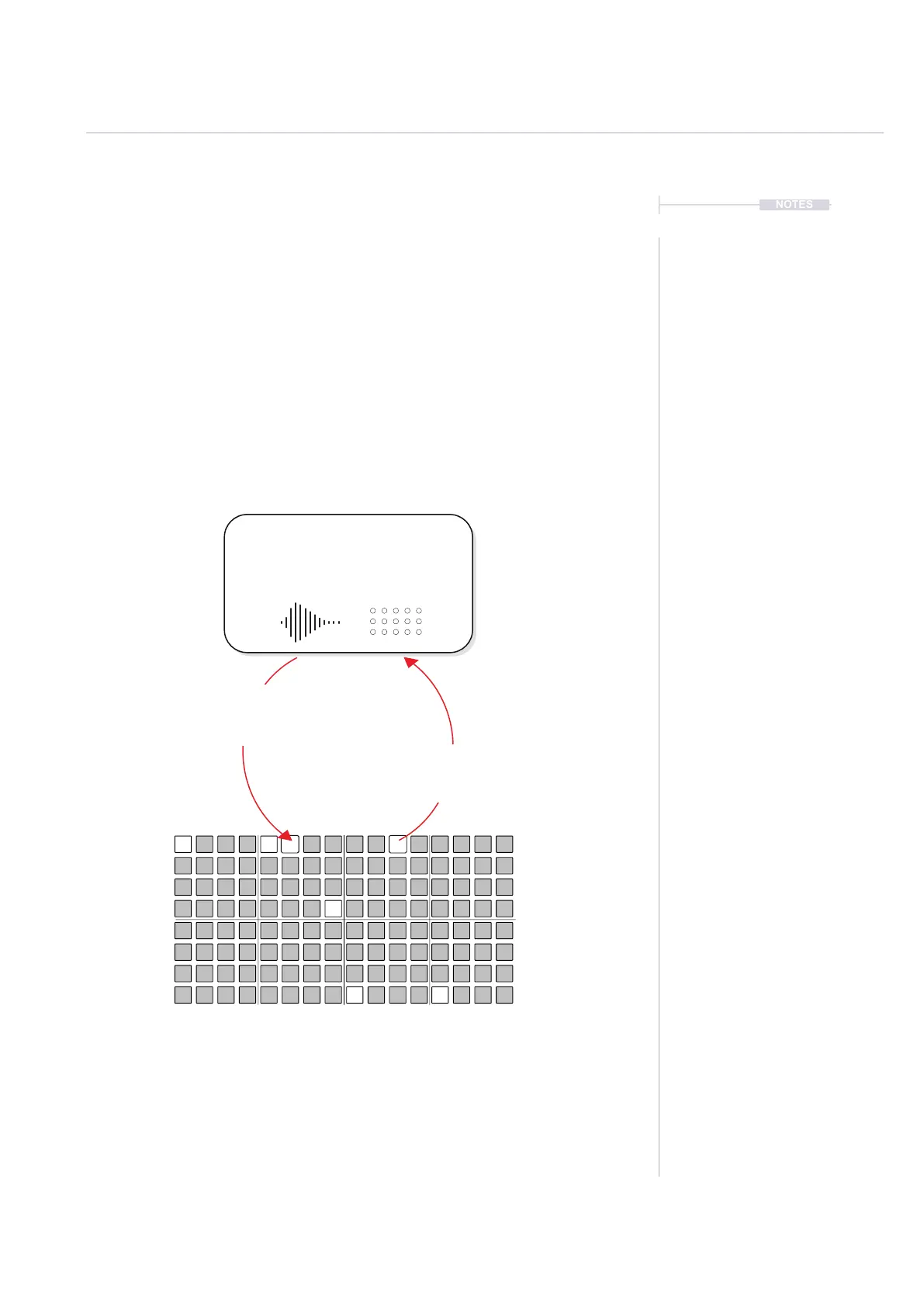
In addition an existing step on the grid can be ‘copied’ to create a work step
by holding the existing active step for >1 Second.
Deselect all steps and tracks to revert back to editing the work step.
Work Step
The selection of sample and it’s
associated parameters will be applied in
full when placing note steps into the grid.
Place
Tap a [Pad] step to place the work
step in a pattern on the grid
Copy
Hold a [Pad] for >1 Sec to copy
the active step to the work step
Remove
Quickly tap a [Pad] on an active step to remove it from the pattern.
When creating a work step, any parameter adjustments made when
the sequencer playback is stopped will be auditioned real-time
Sequencing Patterns
6



 To Next Page