45
Polyend Play Manual Rev 1
Project & Tracks
3
NOTES
3.12 Play Mode
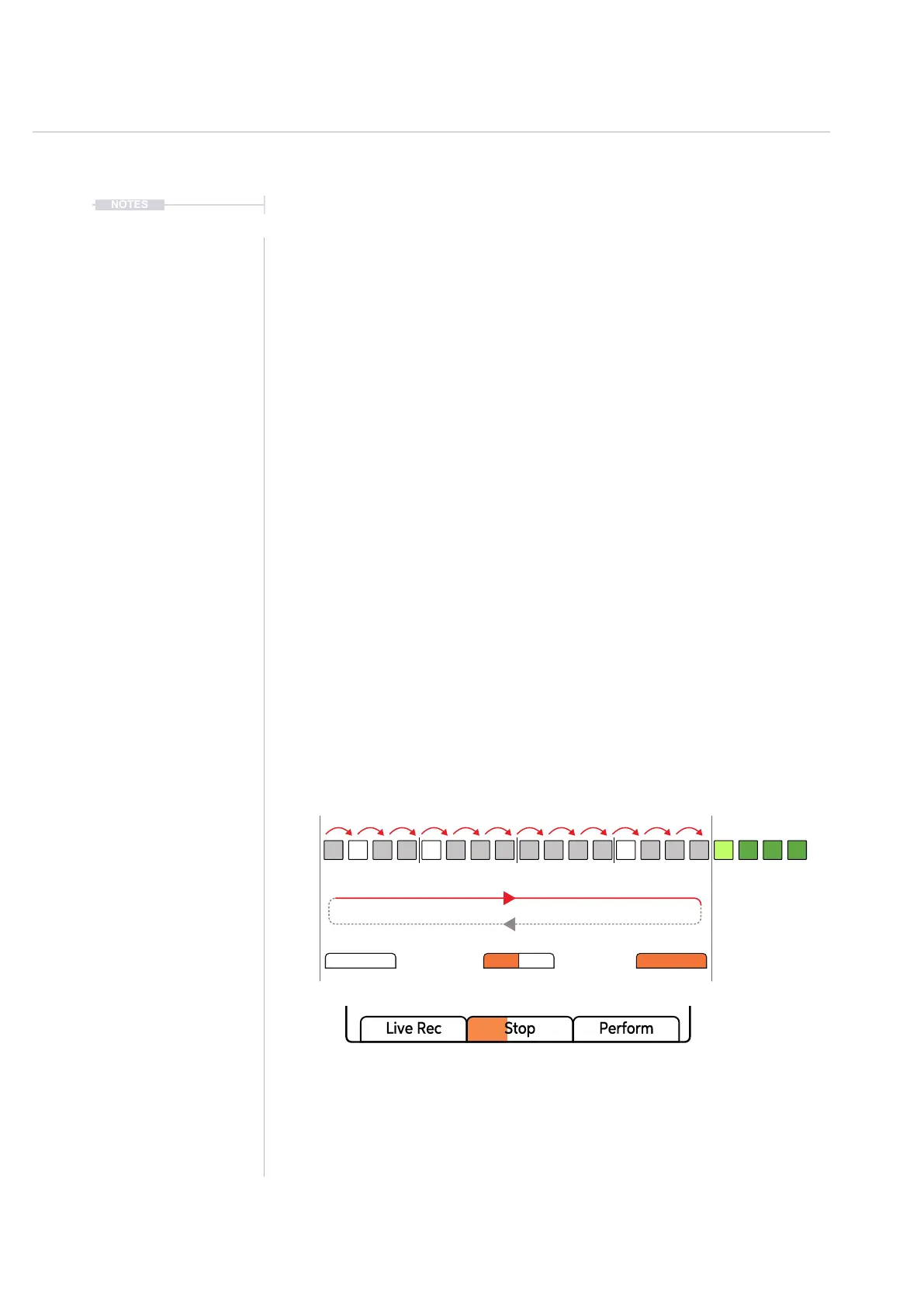
Normal playback of a pattern including all tracks is to play steps forwards in
sequence, left to right. Play modes allow the playback step sequence to be
changed for audio and MIDI tracks. This gives the ability to remix and
shufe arrangements. There are 35 play modes, each of which will
determine the order of the steps when playing a pattern. Play modes
consist of classic, pre-dened modes as well as custom modes.
▌ SELECTING A PLAY MODE FOR A TRACK
1. Ensure at least one track is selected, ie Column 20 [Select] will be lit
bright green for selected tracks.
2. Tap (Track Length) to view the track length and play mode options.
3. Double tap (Play Mode) to select the play mode option in focus. Also
pressing the left screen buttons will switch between track length and
play mode selection.
4. Turn (Play Mode). Also turning (Screen) encoder knob will change the
options when the play mode parameter is selected in view. Default,
normal play mode is ‘Forward’.
Each Track will play through the dened step length by default,
forwards. Playback will then loop back to play from the start to end or
move to the next pattern if playing a chain. Tracks play on loop.
Play progress bar will follow the duration of the longest track pattern. This will
not show any progress if any track speed is set to pause.
Default Play Mode: Forward



 To Next Page