40
Polyend Play Manual Rev 1
Projects & Tracks
3
NOTES
3.8 Master Volume
Master Volume is a global setting that controls the output audio level of
Play. The Master Volume is independent of any track or project and controls
the audio heard on the ‘out’ connector located on the rear of Play. Take
care when using headphones as the output can be initially loud.
▌ ADJUSTING MASTER VOLUME
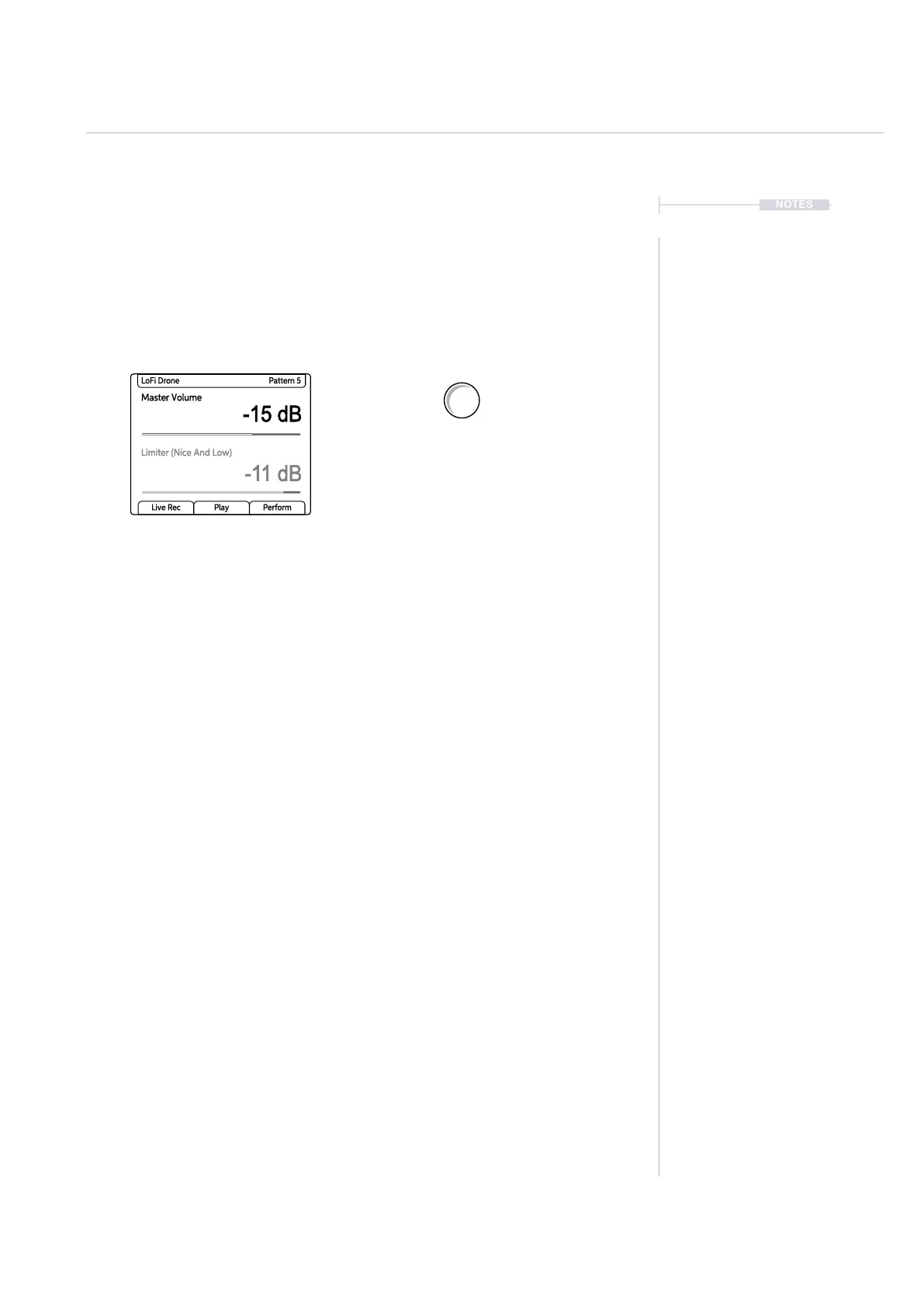
1. Tap (Master Volume) to select the parameter and display the values.
2. Turn (Master Volume) to adjust the volume level between -inf dB to
+12dB. The adjustment will be in 0.5dB iterations. As a tip, with the
Master Volume selected and in focus use the (Screen) knob instead of
the parameter knob. The screen knob which has detents for a more
precise feel to the control.
3. Hold [Shift] + Turn (Master Volume) to adjust the volume level in 6dB
iterations.
▌ USING MASTER VOLUME TO CUTOFF AUDIO TAIL
1. This process is used when an audio tail continues at the end of a
pattern. Press [Stop] to stop playback
2. Tap (Master Volume) to immediately cutoff any audio decay tail of the
patterns samples.
Turn (Master Volume) to adjust the global
output volume in 0.5dB iterations. The range
is -inf dB to +12dB.
Master Volume
-15 dB
-11 dB
LoFi Drone Pattern 5
Limiter (Nice And Low)
Live Rec Play Perform
Master Volume
Limiter



 To Next Page