81
Polyend Play Manual Rev 1
NOTES
Samples
5
5.6 Sample Related Parameters
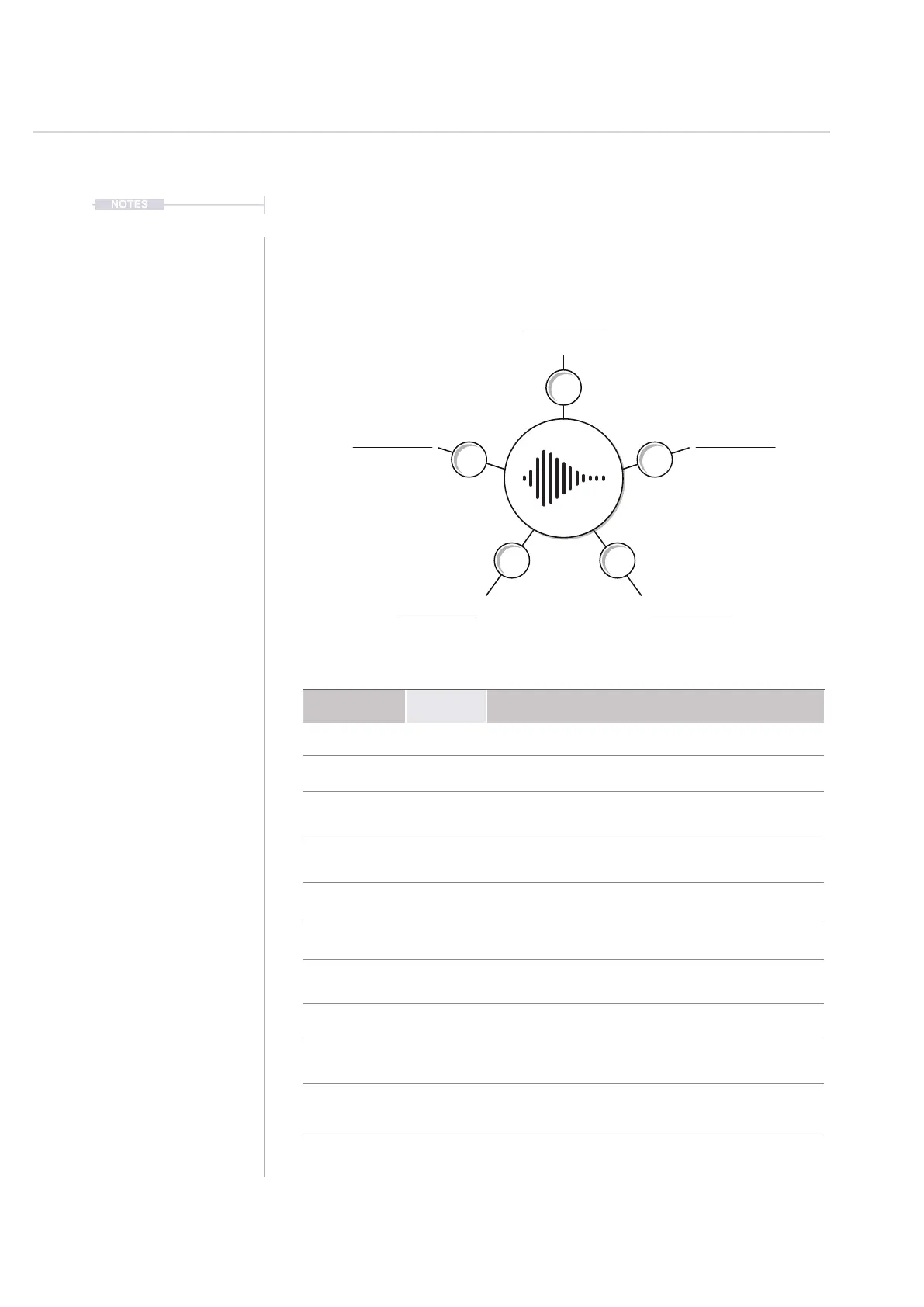
A number of the primary and secondary parameters available in Play are
directly related to the selected sample. These can be adjusted as part of
the ‘work step’ and then applied to steps when creating patterns.
Sample
Folder
Sample Start
Sample End
Volume
Pan
Sample Attack
Sample Decay
Note
Microtune
Parameter
Primary /
Secondary
Description
Sample Primary Active sample selected from the folder.
Folder Secondary Sample pool folder to select sample from.
Sample Start Primary
Sample start position in milliseconds. Shows position
with respect to the total duration in ms.
Sample End Secondary
Sample start position in milliseconds. Shows position
with respect to the total duration in ms.
Sample Attack Primary Attack - Fade In phase at the sample start in %.
Sample Decay Secondary Decay - Fade Out phase at the sample end in %.
Note Primary
Adjust note in semitones with respect to the original
sample pitch. It is assumed original root note is ‘C4’.
Microtune Secondary Tunes note in cents over a range of +/100 cents.
Volume Primary
Adjusts the sample volume level with respect to its
current level. 0dB refers to original level.
Pan Secondary
Adjusts the stereo left to right panorama over a
range of 100L - Center - 100R.
Sample Based Parameters
Sample edits will audition sound when adjusting parameters - sequencer must be stopped.



 To Next Page