172
Polyend Play Manual Rev 1
NOTES
10.7 Sequencing MIDI Notes
Sequencing MIDI steps follows the same basic principles as sequencing
audio steps. As such the general process of sequencing patterns is not
covered here and this section will concentrate on MIDI specic elements.
MIDI tracks are polyphonic allowing multiple notes as chords to be
transmitted out. MIDI Step notes can overlap, however the connected
device may behave differently. This should be considered carefully.
MIDI Notes can be created as a work step and then populated into pattern
or can be set on a per step basis. The MIDI Channel and the output port
can even be set at a step level if required. When changing work step
channel, the parameters are reset.
The Fill function can be used to populate work step settings across the
selected tracks.
Randomize operates on Filter CC, Octave and Velocity when in MIDI Mode.
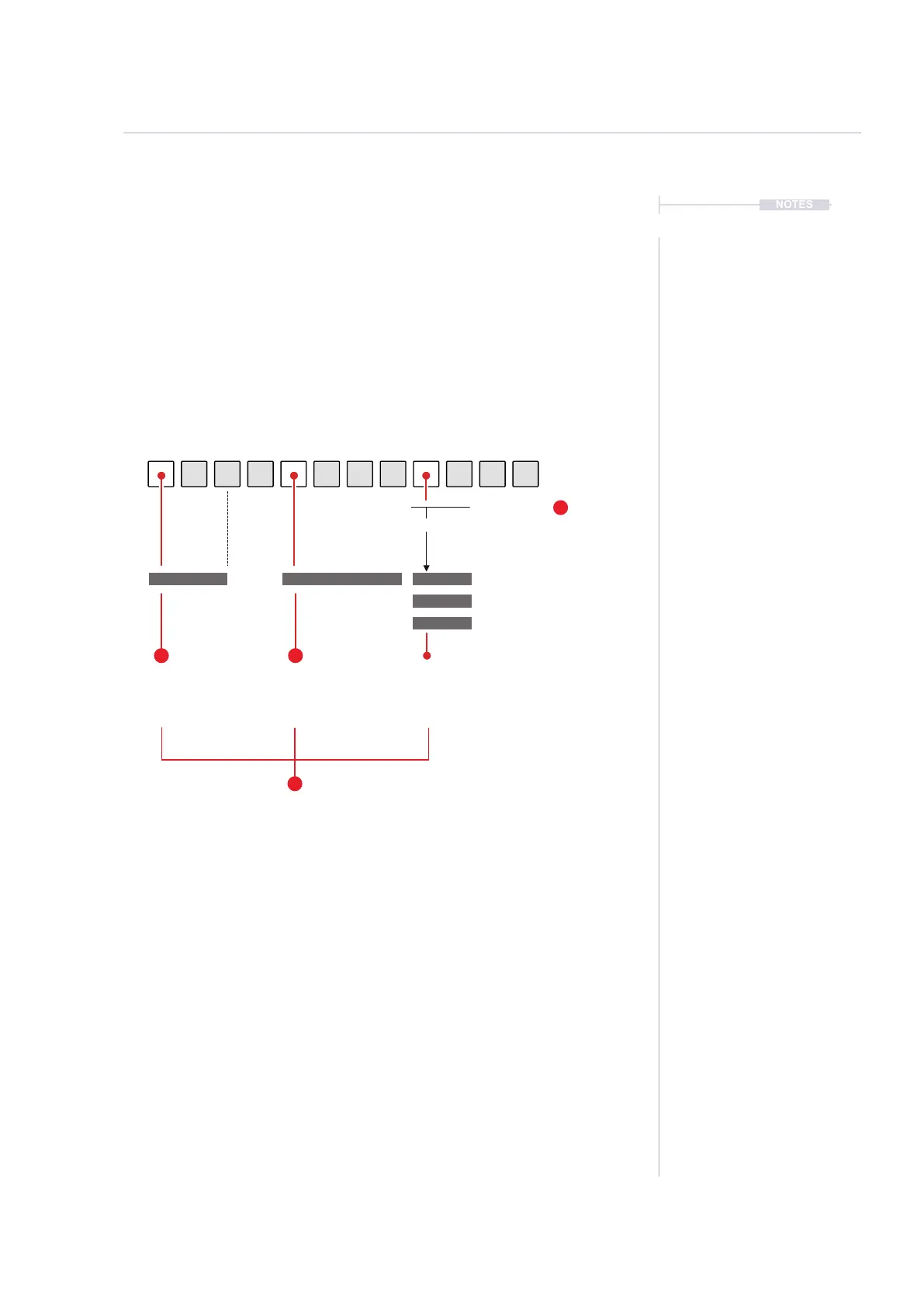
Note
Note Value
Chord Type
Option for a preset Chord
e.g. C Major
Note Length *
Note length in steps
or step divisions
Channel *
MIDI Channel and Output Port
USB or Jack can be set per step
Example: MIDI Output
4 Core Elements of a MIDI Note, MIDI Mode enabled.
* Preview option when turning a knob does not operate for length and channel.
Preview on knob turn does operate for Note, Velocity and Chord selection
Velocity
How ‘hard’ a note is
triggered eg 100
127
0
C4 C4
E4
G4
2.50
100
12
3
4
MIDI
10



 To Next Page