37
Polyend Play Manual Rev 1
Project & Tracks
3
NOTES
Play also has a dedicated track length control parameter which operates on
any selected tracks. This will allows a ner adjustment of track length even
down to single step resolution.
▌ FINE ADJUSTMENTS OF TRACK LENGTH
1. The track length for each of the 8 tracks can be adjusted incrementally.
2. Tap the [Select] Pad, column 20, last on the right for the respective
track to select. Tracks are represented by rows. Multiple tracks can be
selected to edit. Tapping a pad toggles selection on or off.
3. The selected function pad will illuminate bright green, other deselected
pads dimmed green. Also steps for the track will illuminate blue for note
steps and dimly lit blue for empty steps.
4. To edit the track length. Tap (Track Length) knob and ensure the
parameter is visible and active at the top of the display screen:-
• With only one track selected, Turn (Track Length). The absolute
value is changed to set the step length for the track in 1 step
increments. Use [Shift] + (Track Length) for 4 step resolution
changes to the value.
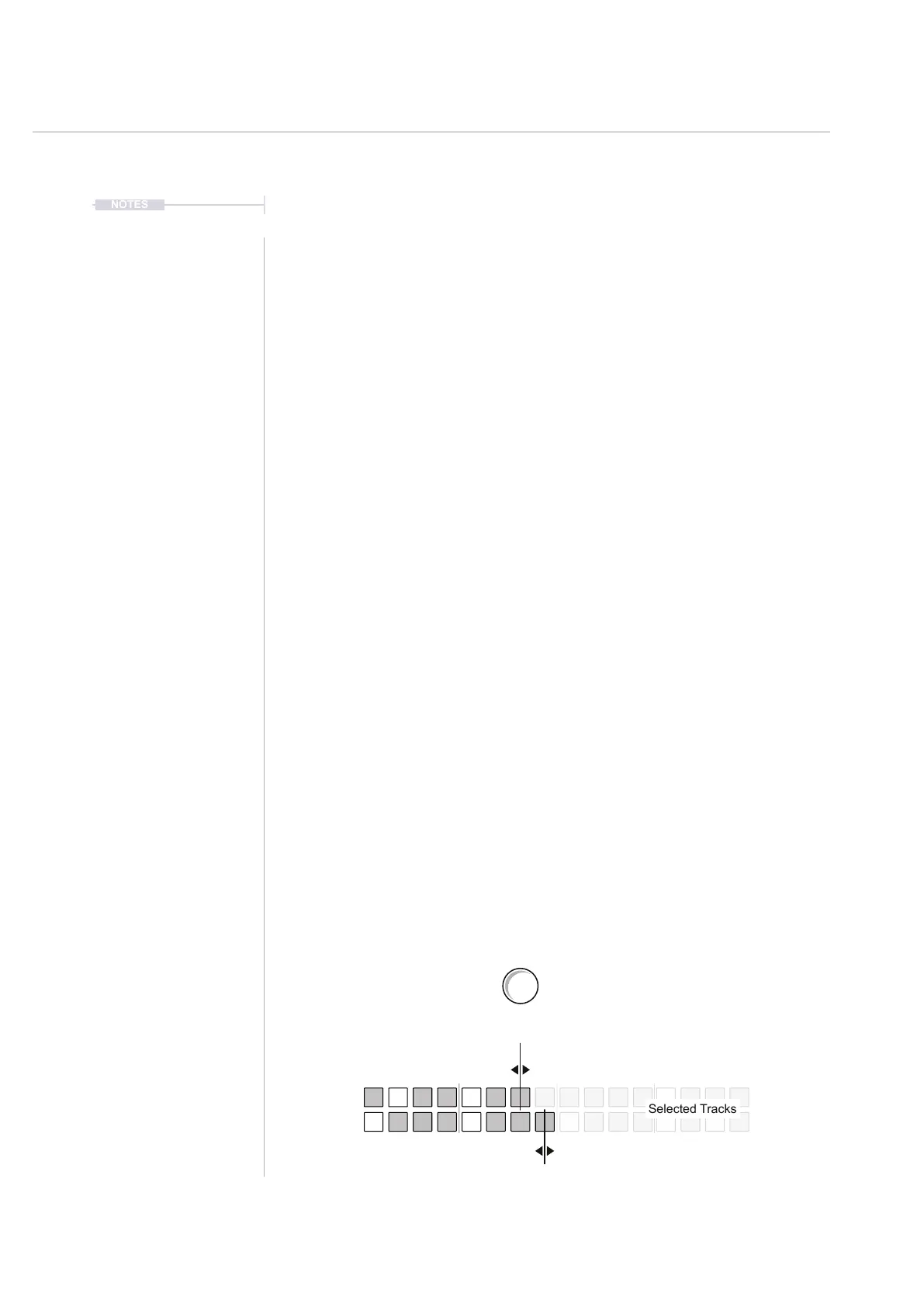
• With multiple tracks selected, Turn (Track Length). The relative
value is changed to adjust the step length for each track relative to
each tracks original value in +/- 1 step increments. Use [Shift] +
(Track Length) for +/- 4 step resolution changes to the value.
5. The step pages will change accordingly to the setting applied. To view
the active pages, Hold (Shift) in sequence mode.
6. The playhead cursor will display only on active track step pages.
Track Length
Play Mode
+1-3
+1-3
Turn (Track Length)
Relative Track Length Examples
+/- 1
[Shift] + Turn (Track Length)
+/- 4
+2-2
+2-2
+3-1
+3-1
Selected Tracks



 To Next Page