THE ART OF WELDING
P6
28-92 PN-0509076 Rev. 16
PC/Power source connection4. 3. 1.
If a PC is used you must use the RJ45 cable supplied with
the power source. Failure to use this cable may result in
hazards for the user. Polysoude declines to accept any lia-
bility unless the PC/Power source connection is made with
the RJ45 cable.
Connect the PC to the RJ45 connector situated at the front of the power source with the Ethernet cable
supplied.
The default IP address of the power source is
172.16.200.20
Confi guring the power source’s IP address :
Press the button BT 6 “I-” of the remote control pendant during several seconds.
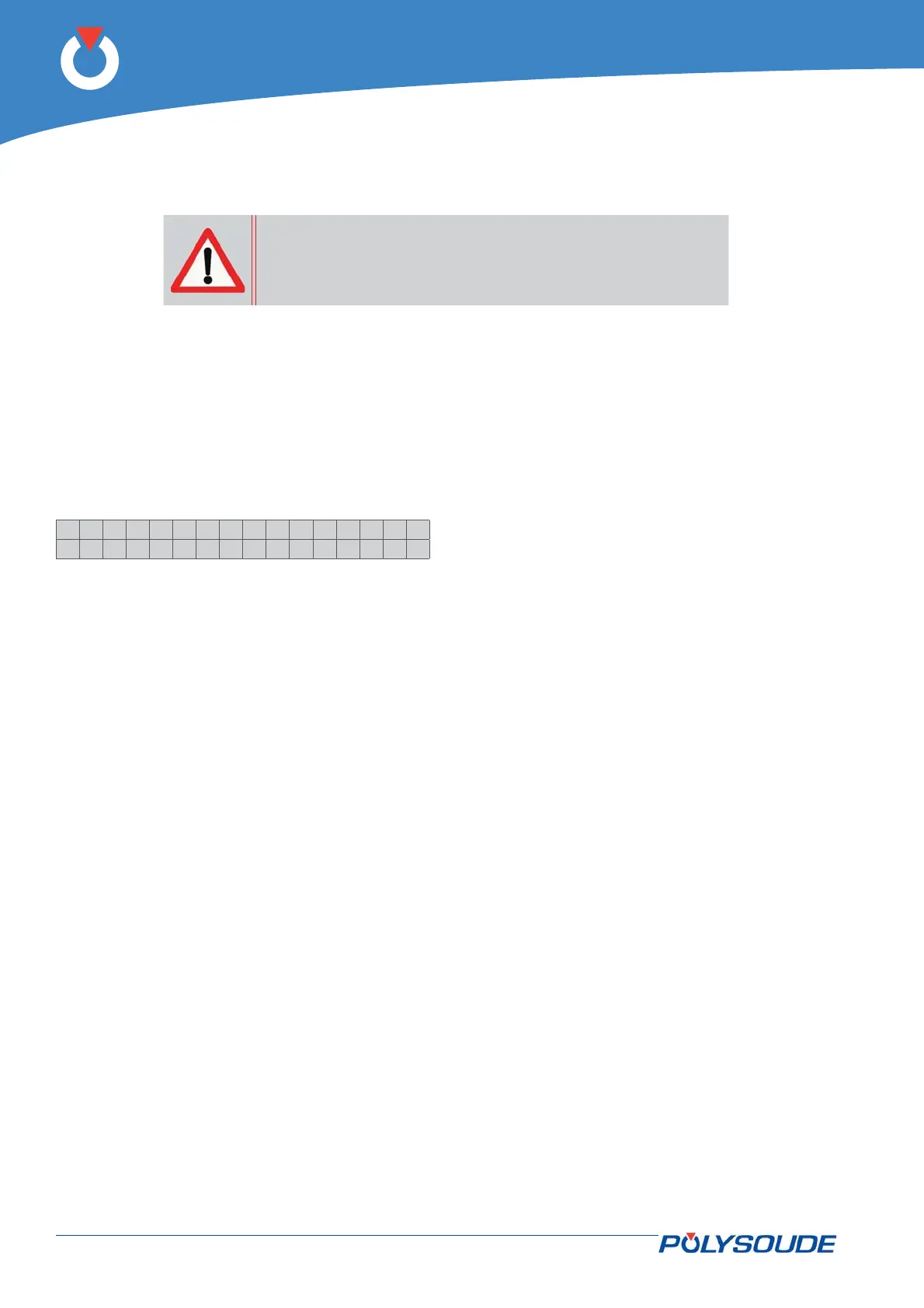
On the display of the remote control pendant appears:
>IPAdress
Tacho
Select “IP Adress” with the button BT 1.
Confi rm the selection with the button BT 3 “N+”.
On the display of the remote control pendant appears Ip number
The IP address is in the form of four numeric blocks that can be modifi ed by BT2 and BT3. Moving from one
block to another is effected by a pulse on BT1.
Once you have reached the last block, pressing once more on BT1 stores the new entry in memory and termi-
nates the IP address modifi cation procedure.
Confi guring the IP address in Windows™ 2000, XP or NT :
In order to modify the IP address of the PC.
In the Start menu, select Settings > Network Connections.
The list of connections appears. Right click on the connection whose address is to be changed. Then click on
Properties. The «General» tab contains all of the elements used for the connection. Click on the Networking
tab.
Double click on Internet protocol (TCP/IP), and tick the option «Use the following IP address» and enter the
address of the power source.



 To Next Page