THE ART OF WELDING
P6
PN-0509076 Rev. 16 57-92
1
2
BT 5
BT 7
BT 9
BT 10
BT 13
BT 14
BT 12
BT 18
BT 19
BT 22
BT 23
Stop at end of the weld cycle5. 2. 5.
Stop at end of a correct weld cycle
If the end of a correctly executed weld cycle is reached,
the message « Program end OK » is displayed on the
remote control unit. The power source is then ready
to start a new cycle.
Note: Welding heads equipped with a contact
to detect the “open head” position return au-
tomatically to this position if a correct end of
the cycle is reached.
Printing a weld cycle ticket
At the end of the weld cycle, you may print a ticket
summarising the weld performed.
On this ticket are:
The names of the WP and program.•
Values of current, voltage, rotation speed and •
wire feed speed measured regularly during the
cycle.
Reason for stopping («OK» for normal cycle, •
otherwise an error code).
Weld start time.•
Date of weld execution.•
Cycle duration.•
Movement effected.•
Reprinting a weld cycle ticket
If the printout of a weld cycle ticket at the end of a
cycle fails, for example because of a lack of paper, a
ticket for the last weld performed can be printed by
pressing FA 16 (Fig. 5-10 – Item 1) on the left side
of the printer.
For paper feeding, at the start or end of printing,
press the push button built into the printer (Fig. 5-10
– Item 2).
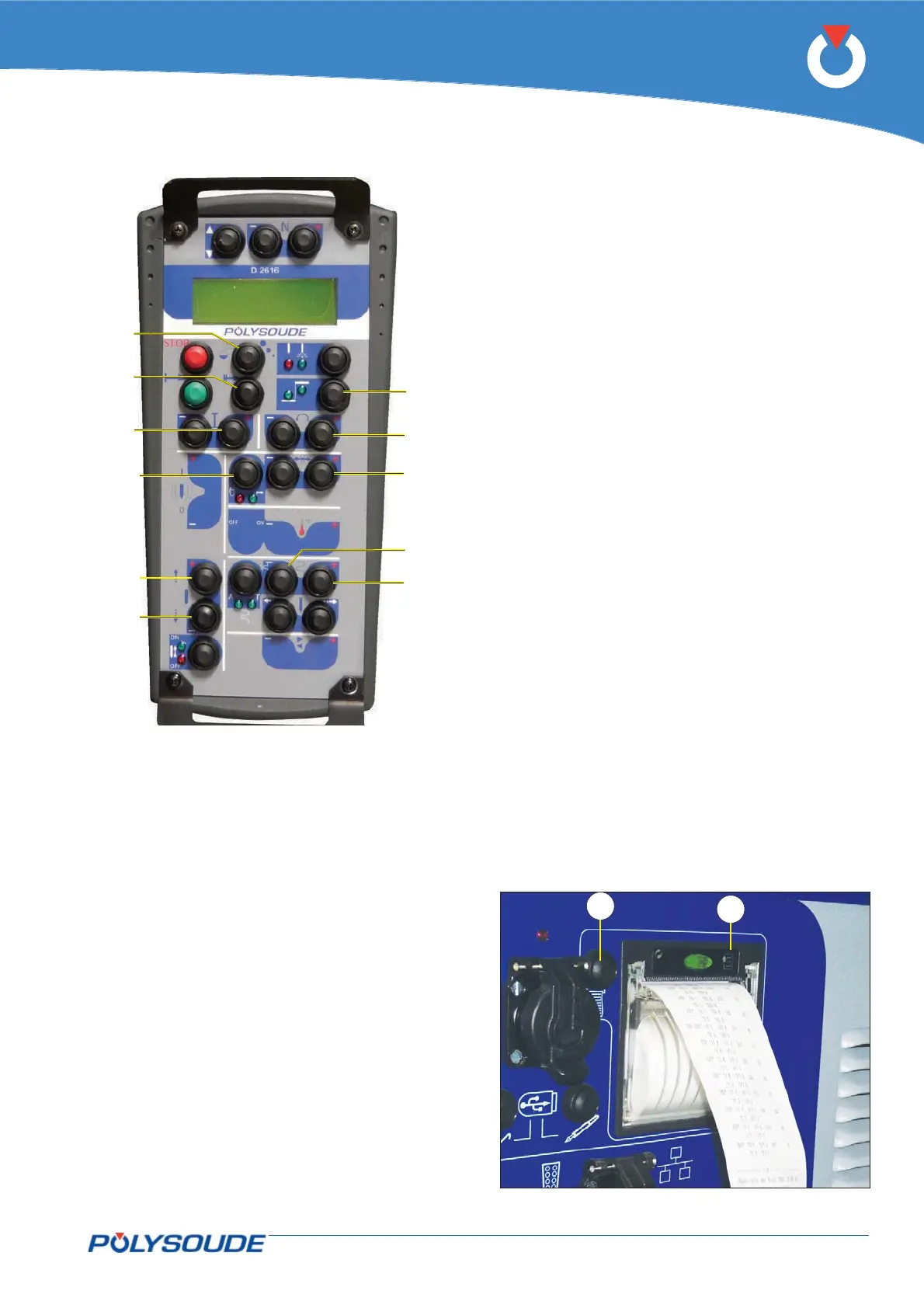
Fig. 5.10 - Print button and paper feeding
Fig. 5.9 - "Delta" buttons for modifi cations of the
parameter values



 To Next Page