THE ART OF WELDING
P6
58-92 PN-0509076 Rev. 16
BT 13
BT 16
BT 14
Induced stoppage5. 2. 6.
Manual weld cycle stop with downslope
The downslope sequence determined in the program
can be started at any moment during weld cycle
execution by pressing BT 13 on the remote control
unit. This procedure prevents the workpiece from
being damaged during welding as far as possible.
The message “Manual downslope” is displayed on the
remote control unit.
Immediate manual stop
If BT 16 on the remote control unit is pressed, the
arc is cut and all movements are stopped immedi-
ately. The post-gas fl ow is maintained during the
programmed time T25. The message ‘Manual stop’
is displayed on the remote control unit.
Using a manual torch
If a manual torch is connected to the power source
P6 as described at chapter 4.3.8, special functions
are available. A program from the set of special WP
for manual torches must be loaded. This program
disables all wire feed, AVC, Oscillation and rotation
movements.
Provided that the current selected in the welding
procedure is «Manual Pulsed», pressing on the torch
manual On button causes an arc to be struck. The
intensity of the ignition current is also the intensity
of the weld current. If the button is released, the high
current I22 is applied. Another press of the button
switches to the background current I23. Pressing
again switches back to I22, and so on. The cycle is
stopped either by pressing the downslope button, or
pressing both buttons at the same time will stop the
cycle immediately.
Use of an USB key5. 2. 7.
When the welding procedure is exported for the fi rst
time, a «Polysoude» folder is created in the root of
the USB key. If this is not the case, it is necessary to
create it in the root of the Polysoude key (x:/Polys-
oude).
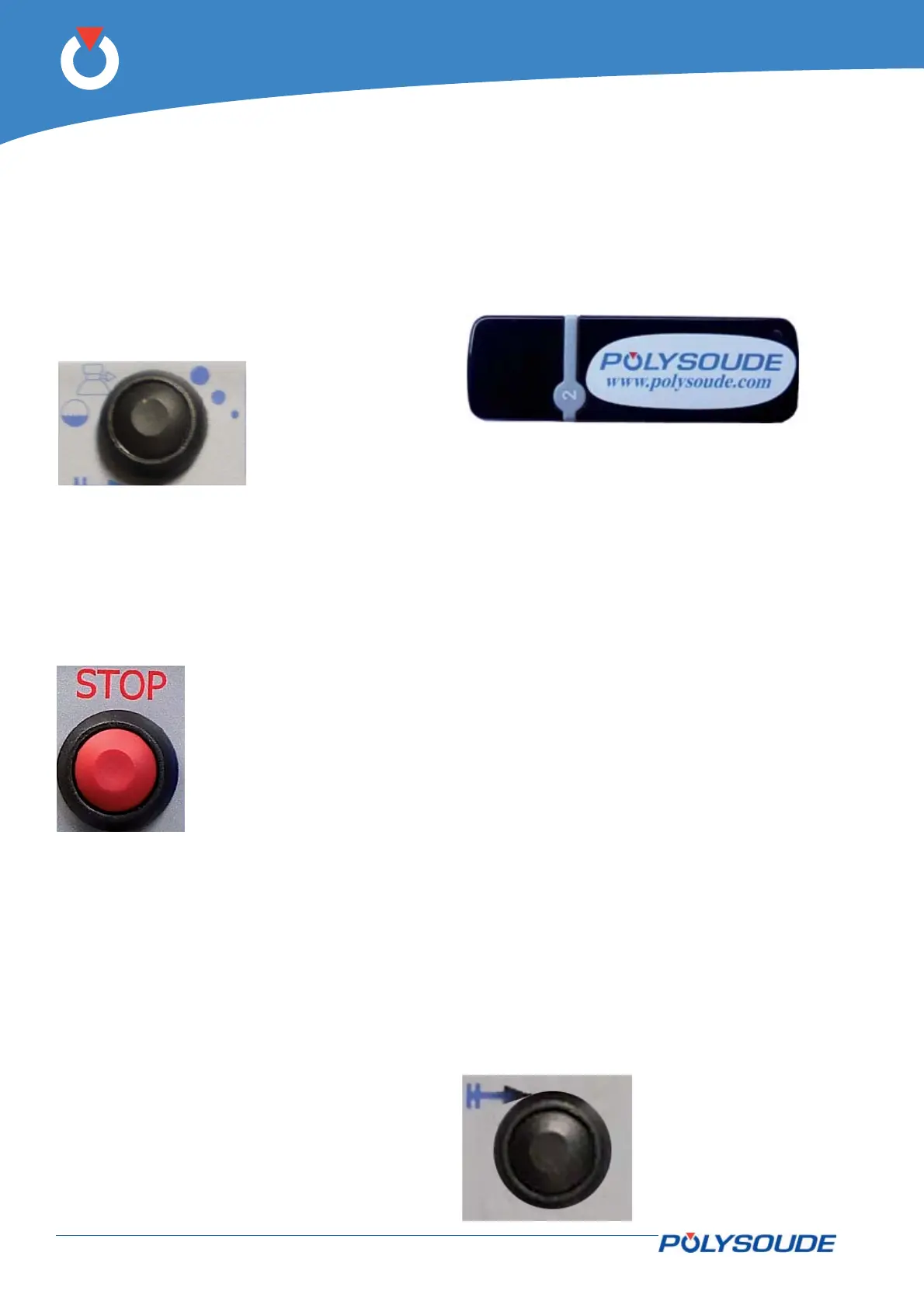
Fig. 5.11 - Push-button
for cycle stop
with downslope
Fig. 5.12 - Push-button for im-
mediate stop
Fig. 5.13 - Polysoude USB key
Start cycle with restart5. 2. 8.
Restart allows you to restart a weld when a cycle
was stopped under the following conditions:
Stop caused by manual slope-down•
Stop caused by a carrying out a «Stop»•
Stop caused by the appearance of a fault•
It is not possible to carry out a restart in the follow-
ing cases:
The previous cycle fi nished correctly•
The restart is requested outside the welding •
area (0 > electrode position > N20)
Rotation had not started during the previous •
cycle
After changing a machine setting (WP setting, •
program setting, etc.)
After changing a program or WP.•
After a change via the GUI•
The start cycle with recovery can resume welding
parameter values corresponding to the position of
the electrode. Adjusting the position of the electrode
is made via the manual controls on the remote before
the start of cycle start with recovery.
During a restart:
The timer is reset to zero•
The pulse counter is set to the position at which •
the start is requested
The touch workpiece is rerun•
Pre-winding is not rerun.•
Fig. 5.14 - Push button
start cycle with
restart



 To Next Page