THE ART OF WELDING
P6
54-92 PN-0509076 Rev. 16
BT 8
BT 9
BT 11
BT 10
Fundamental procedures5. 1.
Switching on5. 1. 1.
With the installation connected (see chapter 4), set
the switch FA 1 (Fig. 4.17) to position 1. After a
short moment, the power source is powered up and
ready for operation. The remote control unit display
must show information on the WPs and programs.
Remark: If the power source is equipped with
the EMERGENCY STOP function, the operator
control unit must be connected to the P6, oth-
erwise the latter will not power up.
In case of problems, see chapter 6.2 Maintenance.
After the power source has been
turned off by the switch FA 1, wait
for a time period of at least 15 se-
conds before turning it on again..
Automatic equipment detection5. 1. 2.
Depending on the date of fabrication, the power
source P6 can detect the type of connected welding
heads or wire feeding units automatically.
Positioning a welding head on the workpiece5. 1. 3.
To position a POLYSOUDE welding head on the
workpiece to be welded, consult the instructions
supplied with each head. With the welding head
in place, and before beginning the weld cycle, you
may move the electrode manually to wherever you
wish using the buttons BT 8 and BT 9 of the remote
control unit. Attention: with some closed chamber
welding heads the cycle cannot be started unless the
electrode is in the “open head” position.
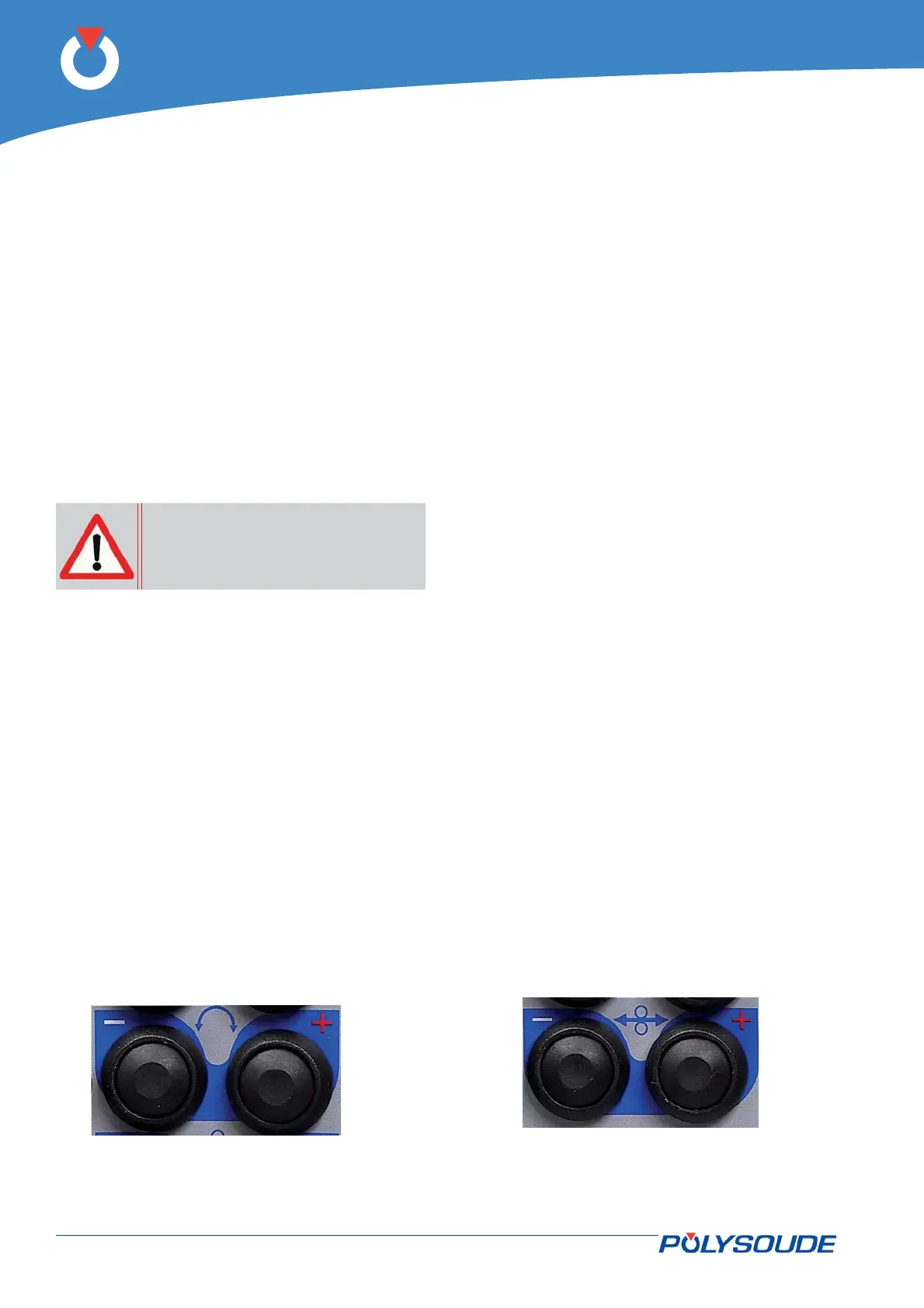
Fig. 5.1 - Command buttons used for positioning
the electrode
The command is carried out in 3 stages: for 1 second
the rotation is made at low speed, then for 2 seconds
the rotation changes to medium speed, afterwards
it continues at high speed. This feature allows quick
and accurate positioning.
If the welding head is equipped with a contact to
detect its “open” position, manual rotation stops
when the “open” position is reached. Release the
button then press it again to continue rotation.
Wire setting5. 1. 4.
In combination with the «Manual/Automatic wire
mode» selected with switch BT 12 (V 5 and V 6), the
buttons BT 10 and BT 11 on the remote control unit
are used for accurate wire setting.
With the switch BT 12 in the «Auto» position, press-
ing BT 10 advances the wire, whereas pressing
BT 11 retracts it. The command is carried out in 3
stages: for 1 second the wire advances at low speed,
then for 2 seconds wire feeding changes to medium
speed, afterwards it continues at high speed. This
feature allows quick and accurate wire positioning.
To stop the wire, release the button.
With the switch BT 12 in the “Manual” position, the
function of the wire retract button BT 11 remains
as stated above, but BT 10 has a toggling function.
The fi rst press starts the wire feed in high speed,
the second press stops it. This feature is particular-
ly useful for inserting fi ller wire into the wire-guide
sheath.
Fig. 5.2 - Command buttons used for wire setting
Operation of the power source P6 5.



 To Next Page