9-- 4
Powerware 9330 (10 kVA--40 kVA) Installation and Operation
164201300 Rev . N 013004
9.3.2 System Event Screens
Select EVENTS from the Main menu to display the Event Simple History Log. The
Event Simple History Log lists the most recent events in the following groups:
User and service status.
User instruction.
User alarm.
Check UPS.
Schedule service.
UPS shutdown.
Service alarm.
The end of the log (the most recent events) appears when you display the screen,
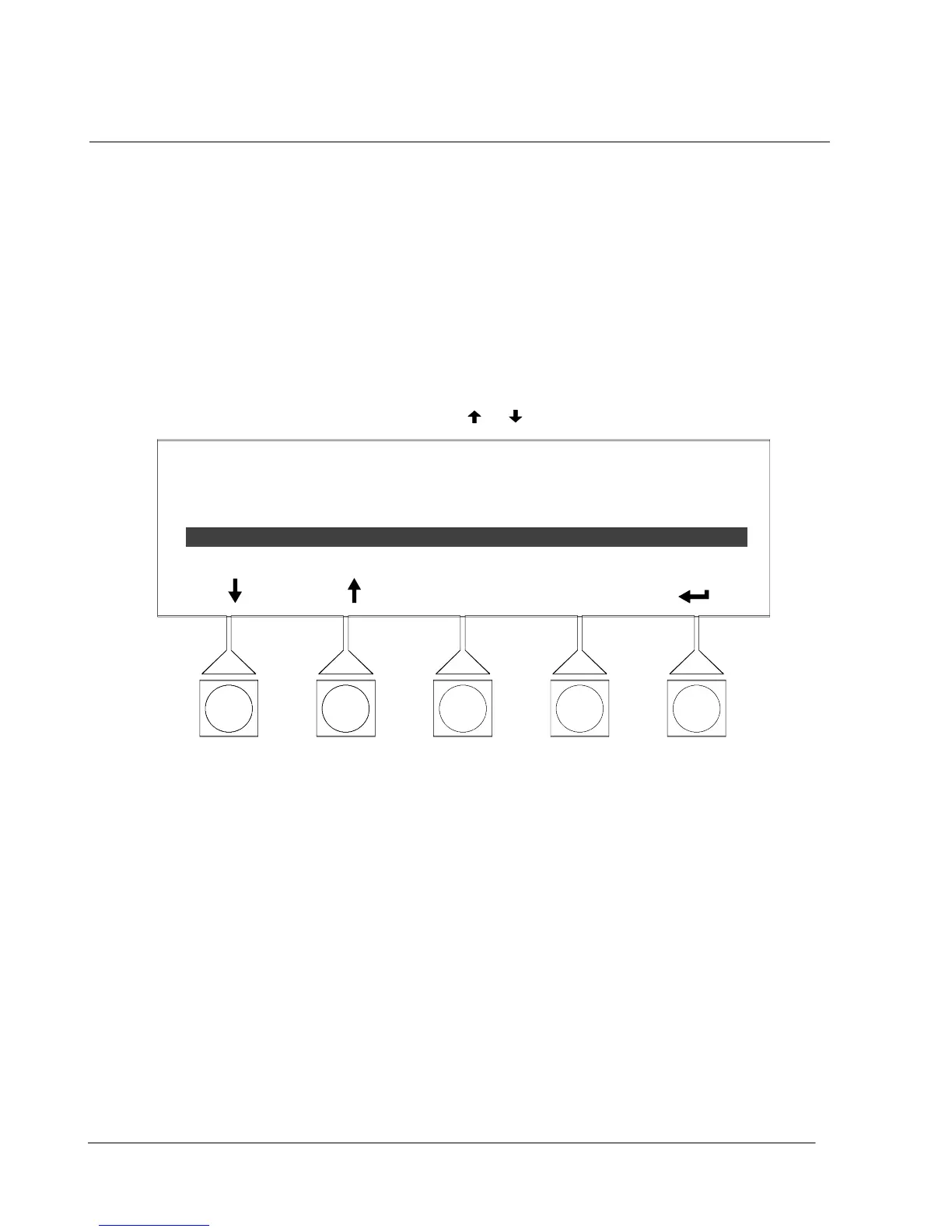
and you must scroll upward to view older event listings. F i g u r e 9 --- 4 s h o w s t h e
Event Simple History Log screen.
To scroll through the events, select the
or pushbuttons from the display menu.
SIMPLE HISTORY
EVENTS
ALARM:
ALARM:
CMD:
CMD:
LOAD OVER 100 %
AC INPUT UNDER VOLTAGE
LOAD OFF COMMAND
NORMAL MODE COMMAND
SHOW ALL
06/20/2003 10:20:03.539
Figure 9 ---4. Event Simple History Log Screen












 To Next Page