9-- 21
Powerware 9330 (10 kVA--40 kVA) Installation and Operation
164201300 Rev . N 013004
9.4.1 Charger Controls Screen
Select CHARGER from the System Controls screen to display the Charger
Controls screen. Use the controls o n this screen to turn the battery charger on and
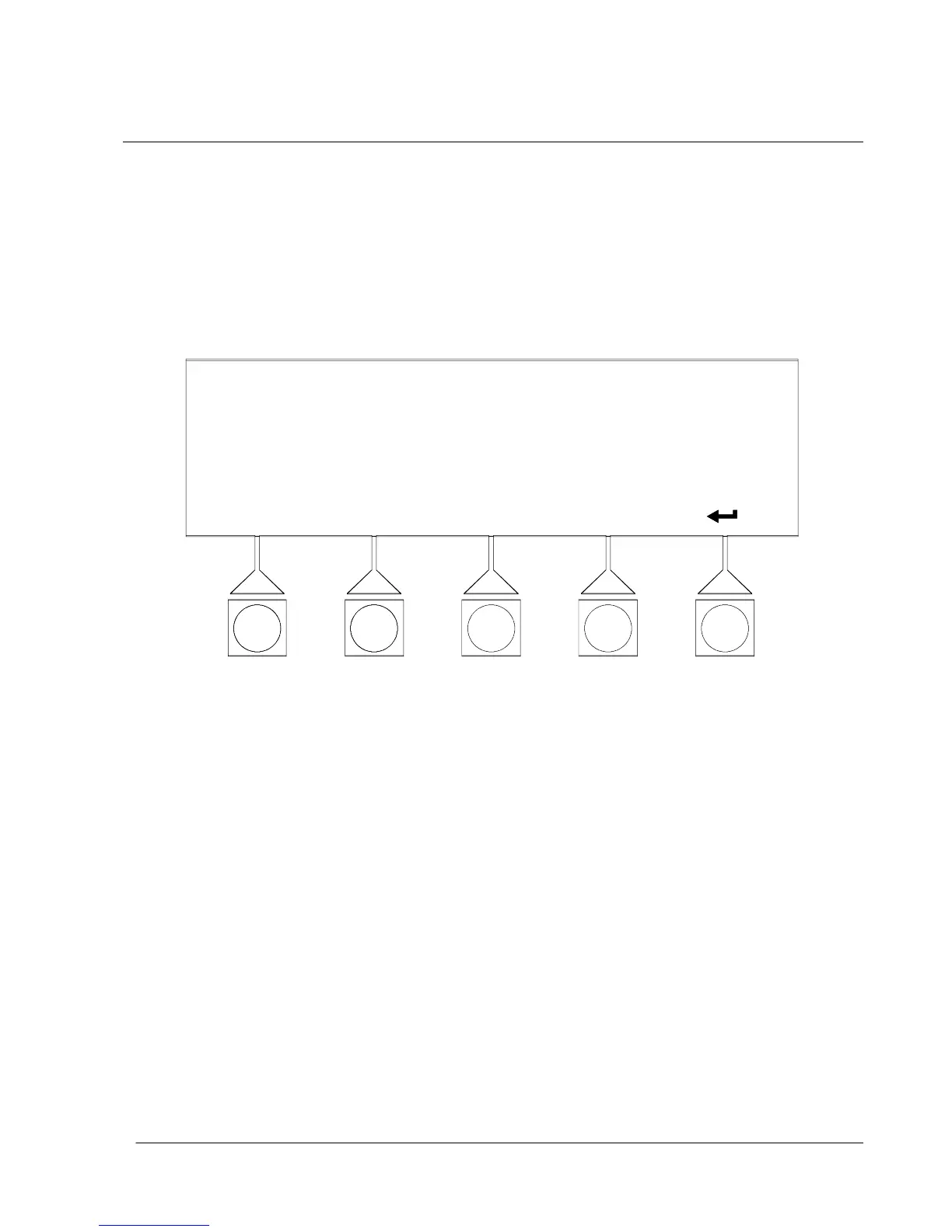
off. Figure 9---27 shows the Charger Controls screen.
NOTE: Depending on the configuration set, the battery charger is automatically set
to ON after an outage. The charger must then be set to OFF manually.
CHARGER CONTROLS
CHARGER OFFCHARGER ON
Figure 9 ---27. Charger Controls Screen












 To Next Page