5-- 1
Powerware 9330 (10 kVA--40 kVA) Installation and Operation
164201300 Rev . N 013004
Installing a Remote
Monitor Panel
5.1 Installation Procedures
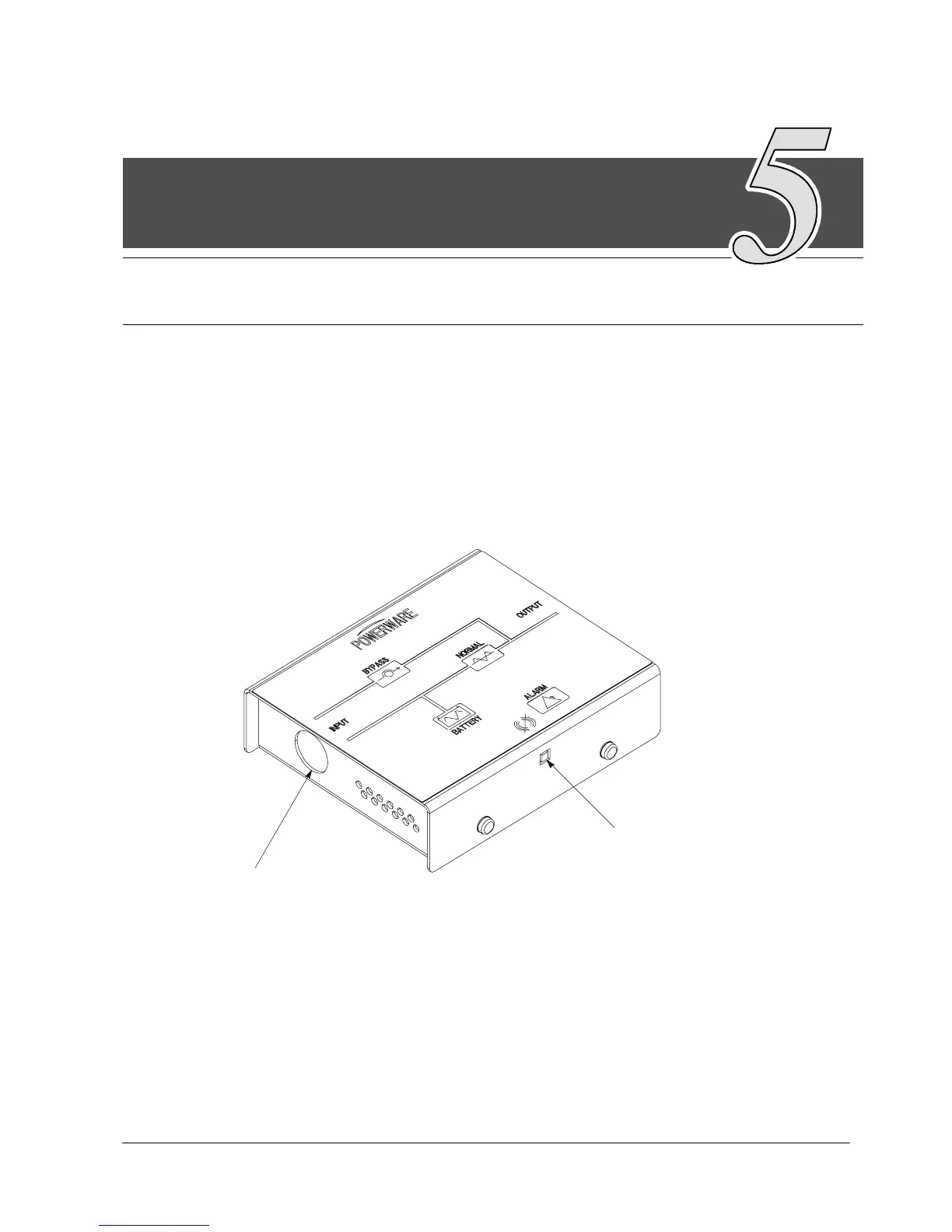
As an option, a Remote Monitor Panel (RMP) can be installed to monitor the
operation of the UPS system from virtually any location within your facility, up to
500 feet from the UPS. You can surface-mount an RMP on a desktop or secure it
t o a w a l l . F i g u r e 5 --- 1 s h o w s a n R M P. D r a w i n g 1 6 4 2 0 1 3 0 0 --- 1 9 i n A p p e n d i x A
shows the enclosure dimensions and cable exit openings.
HORN SILENCE BUT TON
CABLE EXIT
1/2” CONDUIT
OPENING FOR
OR PROVIDED
STRAIN RELIEF
Figure 5---1. Remote Monitor Panel (RMP)
5












 To Next Page