9-- 5
Powerware 9330 (10 kVA--40 kVA) Installation and Operation
164201300 Rev . N 013004
Select SHOW ALL from the History screen menu to display the Event History (All)
Log. The Event History (All) Log lists up to the 500 system events in chronological
order, with the most recent event listed last (once 500 is reached, the earliest event
is overwritten). The end of the log (the most recent events) appears when you
display the screen, and you must scroll upward to view older event listings. Figure
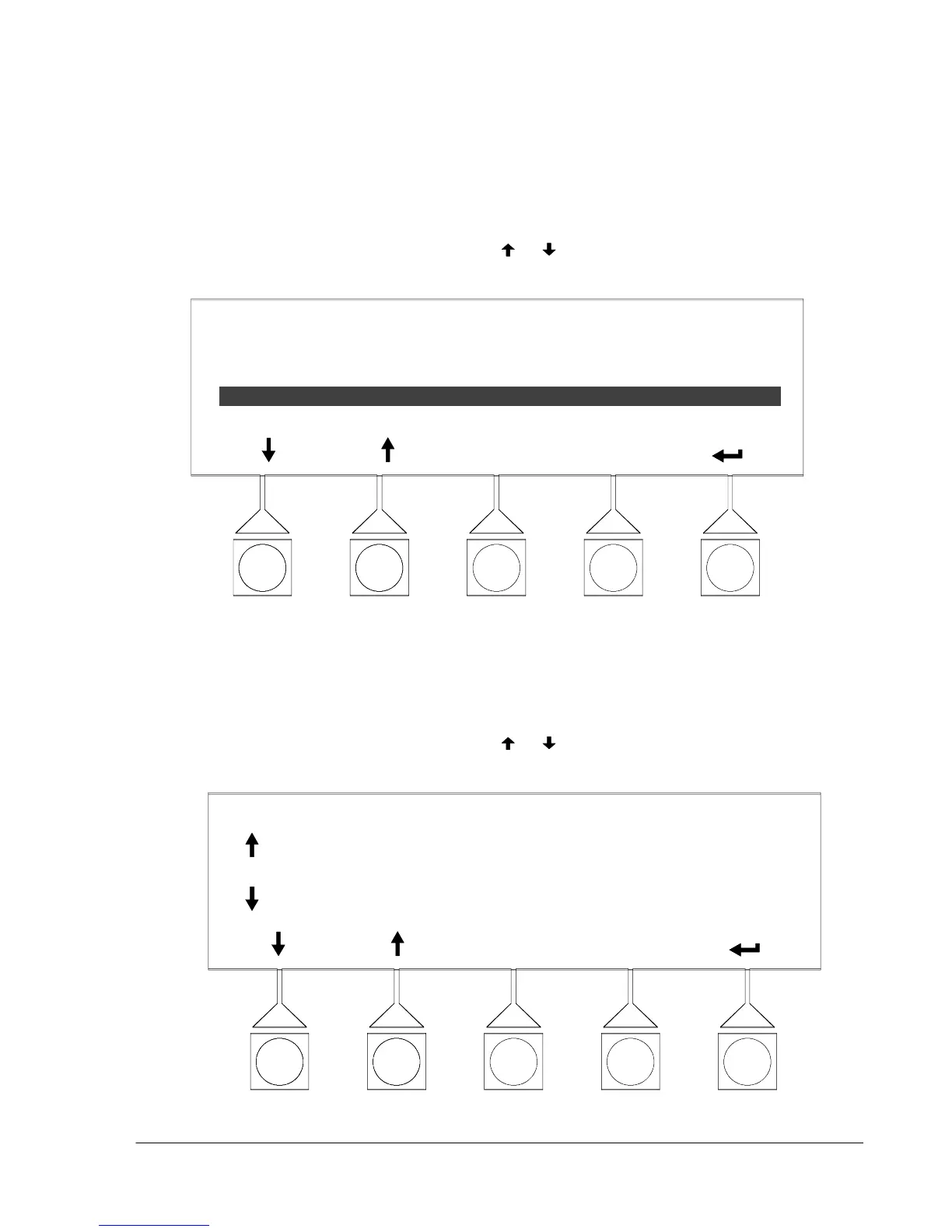
9---5 shows the Event History (All) Log screen.
To scroll through the events, select the
or pushbuttons from the display menu.
To return to the S imple History screen, select SIMPLE from the History (All) menu.
HISTORY (ALL)
EVENTS
STA TUS:
ALARM:
CMD:
CMD:
5 of 29 06/20/2003 10:20:03.539
CSB POWER SUPPLY ON
AC INPUT UNDER VOLTAGE
LOAD OFF COMMAND
NORMAL MODE COMMAND
SIMPLE
Figure 9---5. Event History (All) Log Screen
Select EVENTS from the Simple History or History (All) screen menu to display a
listing of all system events that are currently active. The most recent system event
is listed first. As events clear, they are removed from the Active System Events
listing. Figure 9---6 shows the Active System Events screen.
To scroll through the events, select the
or pushbuttons from the display menu.
To return to the History screen, select HISTORY from the Active Events menu.
ACTIVE EVENTS
HISTORY
ALARM: AC INPUT UNDERVOLTAGE
ALARM: BYPASS UNDER VOLTAGE
NOTICE: BATTERY VOLTAGE LOW
NOTICE: NO SYNC ON
Figure 9 ---6. Active System Events Screen












 To Next Page