9-- 11
Powerware 9330 (10 kVA--40 kVA) Installation and Operation
164201300 Rev . N 013004
9.3.5 Setup Menu Level 0 Screens
Select SETUP from the Main menu to display the System Setup Level 0 Screen.
This screen can be used to set the screen contrast, show the firmware versions
installed, identify the unit type, and enter a password to access Level 1 functions
(refer to paragraph 9.3.6). No password is necessary to access Level 0 functions.
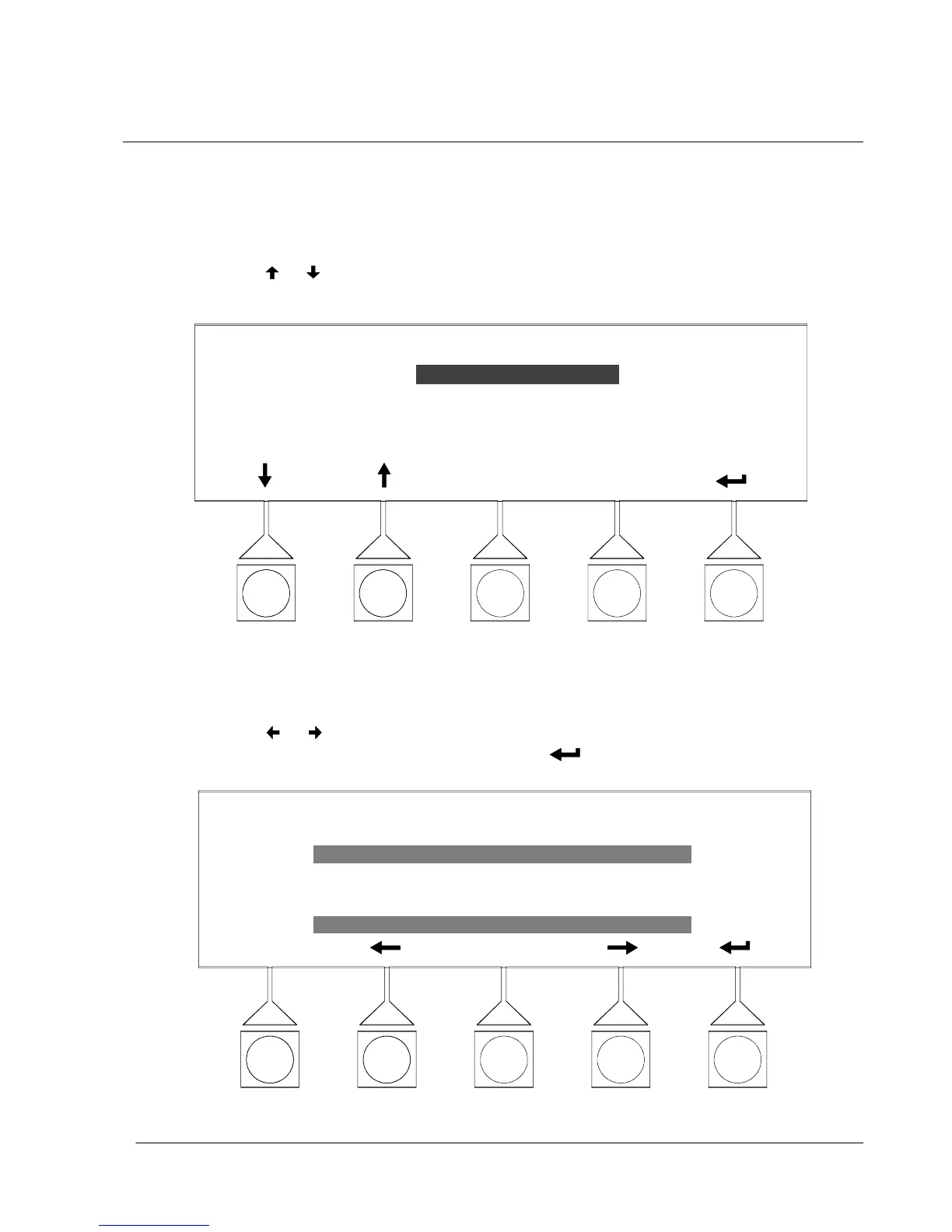
Figure 9---15 shows the System Setup Level 0 menu screen.
Use the
or pushbuttons to highlight the setup function desired, then choose
the function using the SELECT pushbutton.
SYSTEM SETUP --- LEVEL 0
SELECT
ENTER PASSWORD
LOG OUT
CONTRAST
VERSIONS
UNIT TYPE
Figure 9 ---15. Setup Menu Level 0 Screen
Select CONTRAST from the System Setup Level 0 menu to display the Contrast
Adj ust screen. Figure 9---16 shows the Contrast Adjust screen.
Use the or pushbuttons to adjust the contrast for the LCD screen. To return
to the System Setup menu screen, select the
pushbutton.
CONTRAST ADJUST
70%
Figure 9---16. Contrast Adjust Menu Screen












 To Next Page